
As I sit here in 2025, gazing at the sleek tower humming beside me, I'm swept back to those early days of PC building—a dance of excitement and dread, where every misstep felt like a betrayal to the silent components waiting to come alive. Oh, the thrill of unboxing fresh hardware, only to stumble into pitfalls that whispered warnings I barely heeded! Man, I can't tell you how many times I've held a CPU in trembling hands, its delicate pins gleaming like tiny soldiers, ready to revolt if forced into their socket. A slight misalignment, a rush of pressure, and boom—bent pins in seconds, a symphony of destruction. But in those moments, I learned to let gravity be my guide, matching the cutout with care, feeling the chip wiggle home as if it were dancing into place. Slow and steady, always, or risk the heart of the machine crying out in silent protest.
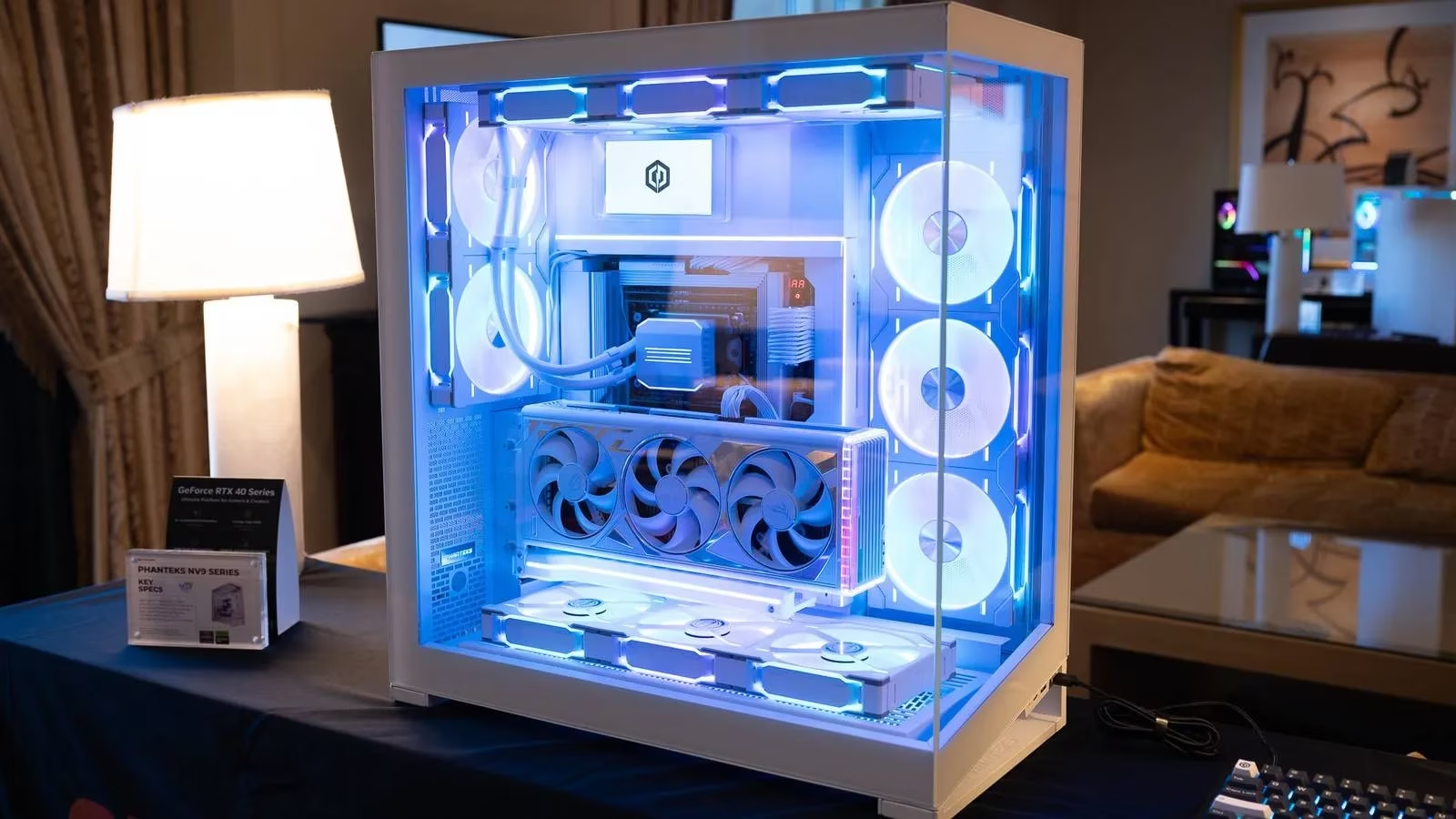
Then there were those standoff screws—oh, those little buggers!—seemingly insignificant, yet they held the power to short my entire motherboard against the case. I remember one build where I skipped just one, and my creation refused to boot, leaving me scratching my head in frustration. It's like, why does this always happen when you least expect it? Those screws are the unsung heroes, whispering secrets of alignment: hold the board over the tray, line up the holes, and tighten gently, not like bolting down a car wheel. No force, just finesse, or chaos ensues.
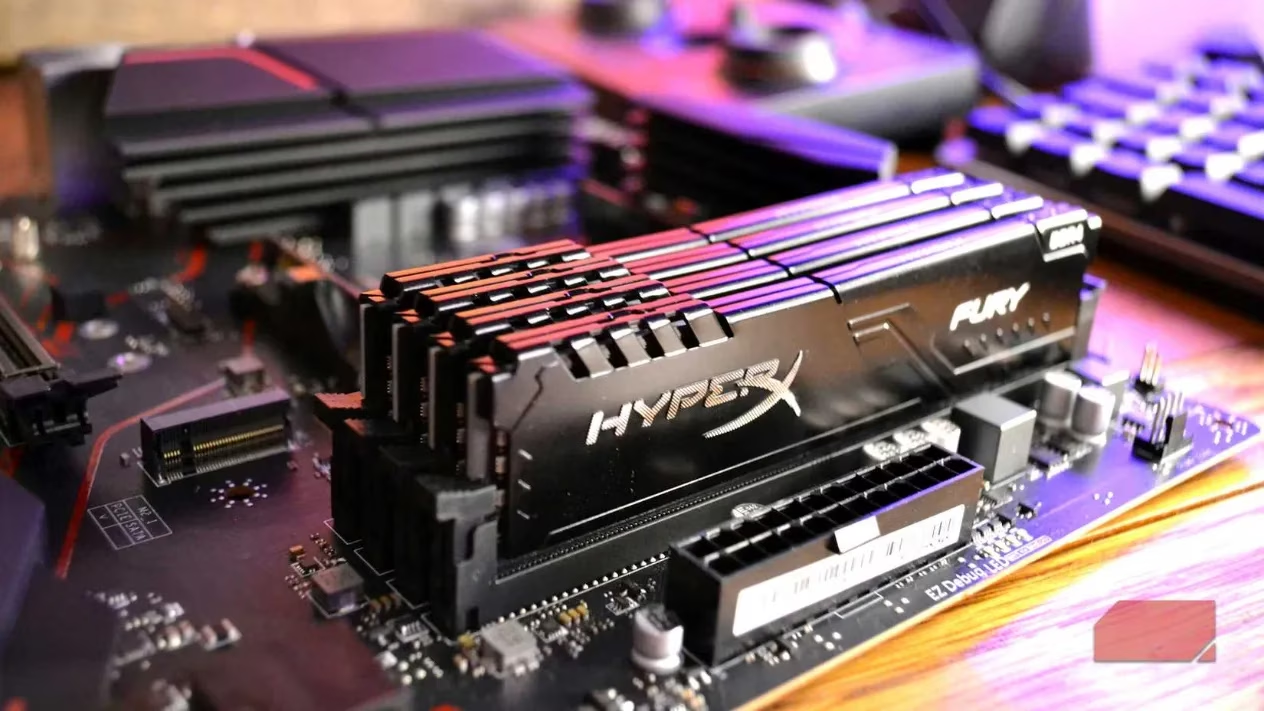
Moving to RAM, ah, the memory modules that often felt like stubborn children refusing to play nice. Improper installation—half-seated sticks or wrong slots—could halve bandwidth or halt the system entirely. Many boards crave A2/B2 for dual-channel harmony, but aesthetics lure us to A1/B1, a siren call of confusion. DDR5, in particular, demands more pressure than you'd think, as if testing your resolve. I'd press straight down, listening for the click of latches, a satisfying snap that meant performance unlocked. Miss it, and you're leaving speed on the table, a ghost of potential unfulfilled.
Thermal paste—oh, the art of that pea-sized dot! Too much, and it oozes like a messy confession, contaminating the socket; too little, and air pockets form, causing the CPU to overheat in silent agony. Videos show fancy patterns, but simplicity reigns: a dot in the center, then the heat sink descends, sealing the bond. I've botched this more than once, and while it doesn't kill the machine, the shock of a non-booting PC after hours of work? Pure stress, like a cold splash of reality.
Front-panel headers—those tiny, fiddly pins for power switches and LEDs—were my nemesis. Polarity matters, and in the rush, I'd guess wrong, leading to a dark screen and panic. The solution? Crack open the manual, connect the power switch first for a quick test. It's a small step, but oh, the relief when it lights up! And cable management—I used to think it was just for show, but boy, was I wrong. Terrible routing chokes airflow, inviting dust and heat, a trio of trouble that can fry hardware. Plan paths from the start: route 24-pin and PCIe cables behind the board, use Velcro straps, and keep intakes clear. If temps spike or fans roar, it's time to tidy up before swapping parts.
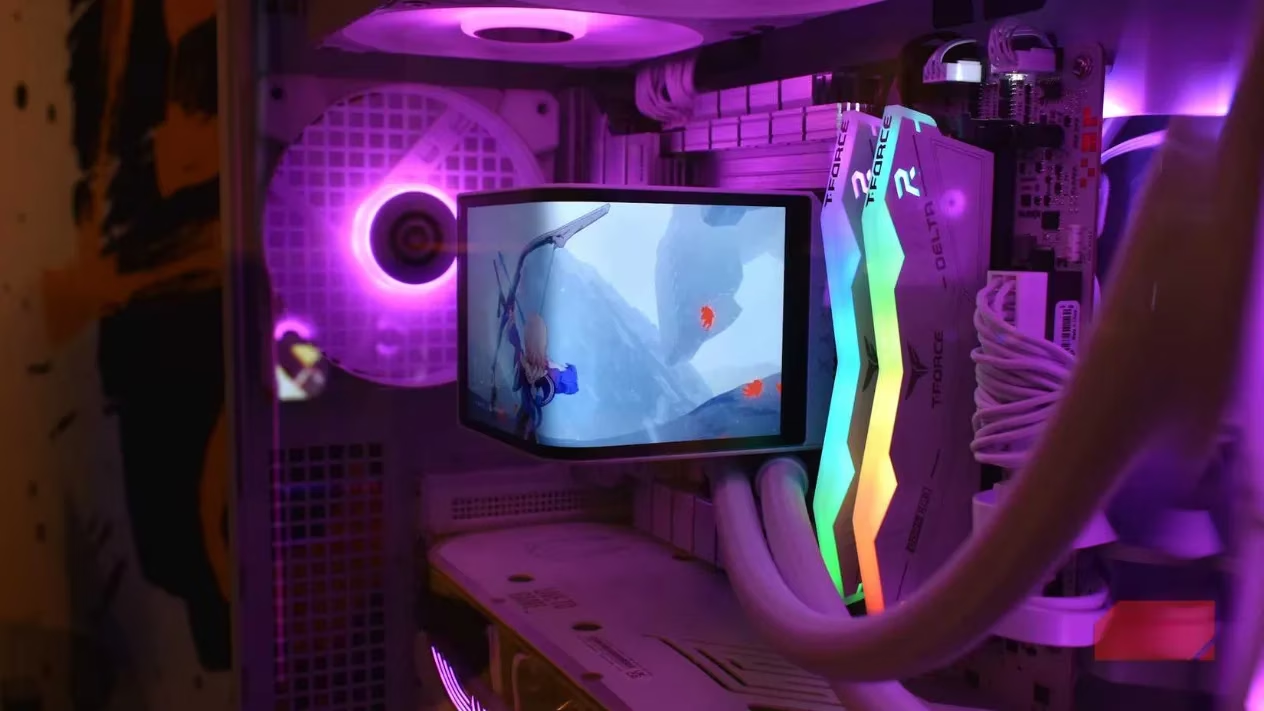
Fans, oh fans—they look symmetrical, but orientation errors are common. All-intake or all-exhaust setups create chaotic airflow, recirculating hot air like a stifling breath. I've seen top fans blow backwards, warming the CPU and GPU into a frenzy. Check for arrows or follow a simple rule: front and bottom for intake, top and rear for exhaust. Aim for positive pressure to fend off dust, a gentle inhale and exhale that keeps the system cool. Why does this feel like teaching lungs to breathe?
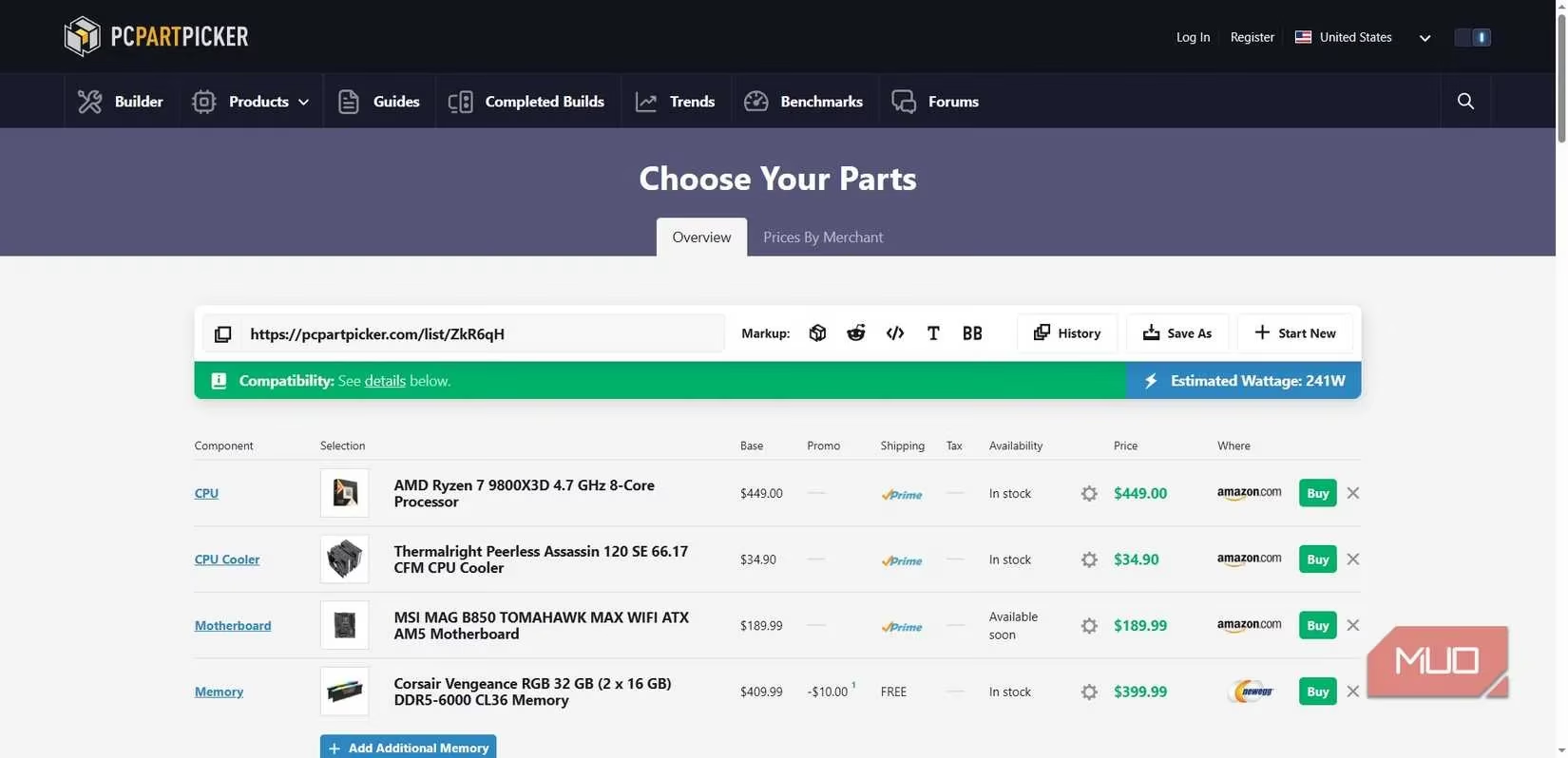
Finally, part compatibility—a crucial oversight. Buying DDR4 for a DDR5 board or a GPU too big for the case stalls the whole build. Tools like PCPartPicker are lifesavers, making selection straightforward. But the real lesson? Less haste, more speed. Take time, relax, and the build flows like a river. Here’s a quick table of common mistakes and their impacts, based on my blunders:
| Mistake | Impact | Prevention Tip |
|---|---|---|
| Forcing CPU | Bent pins, hardware death | Align cutout, let gravity work |
| Skipping standoffs | Short circuit, no boot | Install only matching screws, tighten gently |
| Wrong RAM slots | Reduced performance | Use A2/B2, press until click |
| Excess thermal paste | Mess, potential damage | Pea-sized dot in center |
| Poor cable management | Overheating, dust buildup | Route behind board, use straps |
In the quiet of 2025, I dream of a future where AI whispers guidance through augmented reality glasses, turning builds into intuitive symphonies. By 2030, perhaps components will self-align, learning from our errors, making the dance effortless. But for now, each mistake is a brushstroke in my story, a reminder that silicon has soul. And so, I wonder... what whispers will the next build hold?
The following analysis references Entertainment Software Association (ESA), a leading source for game industry data and market trends. ESA's annual reports consistently emphasize the growing importance of PC hardware literacy among gamers, noting that as the complexity of components increases, so does the need for careful assembly and compatibility checks—echoing the lessons learned in every hands-on build, from CPU installation to cable management.