
In the grand theater of computing, the spotlight often falls on the dramatic leads: the powerful CPU and the dazzling GPU. Yet, what of the supporting cast, the quiet performers whose steady work makes the star's brilliance possible? When the desire for more speed whispers in a user's ear, the instinct is to chase the latest processor. But is that always the necessary crescendo? For those whose machines are not relics of a bygone age, a symphony of subtle, affordable enhancements can often compose a far more satisfying performance, all without the grand expense of a starring component replacement.
🌀 The Invisible River: Your Connection to the World
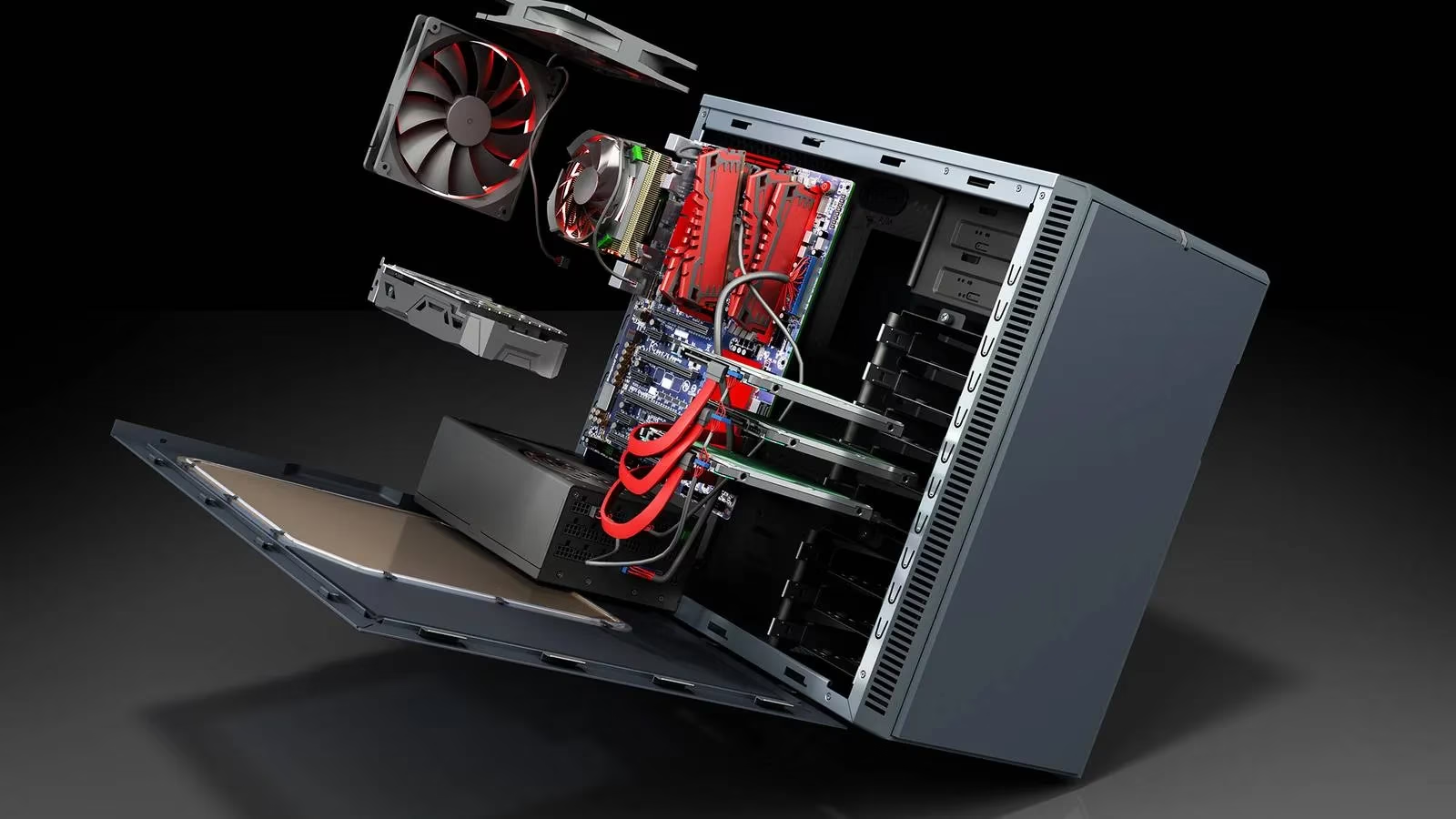
First, consider the lifeline of any modern PC: its connection to the digital ether. Are you sipping data through the fragile, crowded airwaves of Wi-Fi, or are you drinking deeply from the steady, dedicated stream of an Ethernet cable? It is a fundamental truth: the mightiest processor in the world can only work with the data it receives, and no amount of silicon genius can accelerate a trickle into a torrent. In our homes of 2026, a cacophony of electronics—smart devices, powerline noise, even a neighbor's network—can turn a Wi-Fi signal into a faint, unreliable whisper. When the connection stutters and stalls, the entire system must wait, a powerful engine idling at a closed gate. The remedy need not be complex. A simple internal Ethernet card or a modern Wi-Fi adapter, often found for a modest sum, can transform that whisper back into a clear voice. But before investing, one must ask: what speed does your digital life truly require? Measuring your current flow against your actual needs is the wisest first step.
 .jpg?q=70&fit=crop&w=825&dpr=1)
🧠 Expanding the Mind: The Gift of More Memory
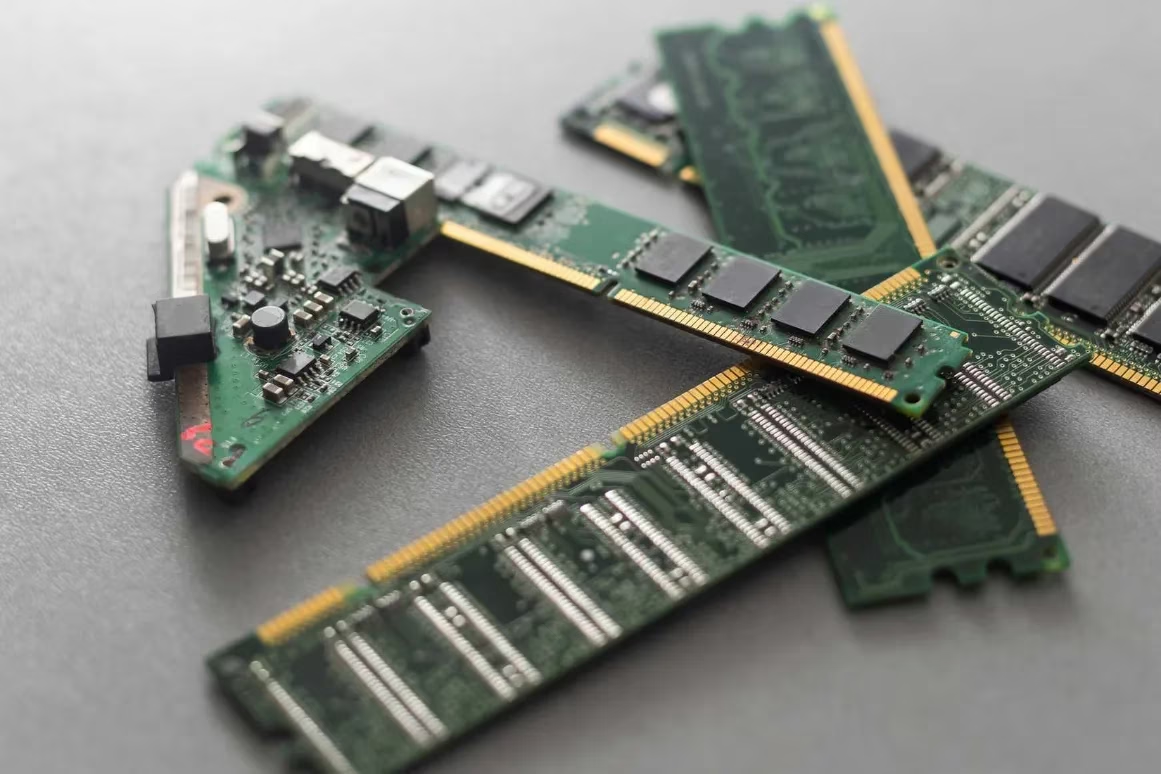
Next, we turn inward, to the computer's working mind: its Random Access Memory (RAM). For many, 16 gigabytes is a comfortable meadow of space. But for the digital multitasker—the one with three dozen browser tabs whispering secrets, a document editor humming, and music playing in the background—that meadow can become a cramped closet all too quickly. The telltale sign? An application vanishing without a trace or a polite goodbye, a silent victim of memory starvation. The beautiful simplicity of this upgrade lies in its accessibility. RAM modules are among the most cost-effective performance boosts one can buy. A few hundred dollars can often fill every available slot on a desktop motherboard, granting the system the spacious mental workshop it craves. However, not all paths are open. One must first consult the machine's own blueprint:
-
Check Current & Max Capacity: How much memory is installed, and what is the absolute limit the motherboard can support?
-
Desktop vs. Laptop: Desktop towers typically offer open slots and easy expansion. Laptops, the elegant nomads of computing, often have stricter limits, and some models solder memory directly to the board, creating a permanent, unchangeable landscape.
💾 The Library of Self: Storage Speed and Space
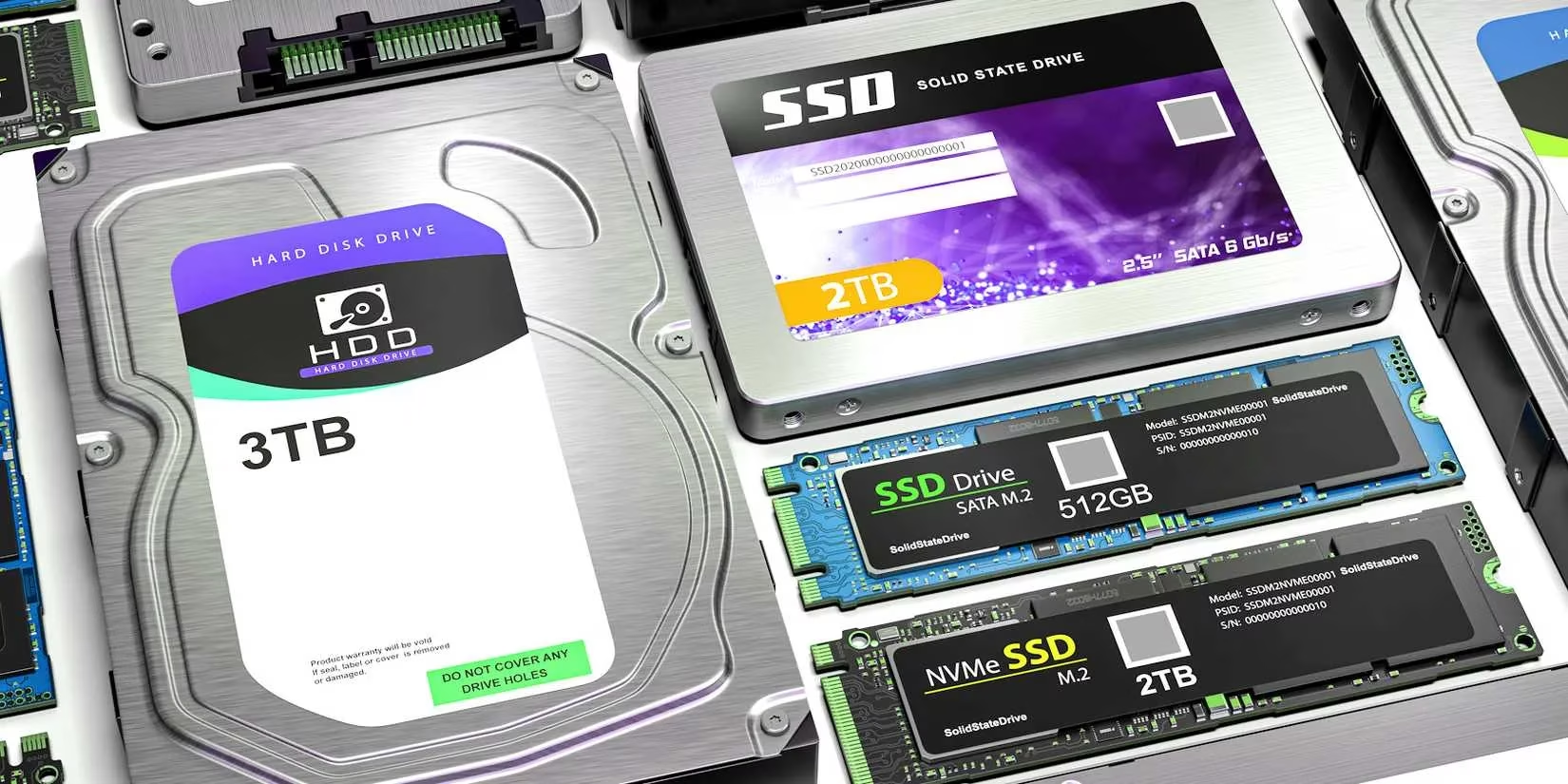
The third consideration is the library where the computer's soul resides: its storage. In 2026, traditional hard disk drives (HDDs) remain profoundly affordable for vast archives. With cloud vaults and external drives, the pressure to keep everything internally has lessened. Yet, when that main drive creeps above 90% capacity, the system begins to labor, like a librarian trying to work in an overflowing, disorganized room. The solution may be curation—deleting the unused, archiving the old to an external drive—or simply expanding the shelves with more internal storage.
But here lies a transformative opportunity. If the budget allows even a modest step, the move from a whirring HDD to a silent solid-state drive (SSD) for the operating system and key applications is like replacing a dusty, winding country road with a gleaming highway. SSDs, while commanding a higher price per gigabyte, trade mechanical fragility for silent, electronic resilience and offer speeds that make every interaction—booting, loading, saving—feel instantaneous. It is an upgrade that touches every moment of use.
❄️ The Breath of Life: Cooling and Sustenance
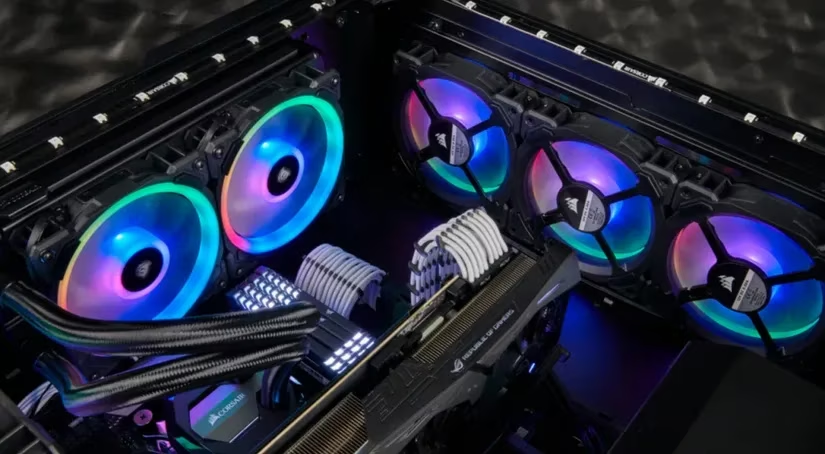
Finally, before any thought is given to a hotter, hungrier CPU, one must listen to the computer's breath and feel its pulse: its temperature and cooling. A computer is a furnace of concentrated thought, converting electricity into calculation and heat. And like any finely tuned instrument, it performs best when cool. It is a quiet irony that one of the least expensive components—a simple case fan—is also a guardian against catastrophic failure. Who has not heard a tale of a machine brought to its knees by a single, silent fan that ceased its endless spin?
Cooling is the unsung climate control of the digital realm. Options span from a basic, sub-$10 fan to elaborate, multi-fan systems with their own silent choreography. This step is never a waste; indeed, if the journey does ultimately lead to a new CPU or GPU, a robust cooling system and a capable power supply become non-negotiable companions. A faster brain consumes more energy and radiates more heat—it demands a stronger heart and better lungs to support its ambitions.
In the end, the quest for better performance need not always be a story of replacement, but often one of refinement and care. By tending to the connection, expanding the mind, organizing the library, and ensuring a cool, steady breath, an existing PC can find a vibrant new rhythm. One may still choose to pursue the new processor, the latest graphics card—the thrilling climax of an upgrade saga. But having orchestrated these foundational improvements, the final performance will be all the sweeter, achieved not with a staggering financial overture, but with the thoughtful, poetic tuning of the machine that already sits upon the desk, waiting to sing.