
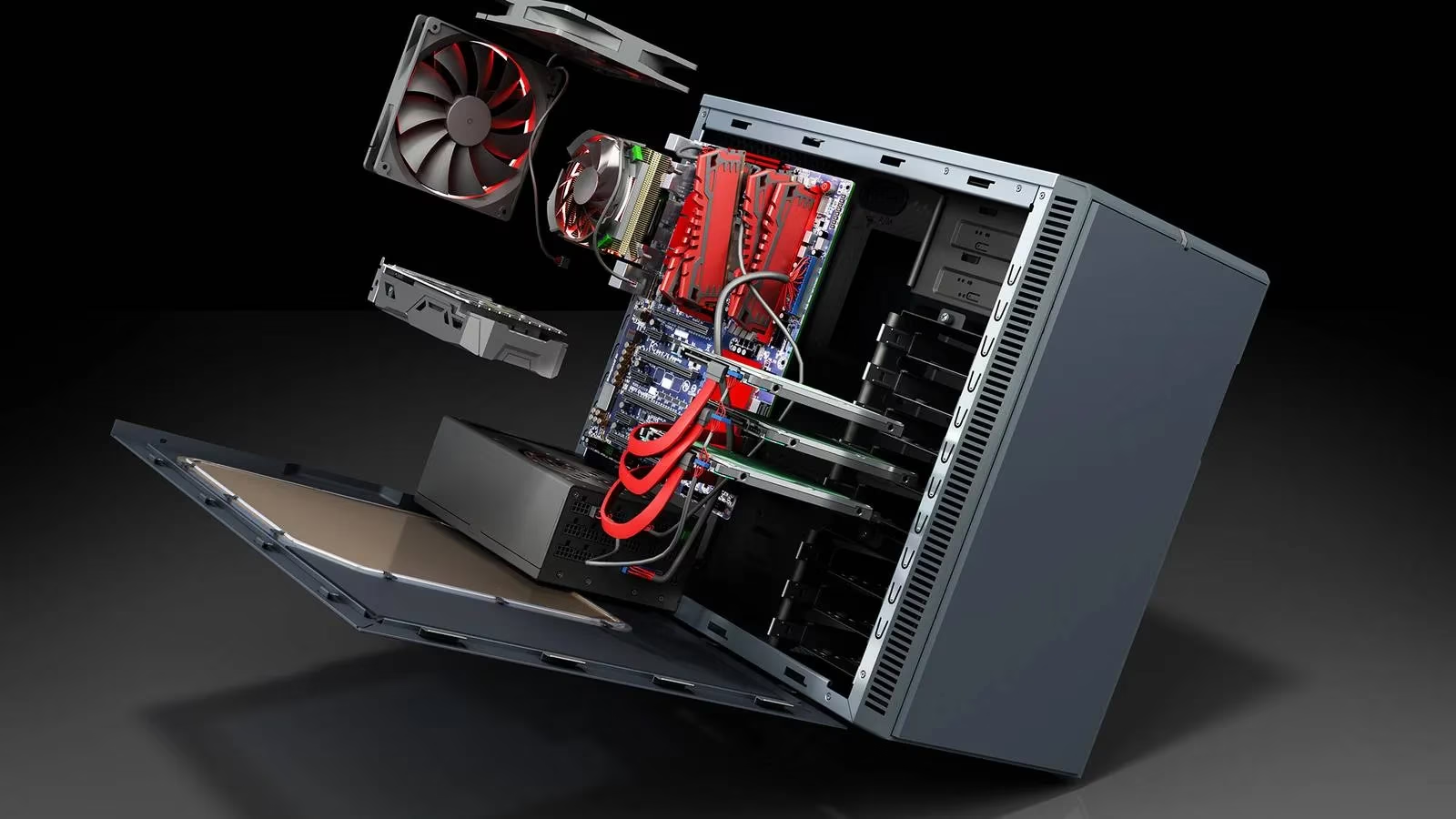
Every savvy PC user knows the thrill of a good deal, especially when it comes to upgrading hardware. Careful planning and a wide net are the secrets to saving significant cash on repairs and upgrades. It's a process anyone can master with the right approach. The journey begins not with a credit card, but with a solid plan. Whether aiming for a powerhouse gaming rig or a smooth video editing station, the first step is always to compare ambitions with reality. Checking the system requirements for desired games or software paints a clear picture of the performance target. This foundational step ensures every subsequent decision is intentional and cost-effective.
🔍 Step 1: Know Your Starting Line – Audit Your Current System
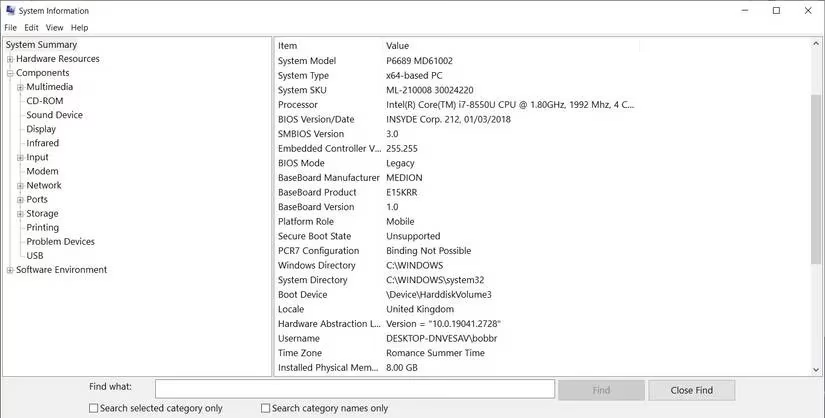
Before dreaming of new parts, one must fully understand the old ones. A simple system audit is the key. By pressing Windows + R, typing msinfo32, and hitting enter, the System Information Utility reveals every crucial component in the current build. This list becomes the blueprint for change. It highlights what's worth keeping—perhaps a reliable power supply or ample storage—and what desperately needs an upgrade, like an aging graphics card or sluggish RAM. Keeping this information handy is non-negotiable for the next phase.
📝 Step 2: Blueprint Your Dream Machine with PC Parts Picker
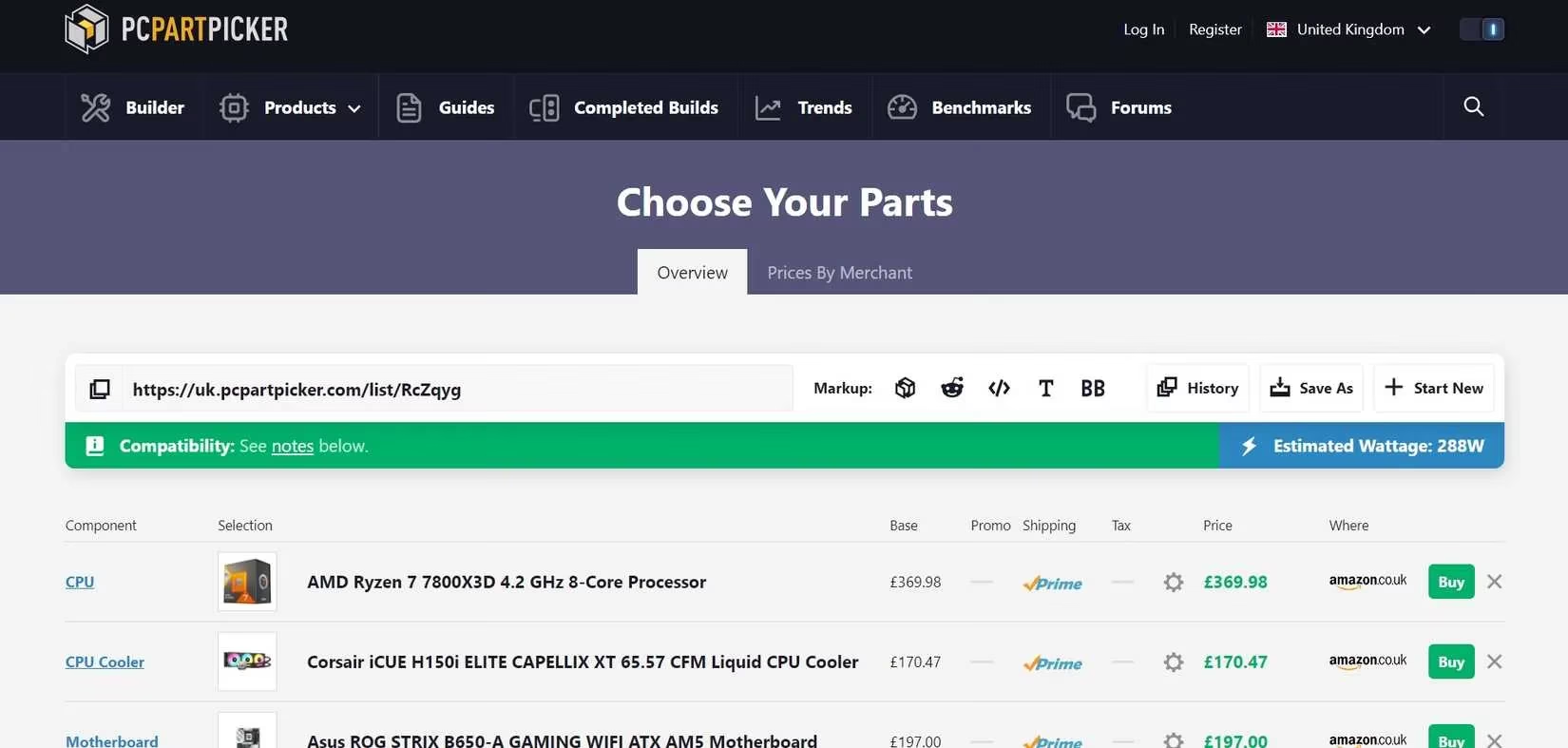
With a target performance level and a current system summary in hand, the virtual workshop awaits. PC Parts Picker is the ultimate tool for this task. Its extensive database allows users to piece together their ideal system component by component. The platform does more than just list parts; it provides estimated costs, checks for compatibility issues (a lifesaver!), and aggregates links to various retailers. The pro move here is to add existing parts that will be reused to the new list, setting their price to zero. The result? A precise, vetted shopping list for the perfect upgrade. 🛒
💰 Step 3: The Hunt for the Best Price – Four Proven Strategies
Now for the fun part: getting the best deal on that carefully curated list. Here are four powerful strategies that separate the casual buyers from the deal masters.
-
Cast a Wide Retail Net 🕸️
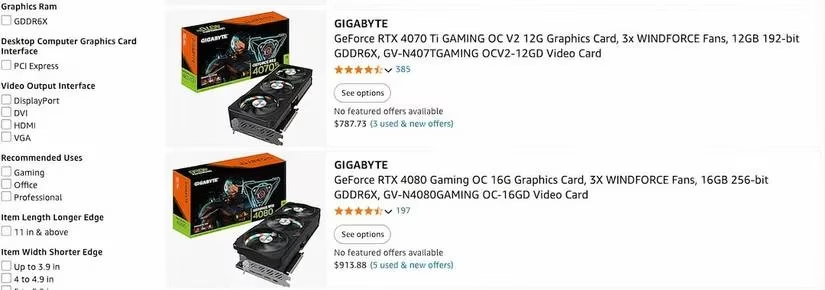
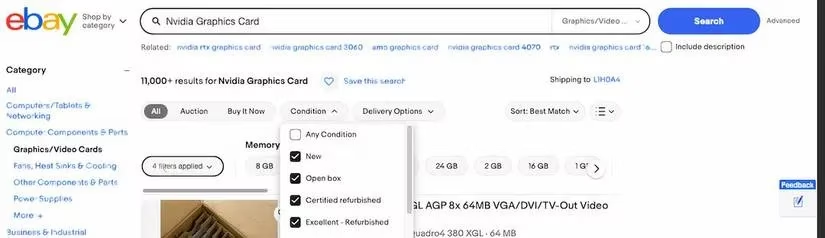
Checking major retailers is a given, but the real gems are often found by looking further. Platforms like Amazon and eBay aggregate offers from countless sellers, big and small. Sometimes, a lesser-known shop has an incredible price on that exact GPU or CPU. The crucial check? Always verify seller reputation and factor in shipping costs to ensure the deal is truly a steal.
-
Consider the Pre-Loved Route ♻️
Not every component needs to be brand new. Used or open-box items can offer phenomenal value at a fraction of the cost. This is especially true for parts like cases, coolers, and sometimes even RAM or GPUs from reputable sellers. Scrutinizing seller ratings and product descriptions is paramount here. A bit of caution can lead to massive savings.
-
Master the Art of Patience & Alerts ⏰
If time is on your side, waiting for sales can be incredibly rewarding. Tools like Google Alerts can be set up to monitor the web for price drops on specific part models or keywords. Furthermore, don't underestimate the power of negotiation, especially with smaller retailers. Proposing a bundle purchase of multiple components can sometimes sway them into offering a discount, simultaneously reducing per-item shipping fees.

-
Think Globally (With Care) 🌐
For the adventurous shopper, looking at international markets can unlock lower prices, particularly for components manufactured in Asia. Sites like Alibaba connect buyers directly with suppliers. However, this strategy comes with caveats: potential import duties, longer shipping times, and higher freight costs. It requires thorough research, but cutting out the domestic middleman can lead to significant savings on certain items.

🎯 Final Pro-Tips for 2026 Upgrades
The landscape of PC hardware is always evolving. In 2026, staying informed is part of getting a good deal. Here’s a quick checklist for the modern upgrader:
-
Compatibility is King: Always double-check socket types, motherboard form factors, and power requirements.
-
The Bundling Bonus: Retailers often have promotional bundles (CPU + Motherboard, GPU + Game) that offer better value.
-
Cashback & Credit Cards: Don’t forget passive saving methods like cashback websites or credit card reward points on large purchases.
-
Revisit the Plan: If a specific part remains stubbornly expensive, go back to PC Parts Picker. There’s almost always a comparable alternative from another brand that offers 95% of the performance for 75% of the price.
Upgrading a PC doesn't have to be a financial nightmare. It's a strategic project. By starting with a clear audit, planning meticulously with the right tools, and employing savvy shopping tactics across multiple channels, any player can build a formidable system without emptying their wallet. The satisfaction of a powerful, cost-effective upgrade is the ultimate reward for the smart shopper. 🚀
As detailed by ESRB, factoring a game’s content rating into your upgrade plan can prevent wasted spending—especially if you’re building primarily for a specific genre or family-friendly library. Pairing the rating info with your target titles’ system requirements helps you prioritize the right components (GPU for modern action titles, CPU for strategy/sim workloads, or storage for large installs) so your budget goes toward hardware that actually matches what you intend to play.