
Every seasoned PC technician knows that having the right tools isn't just about convenience—it's about efficiency, precision, and avoiding those 'oh no' moments when a tiny screw disappears into the abyss. Jayric Maning, a veteran with years of hands-on experience, swears by a core set of eight indispensable tools that form the backbone of any successful computer repair job. Forget the kitchen knife and duct tape approach; this curated kit is the real deal for tackling everything from dusty overheating disasters to finicky BIOS flashes in 2025.
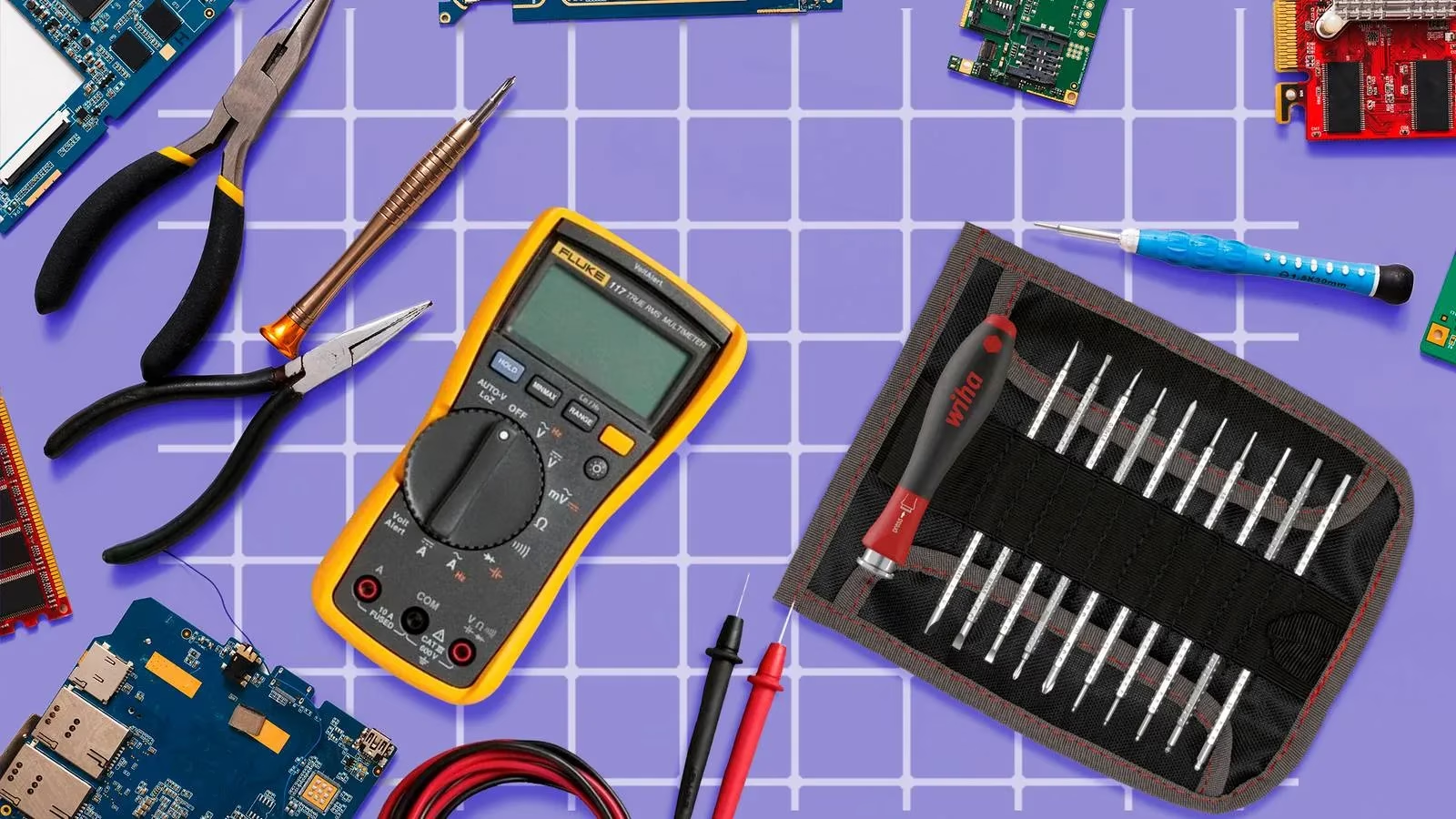
1. The Almighty Screwdriver Set: Your Foundation
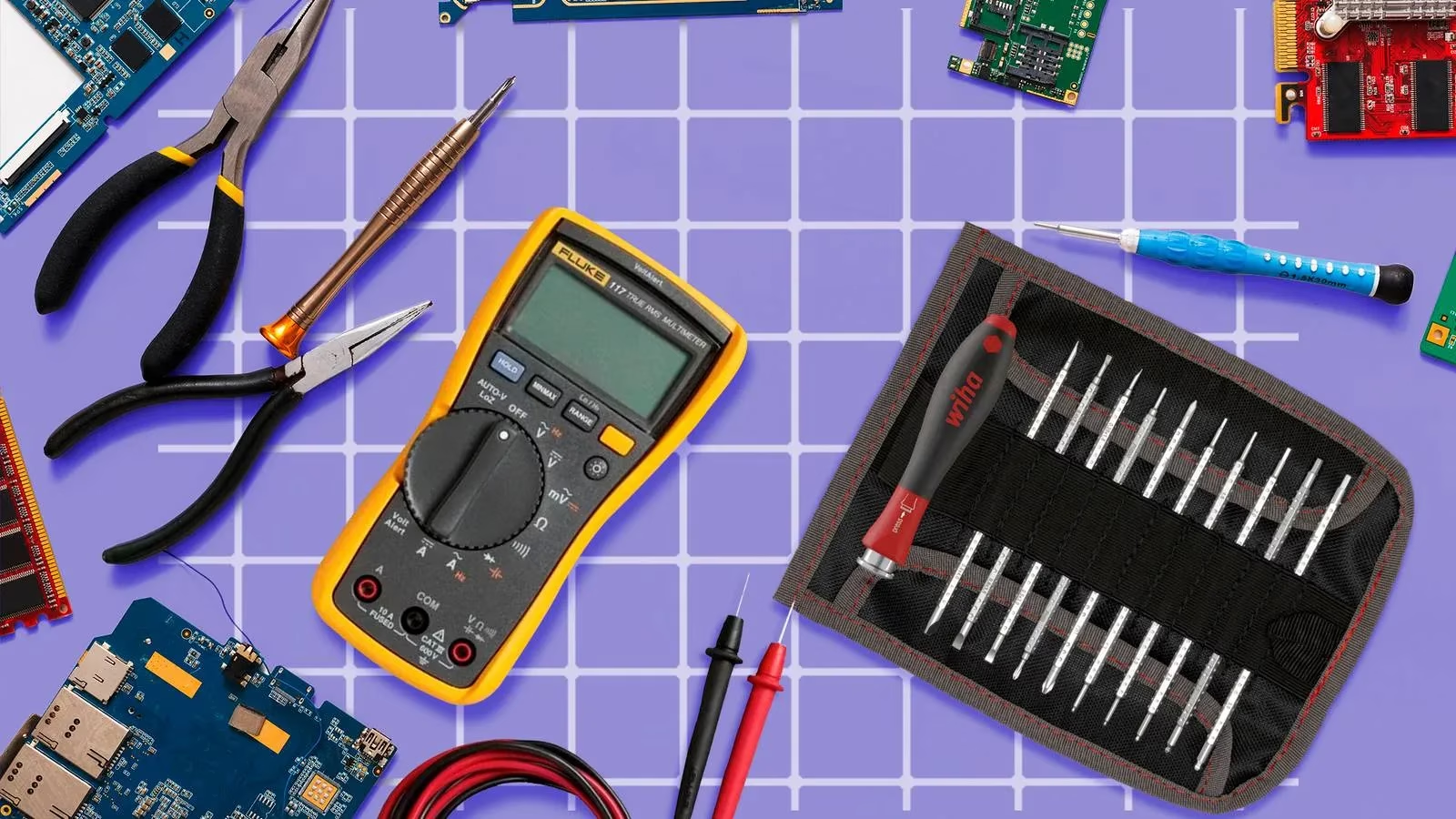
This isn't just a tool; it's the tool. Opening cases, removing components, reassembling—it all starts here. Jayric emphasizes a precision screwdriver set as the absolute cornerstone. His go-to includes a variety of bits, eliminating guesswork. But don't stop there! He insists on also having a standard PH2 Phillips head and a Flathead screwdriver for larger enclosures. Pro features to look for? A magnetizer (saves your sanity with dropped screws!), a flexible bit extender for awkward angles, and a prying kit for stubborn glued or friction-fit parts. Trying to build or fix a PC without this is like trying to eat soup with a fork—frustrating and messy.
2. Cutting & Gripping: More Than Just Pliers
While a multitool (wire cutter, pliers, blade, scissors) covers the basics for occasional tinkerers, Jayric points out a crucial distinction. If PC repair is your jam—whether a side hustle or full-time gig—invest in dedicated tools:
-
Side Cutters: For clean wire snips.
-
Wire Stripper: Essential for clean connections.
-
Utility Knife: Versatile for cable management, opening packages.
-
Needle-Nose Pliers: Precision gripping in tight spots.
🔧 "Keep it simple for EDC (Every Day Carry), but get serious for serious repairs," he advises.

3. USB Thumb Drives: Your Digital Lifesavers
Software woes and failed updates are a major headache. Jayric's solution? Reliable USB thumb drives. He carries two 32GB drives religiously:
-
Diagnostics & Firmware: Packed with utilities and BIOS files.
-
Bootable OS: Loaded with a stable Windows 12 image (the logical 2025 successor!).
🚫 Skip external HDDs! They're overkill and limit you to one bootable OS per drive. Thumb drives are cheap—grab extras for Linux distros or Windows 10. Golden Rule: LABEL THEM CLEARLY! Finding the right drive in a pinch shouldn't be a treasure hunt.
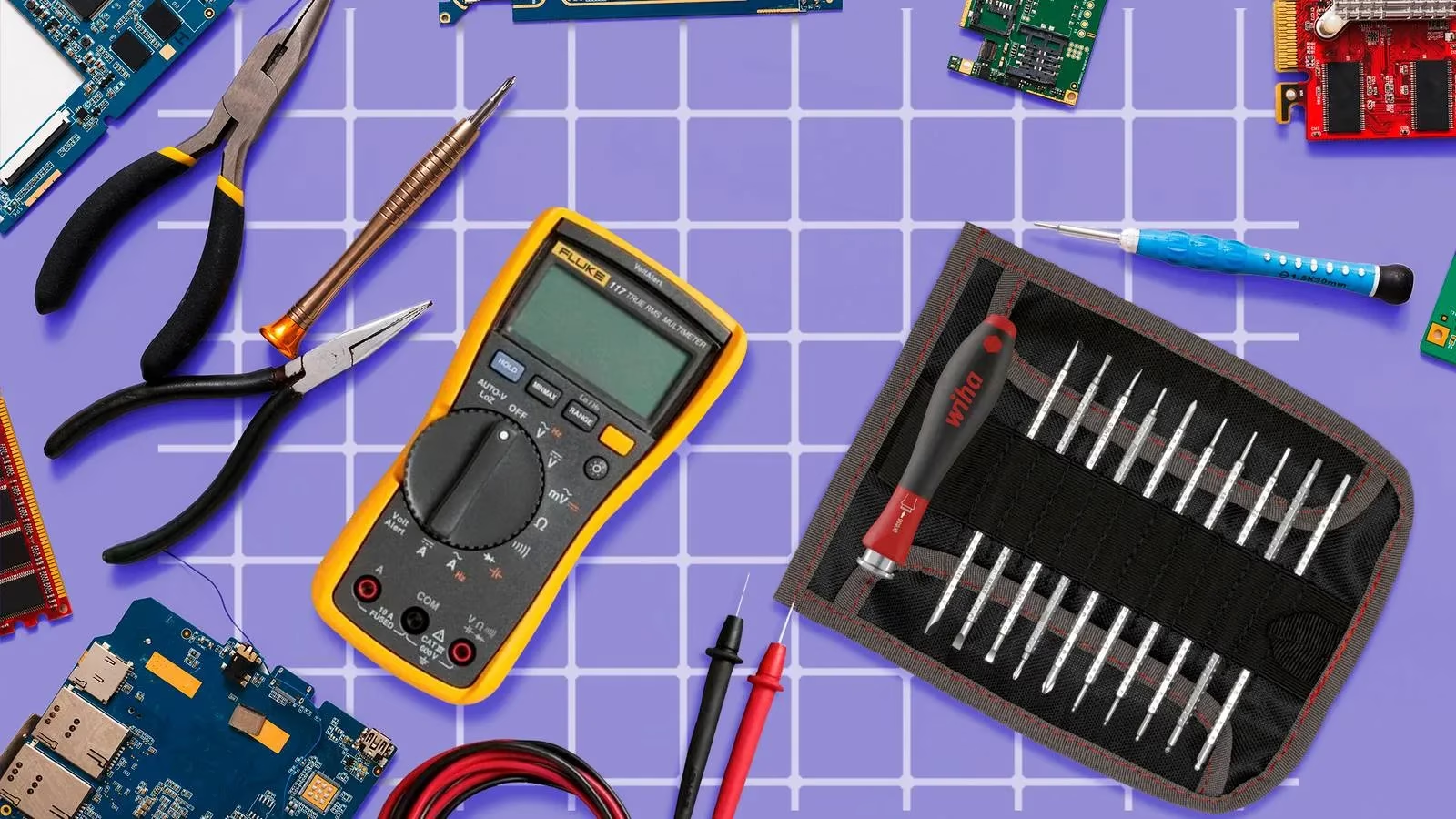
4. The Multimeter: Diagnosing the Invisible
When lights and looks fail, the multimeter shines. Jayric relies on his digital multimeter to tackle tricky issues like broken wires, dead components, or non-standard parts by checking:
-
Voltage
-
Current
-
Continuity
His must-have features? Auto-ranging (saves time), a backlit display (for dim corners), and True RMS (great for checking wall sockets/power sources too). Don't be intimidated! "Learning to use a multimeter seriously levels up your troubleshooting game," he insists. It’s the difference between guessing and knowing.
5. High-Pressure Air Duster: Banishing the Dust Bunnies
Dust is the silent killer, causing overheating and potential shorts. Jayric warns: NEVER VACUUM YOUR PC! Suction can dislodge parts or generate static. His weapon of choice? A high-pressure air duster with adjustable settings. Use lower pressure for delicate PCBs and crank it up for fans and dust filters. This simple tool has often been his only needed 'repair'.
6. Soldering Iron: For When Tape Just Won't Cut It
While not for full board repairs, a soldering iron is clutch for common fixes:
-
Reattaching loose connectors
-
Reflowing broken solder joints
-
Properly splicing wires (goodbye, unreliable twisted tape fixes!)
Jayric recommends a variable temperature soldering station for most. For portability, consider a programmable iron powered by a PD power bank. Essential tips: A general "K" or "BC2" tip and a fine "I" conical tip. "Soldering is a fundamental skill," he states. "Don't wait for a crisis to learn it."
7. Headlamp: Light Up Your Workspace
Working in the dark? Forget it! Jayric is a staunch advocate for a quality headlamp like his Nitecore NU33. Why beat a flashlight? Hands-free operation is a game-changer. Even in a lit room, shadows plague PC internals. His buying guide:
-
High CRI Rating: Critical for accurately seeing wire colors.
-
Floodlight Mode: Provides even, soft illumination.
-
Adjustable Brightness: Tailor the light to the task.
Proper lighting isn't a luxury; it's essential for spotting problems.
8. Silicone Mat: Organize the Chaos
This might seem optional, but Jayric calls it a revelation. Before his silicone mat, reassembly was a nightmare of mixed screws, wrong fits, and missing parts. Now? Built-in compartments let him sort screws by size/type. Benefits:
-
No more screw confusion: Know exactly what goes where.
-
Prevents roll-away: Tiny components stay put.
-
Minor static protection: A helpful bonus.
-
Saves time and frustration: Makes reassembly a breeze.
"It’s the tool I never knew I desperately needed," he confesses.
People Also Ask:
-
Q: Is this toolkit expensive to assemble?
A: Not necessarily! Start with the absolute essentials (Screwdrivers, USB Drives, Air Duster) and build up. Many quality tools offer great bang for your buck.
-
Q: Can a beginner really use all these tools, like a multimeter or soldering iron?
A: Absolutely! Start with the basics (voltage checks, simple continuity tests). There are tons of fantastic online tutorials. Soldering takes practice, but beginner kits are available. Don't be afraid to get your hands dirty!
-
Q: Are there alternatives to carrying multiple physical tools?
A: For some things, yes (e.g., software diagnostics on USB). But for physical disassembly, cleaning, and component-level fixes, dedicated tools are irreplaceable. A good multitool can cover some ground, but dedicated tools perform better.
-
Q: How often should I replace these tools?
A: Quality tools last years! Replace bits if they wear/strip, rechargeable air dusters when batteries degrade, and USB drives if they become unreliable. Inspect cables on multimeters/soldering irons regularly.
Ready to stop struggling and start fixing like a pro? Don't let another PC problem leave you scratching your head. Assemble your core toolkit today using Jayric's essential eight as your blueprint. Trust us, your future self (and your clients' computers) will thank you! 🛠️💻