
Deciding when to upgrade your graphics processing unit remains one of the most nuanced decisions for gamers and tech enthusiasts navigating the 2026 hardware landscape. While the allure of ray-traced realism and AI-powered frame generation is stronger than ever, the core question persists: when is the right time to invest in a new GPU? The answer, as always, is not dictated by a calendar but by a careful assessment of personal needs, technological shifts, and the evolving demands of software.
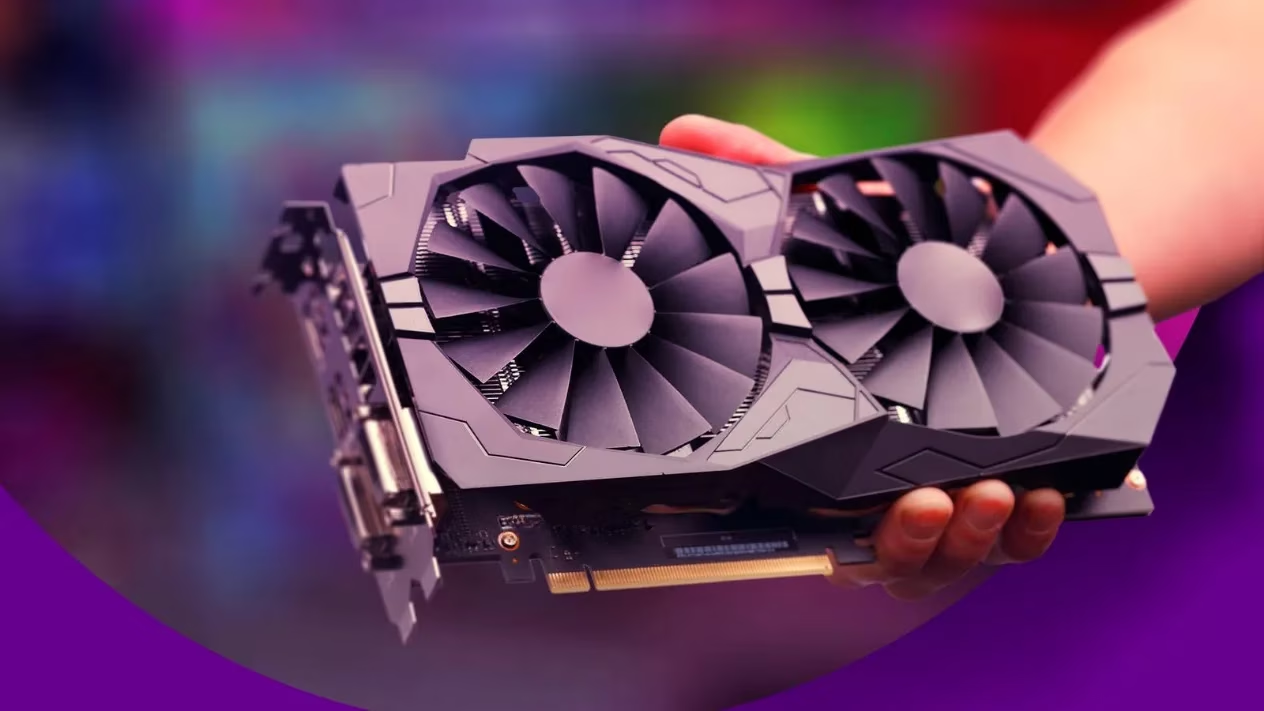
For years, a common rule of thumb has suggested a 3 to 5-year upgrade cycle. This timeframe attempts to balance staying technologically relevant with maximizing the value extracted from a significant investment. In 2026, this guideline still holds merit, but its interpretation requires more context. For the performance-chaser who must experience every new graphical frontier in titles like the upcoming Cyberpunk 2077: Neo-Tokyo expansion, leaning toward the three-year mark keeps a system close to the cutting edge. Conversely, the value-oriented user, perhaps content with competitive esports titles or older AAA games, can comfortably stretch their GPU's lifespan toward five years or more, especially if they started with a high-end model.
The Personal Performance Litmus Test
The most critical factor in 2026 is an intensely personal one: your current GPU's ability to handle your specific workload. The generic 3-5 year advice dissolves when faced with concrete performance issues. Consider these user profiles:
| User Profile | Typical Workload | Upgrade Pressure in 2026 |
|---|---|---|
| Hardcore Gamer | 4K Ray Tracing, Path Tracing, 144Hz+ | High (Every 2-3 years) |
| Competitive Esports Player | 1080p, Maximum FPS, Low Settings | Low (5+ years possible) |
| Content Creator | 8K Video Editing, 3D Rendering, AI Generation | Moderate to High (3-4 years) |
| General User | Office Tasks, Media Streaming, Light Gaming | Very Low (Until failure) |
If your GPU has become a performance bottleneck, struggling to maintain acceptable frame rates at your desired resolution and settings, it's sending a clear signal. This struggle is more telling than any arbitrary timeline. For instance, a GPU that once handled 4K gaming might now be relegated to 1440p; this degradation is a tangible sign of its declining relevance.
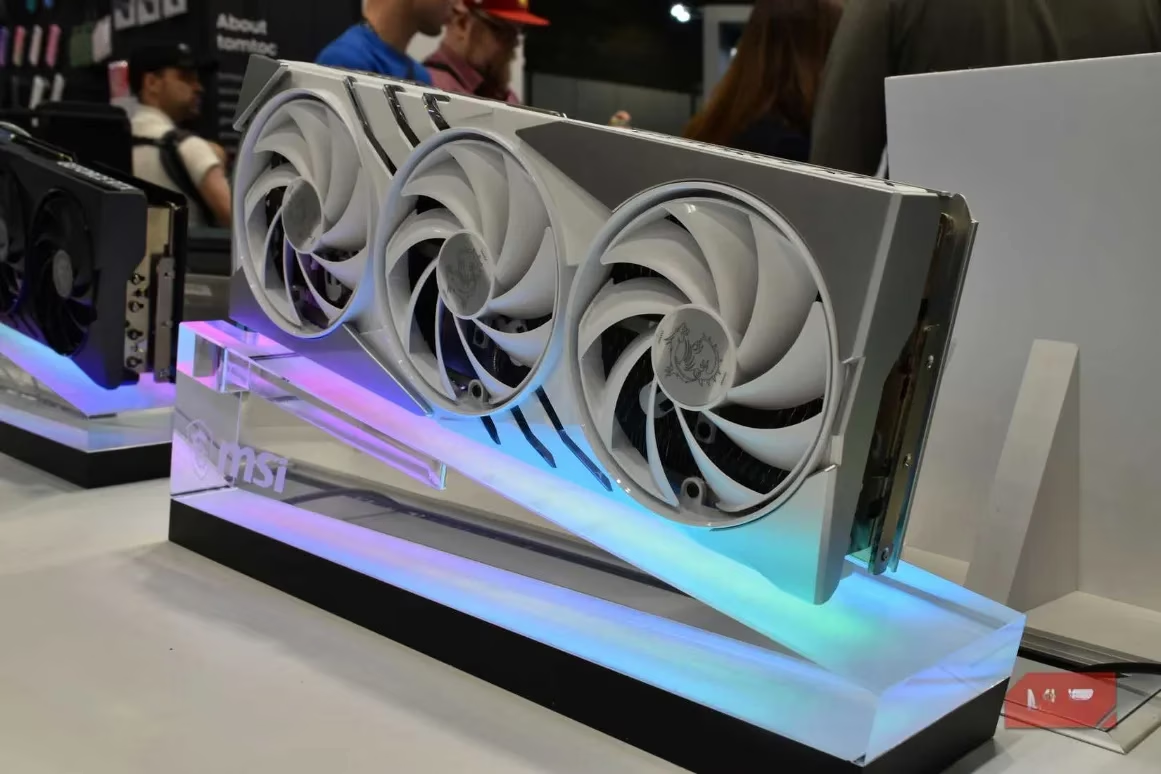
The System Symmetry Principle: Avoiding the Bottleneck
A pivotal, yet often overlooked, moment to consider a GPU upgrade is following a major CPU upgrade. The CPU and GPU work in tandem like a symphony conductor and orchestra; if one is vastly more capable than the other, harmony breaks down, resulting in a performance bottleneck. In 2026, with CPUs boasting increasingly powerful cores for AI scheduling and physics calculations, pairing an older GPU with a new CPU is like hitching a racehorse to a plow—the potential is there, but it's severely mismatched and inefficient.
Conversely, if a CPU upgrade is on your imminent roadmap, it can be prudent to delay your GPU purchase. Upgrading both in a coordinated fashion ensures they are well-matched, allowing your system to perform like a finely tuned engine where all components operate at their designed capacity, rather than one part constantly waiting for another.
Recognizing the Death Rattle: Signs Your GPU is Failing
Beyond mere slowness, GPUs exhibit specific distress signals indicating hardware failure is near. While troubleshooting can fix software glitches, persistent hardware issues are a definitive upgrade cue:
-
Graphical Artifacts: Persistent screen tearing, strange polygons, or discolored textures that appear like digital ghosts haunting your display.
-
Thermal Throttling & Overheating: Consistently high temperatures leading to sudden, severe performance drops, even after cleaning and repasting. Your cooler might be working as hard as a overburdened air conditioner in a heatwave, but the GPU itself can't keep up.
-
Driver Crashes & System Instability: Frequent crashes to desktop or full system lock-ups during graphically intensive tasks, even with updated, clean drivers.
-
Unbearable Fan Noise: Fans constantly ramping up to jet-engine levels during mundane tasks, indicating the GPU is under disproportionate strain.
The 2026 Consideration: Beyond Raw Power
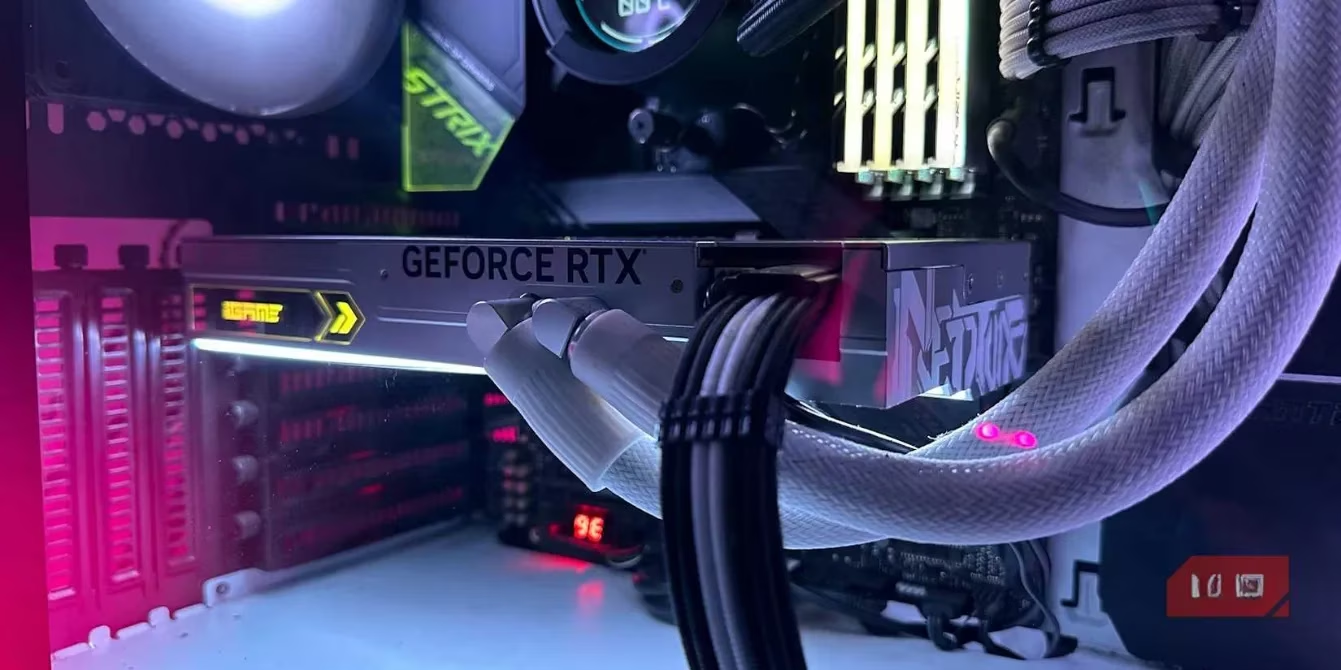
Upgrading in 2026 isn't solely about chasing higher frame rates. New architectural features can justify an upgrade even if raw performance gains seem modest:
-
AI & Neural Engine Integration: Modern GPUs include dedicated AI cores for features like DLSS 4.0 Frame Generation and AI-assisted content creation, which older cards lack entirely.
-
Efficiency & Power Draw: Newer process nodes (e.g., 3nm/2nm) offer significantly better performance per watt, reducing heat and electricity costs—a benefit that accumulates over years.
-
Future-Proofing with New APIs: Full support for the latest graphics APIs and features like Mesh Shaders and Sampler Feedback is becoming essential for upcoming game engines.
The Final Verdict: Needs Over Novelty
The most crucial advice for 2026 is to resist upgrading solely for the sake of novelty. The tech industry's marketing engine is a powerful siren song, but a new GPU generation doesn't automatically warrant a purchase. Ask the pragmatic questions:
-
Will this new card resolve my specific performance pain points?
-
Do I actually need the new features (e.g., AV1 encoding, enhanced ray tracing cores)?
-
Is my current GPU the true weak link in my system?
Sometimes, the smartest financial and performance move is to wait. Enduring with a slightly dated card for another year can allow you to leapfrog to a more substantial, next-generation architecture, making the eventual upgrade feel less like a routine update and more like a transformative leap forward. In the fast-paced world of PC hardware, patience is not just a virtue; it's a strategy. Your upgrade cycle should be a deliberate journey guided by your actual computing experience, not a frantic race to keep up with an unending parade of new silicon.