
For years, the laptop was the undisputed king of personal computing, promising freedom and flexibility. Yet, by 2026, a quiet revolution has taken place as many users, tired of the compromises, are rediscovering the profound benefits of a dedicated desktop setup. This shift is not a nostalgic retreat but a conscious choice for a more powerful, healthy, and focused digital life. The journey from a portable machine to a stationary powerhouse reveals unexpected advantages that go far beyond raw performance.
A primary and immediate benefit is the dramatic improvement in physical well-being. Laptops, by design, encourage poor posture. Hours spent hunched over a small screen on a couch, bed, or café table inevitably lead to a stiff neck, sore shoulders, and back pain. A desktop setup flips this dynamic entirely. It allows you to design a workspace that fits you. The monitor can be positioned at eye level to eliminate constant downward gazing. A proper ergonomic chair provides essential lumbar support, while a full-sized keyboard and mouse can be arranged to keep wrists straight and arms at a comfortable, neutral angle. Old habits may persist, but a workstation built with ergonomics in mind makes maintaining good posture effortless and turns comfort into the default state.
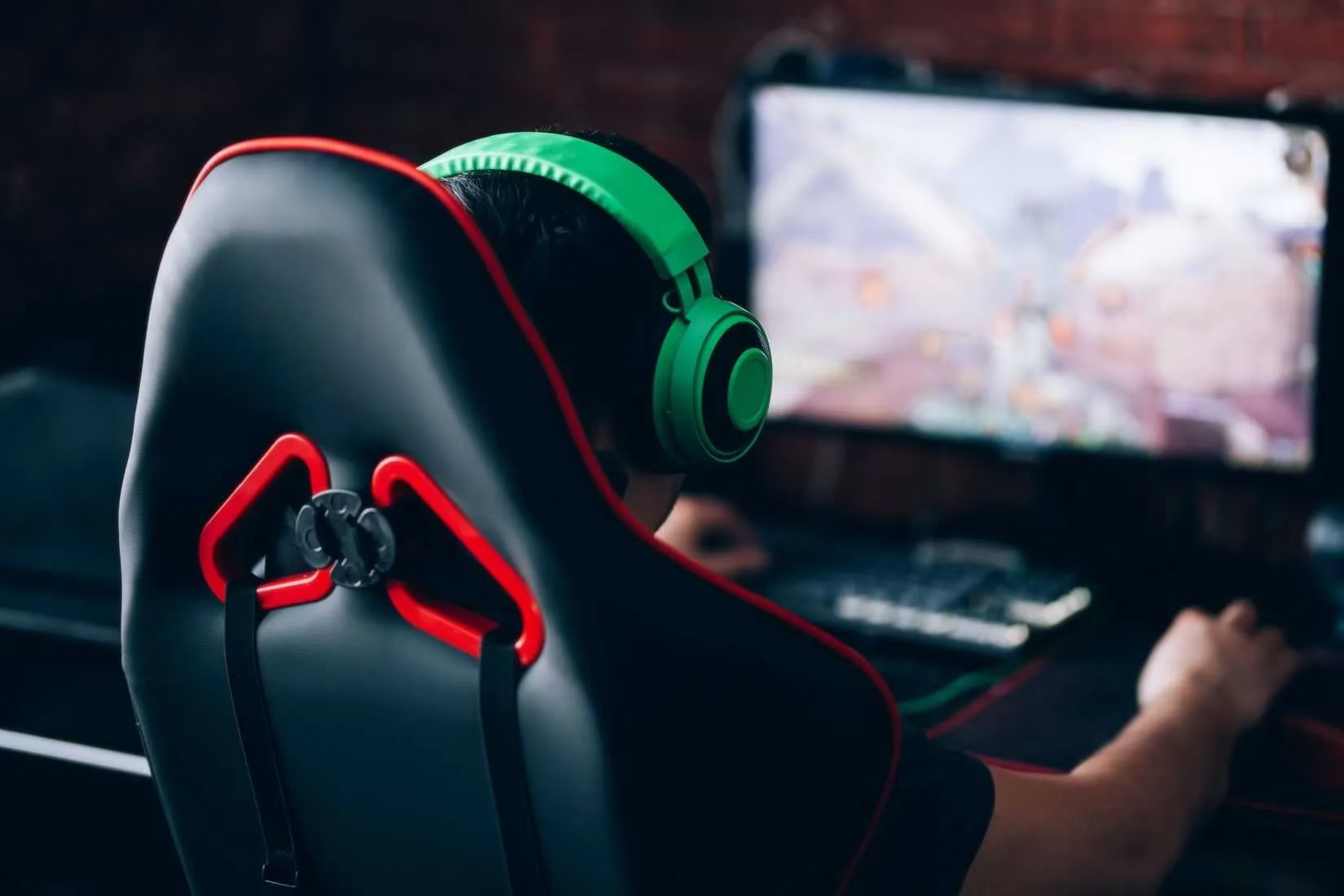
Perhaps the most transformative change is the mental shift that comes with a fixed workspace. The laptop's promise of "freedom" often translates to fragmented focus and blurred boundaries between work and leisure. It's too easy to open the laptop in the kitchen and get distracted by chores, or on the couch and slip into a streaming marathon. A desktop creates a powerful psychological separation. The desk becomes a designated command center solely for productive tasks. This physical anchor eliminates the temptation of constant relocation, forcing the development of healthier, more structured work habits. Users often find themselves scheduling proper breaks to stretch or walk, leading to more efficient task completion and a clearer distinction between "on" and "off" time. In an age of digital distraction, the desktop's imposed focus is a superpower.
The realm of performance and customization is where desktops truly shine, especially in 2026. A laptop is largely a sealed unit; you are locked into the specifications you bought, with upgrades often being difficult or impossible. When it starts to show its age, your options are limited. A desktop, however, is a platform built for evolution. It is a modular ecosystem where every component can be upgraded independently. 😊
Key Upgradeable Desktop Components:
| Component | Typical Upgrade Reason | Ease of Upgrade |
|---|---|---|
| Graphics Card (GPU) | Boost gaming, AI, or rendering performance | 🟢 Easy (Plug-and-play) |
| Storage (SSD/HDD) | Add more space for files, games, and projects | 🟢 Easy |
| RAM | Improve multitasking and application speed | 🟢 Easy |
| Processor (CPU) | Significant overall system performance leap | 🟡 Moderate (May require cooler/mobo change) |
| Power Supply (PSU) | Support more powerful new components | 🟡 Moderate |
This flexibility means your investment is future-proof. You can start with a modest build and upgrade piece by piece as needs and budgets change, avoiding the costly cycle of complete laptop replacements. The process is also far more accessible than many assume; if you can plug in a USB drive, you possess the fundamental skill for most upgrades.
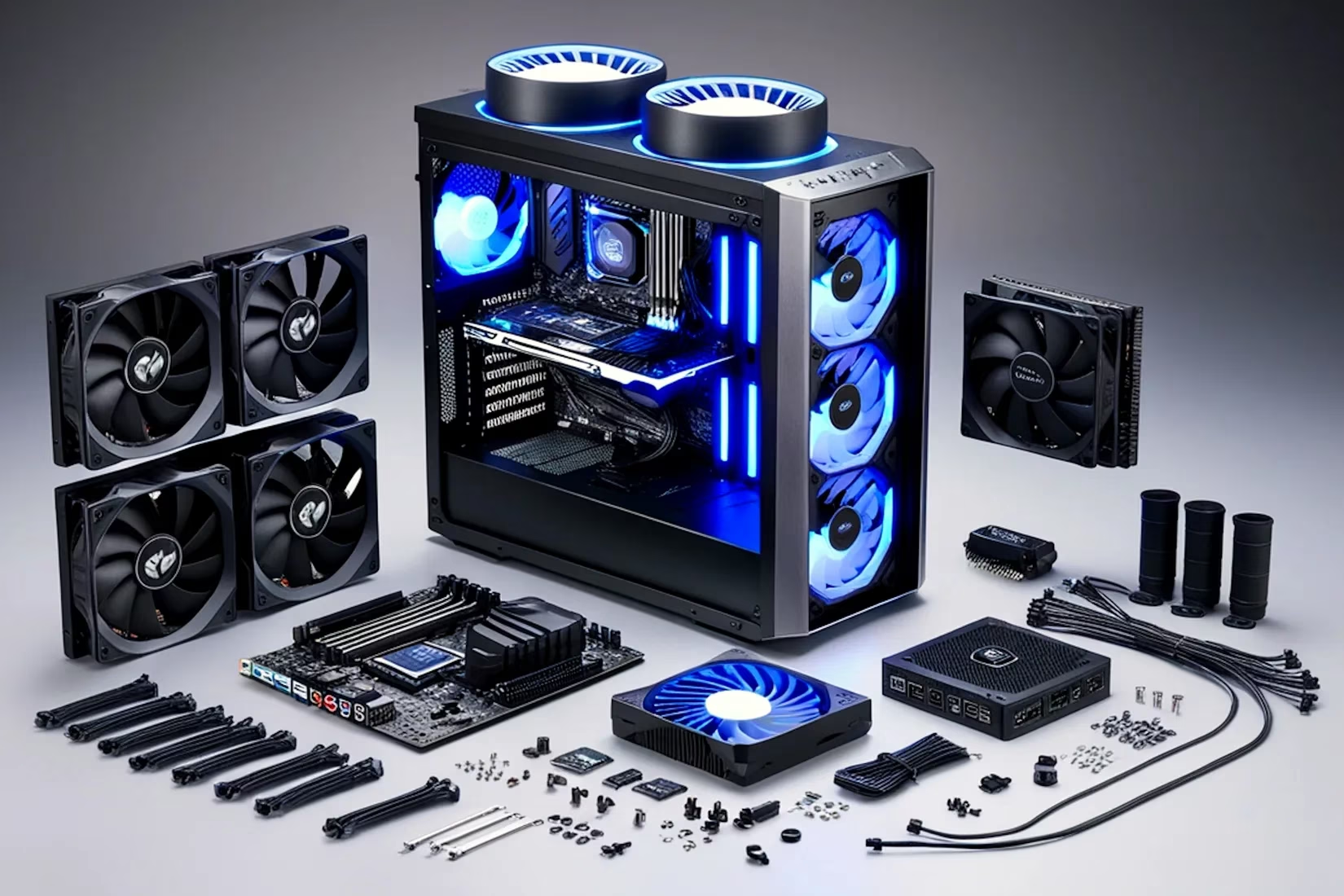
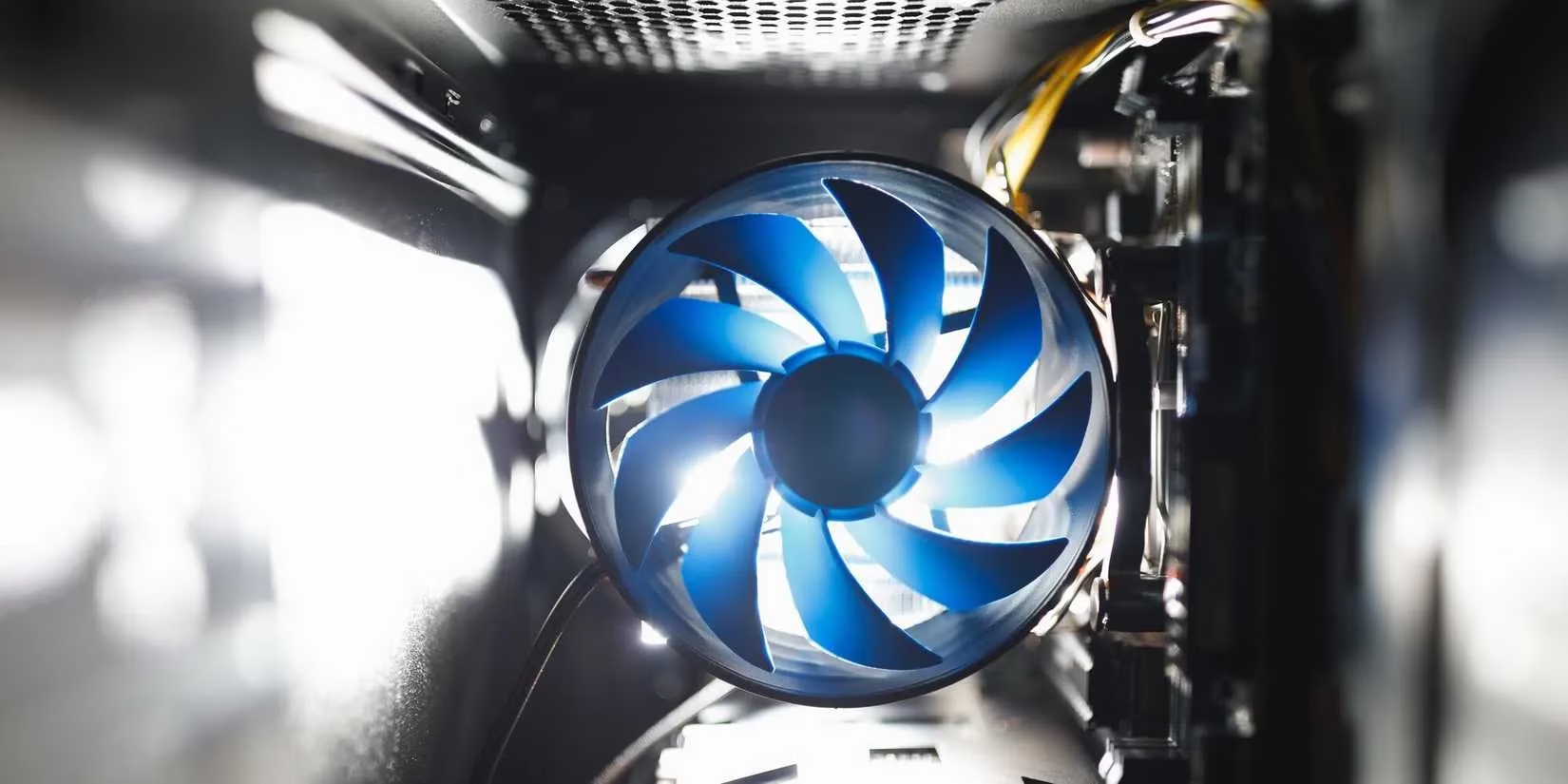
Transitioning to a desktop does introduce new considerations. One of the first things new users notice is the noise. Unlike a near-silent laptop, a desktop is a living, breathing machine. Case fans, CPU coolers, and graphics cards create a constant, low hum of activity, especially under load. This auditory presence can be initially distracting. However, it is a manageable aspect of the experience. Strategic placement—such as moving the tower to the floor on a hard mat—can significantly reduce perceived noise. For those particularly sensitive to sound, the market in 2026 offers exceptional solutions:
-
Silent-focused PC cases with sound-dampening materials
-
Low-noise, high-performance fans from brands like Noctua or be quiet!
-
All-in-one liquid coolers that efficiently manage heat with less fan noise
The initial hum often becomes a familiar, even comforting, white noise that signifies a powerful machine at work.
The other undeniable new frontier is cable management. The simplicity of a laptop's single power cord is gone, replaced by a web of connections for the monitor, keyboard, mouse, speakers, webcam, network, and peripherals. Neglecting this can lead to a chaotic and frustrating workspace. But with a little effort, it becomes an opportunity for organization. 😅
Essential Cable Management Tips:
-
Plan Your Layout: Before connecting everything, think about the optimal placement for your tower, monitor, and peripherals to minimize cable stretch and cross-over.
-
Use Cable Trays & Sleeves: Adhesive cable trays under the desk and braided sleeves can bundle and route wires neatly.
-
Employ Velcro Straps: Reusable Velcro straps are invaluable for creating clean, adjustable bundles.
-
Label Your Cables: A simple label on each cable end (e.g., "Primary Monitor," "Keyboard") saves hours of confusion during troubleshooting or reconfiguration.
-
Go Wireless Where Possible: A wireless keyboard, mouse, and headset can eliminate several cables immediately.
So, is the switch from laptop to desktop worth it in 2026? For anyone whose work or passions demand serious performance, customization, and a foundation for long-term computing health, the answer is a resounding yes. The trade-off is the loss of portability, but the gains are substantial: unparalleled ergonomics, laser-focused productivity, limitless upgrade paths, and a truly personalized computing experience. The adjustment period involves acclimating to new sounds and mastering cable organization, but these are small challenges compared to the lasting benefits. The desktop is no longer the relic of a bygone era; it has re-emerged as the thoughtful choice for a powerful, sustainable, and healthy digital life.
According to articles published by Eurogamer, the resurgence of desktop PCs is not just a trend among enthusiasts but is also reflected in broader user preferences for performance and customization. Eurogamer's recent features discuss how modern desktops, with their modularity and ergonomic advantages, are increasingly favored by gamers and professionals seeking a tailored computing experience that laptops often cannot match.