
For dedicated gamers, the PC is more than just a tool; it's the command center for epic adventures. While many worry that frequent shutdowns harm their rig, that's a persistent myth. The real threats to a gaming PC's longevity are often more insidious, lurking in daily habits and environmental factors. As we move into 2026, with hardware becoming ever more powerful and expensive, understanding and mitigating these risks is crucial for protecting your investment. What are the silent assassins slowly degrading your high-performance components? The answer lies in six common, yet often overlooked, culprits.
⚡ 1. The Silent Assassin: Power Surges
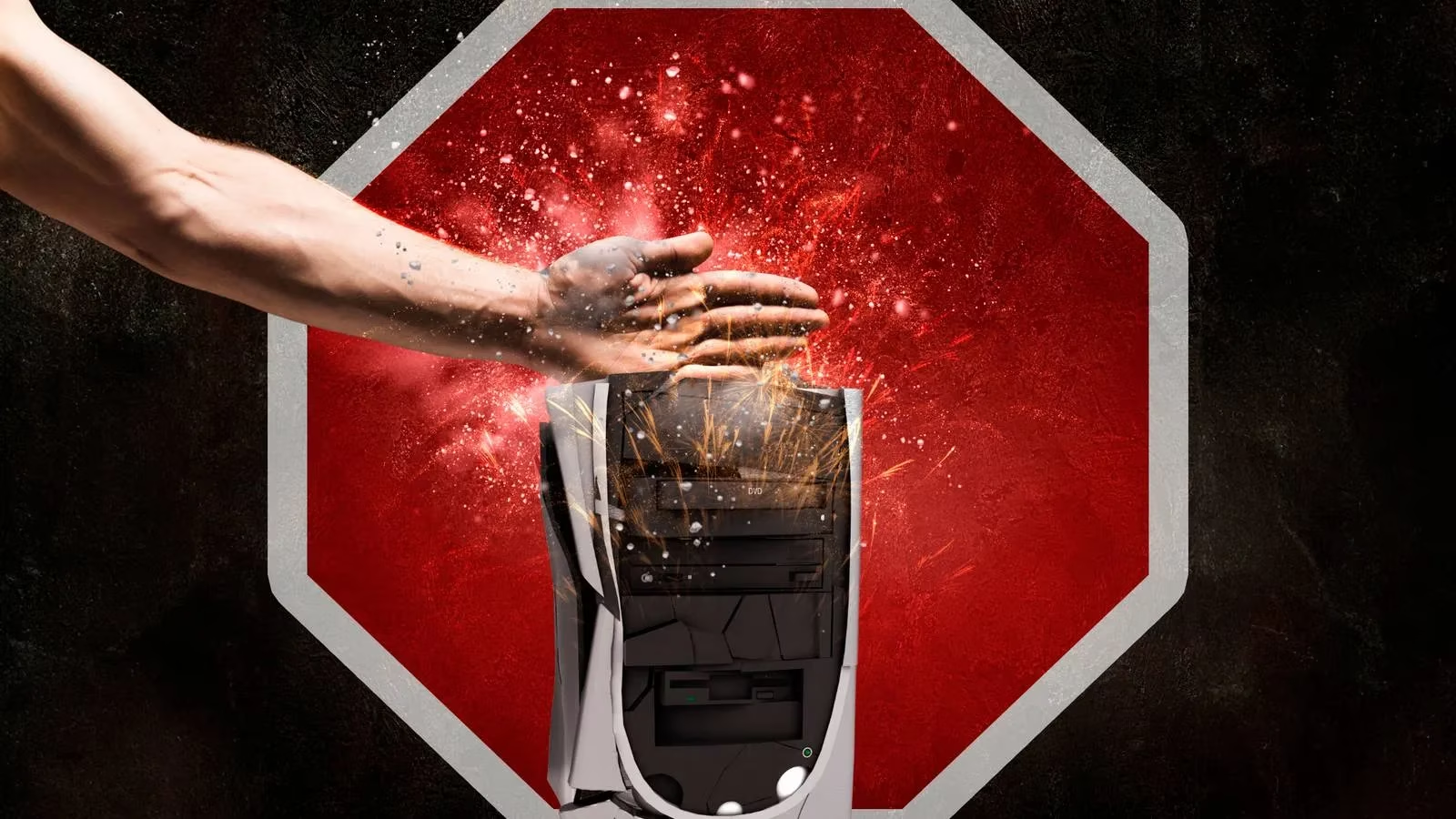
A power surge is a sudden, dramatic spike in electrical current. Imagine the delicate circuitry of a modern GPU or CPU being hit by a tidal wave of electricity. These surges can originate from the power grid, lightning strikes, or even from within your own home—like when a refrigerator or air conditioner kicks on and causes the lights to flicker. Isn't it alarming that a simple appliance could threaten your entire system?
When a surge hits, it delivers voltage far beyond what components are rated for. This leads to gradual degradation of critical parts:
-
Hard Drive/SSD: Data corruption and physical damage.
-
CPU & Motherboard: Fried transistors and damaged voltage regulation modules.
-
Power Supply Unit (PSU): Complete failure, potentially taking other components with it.
In a worst-case scenario, a severe surge can cause immediate, irreversible damage. The solution? Invest in protection. A quality surge protector is a basic necessity, but for gamers, an Uninterruptible Power Supply (UPS) is the gold standard, offering both surge protection and battery backup to prevent data loss during outages.
🔥 2. The Relentless Enemy: Overheating
Heat is the natural enemy of all electronics, and gaming PCs are heat-generating powerhouses. Prolonged exposure to high temperatures is a primary cause of component wear and tear. When your CPU or GPU consistently operates beyond its optimal temperature range, its lifespan is significantly shortened.
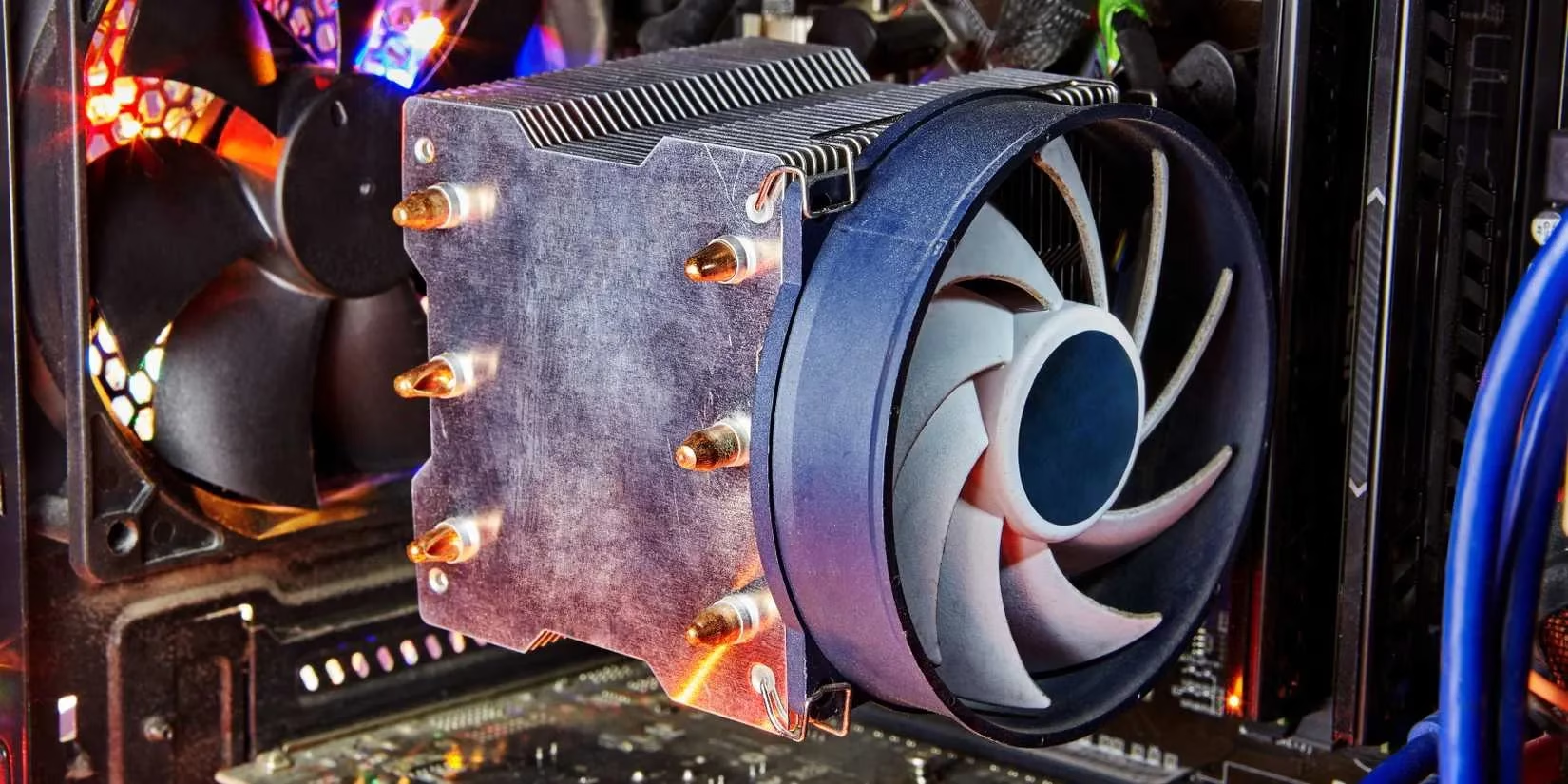
Common causes of overheating in a gaming context include:
-
Marathon Gaming Sessions: Running demanding titles like cyberpunk-style open-world games for hours without a break.
-
Inadequate Cooling: Stock coolers struggling with overclocked components.
-
Ambient Temperature: A hot room guarantees a hot PC.
The effects are cumulative: thermal stress weakens solder joints, degrades silicon, and can cause thermal throttling, which ironically reduces the very performance you're trying to achieve. Regular monitoring with tools like HWMonitor or MSI Afterburner is essential for any serious gamer in 2026.
⚙️ 3. The Performance Double-Edged Sword: Excessive Overclocking
Who doesn't want more frames per second? Overclocking your GPU and CPU can deliver that performance boost, but pushing hardware beyond its factory limits comes at a cost. Think of it like revving a car engine constantly in the redline—sooner or later, something will give.
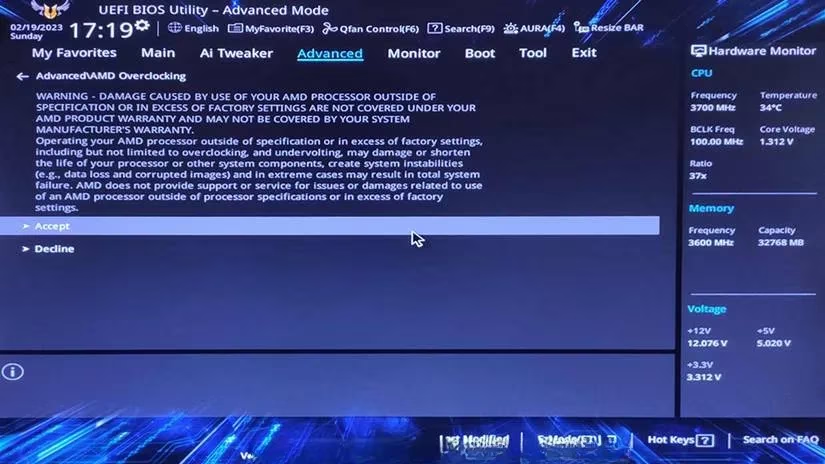
Excessive overclocking accelerates wear in two key ways:
-
Increased Heat & Voltage: Even with a robust liquid cooling setup, the increased electrical current and thermal output place sustained stress on components.
-
Instability & Power Draw: An unstable overclock forces other components, particularly the PSU and motherboard VRMs, to work harder to maintain stability, leading to their premature aging.
While moderate, well-cooled overclocking is generally safe, chasing extreme benchmarks without understanding the risks is a surefire way to reduce your hardware's lifespan. The question for 2026's gamer isn't "Can I overclock?" but "At what cost to longevity?"
🗑️ 4. The Insidious Insulator: Dust Accumulation
Dust might seem harmless, but inside a PC, it's a silent killer. It acts as a thermal blanket, trapping heat against components like the CPU cooler, GPU fans, and motherboard heatsinks. This directly exacerbates overheating problems. Furthermore, dust can clog fan blades, reducing their efficiency and causing them to spin faster and louder—a common warning sign.
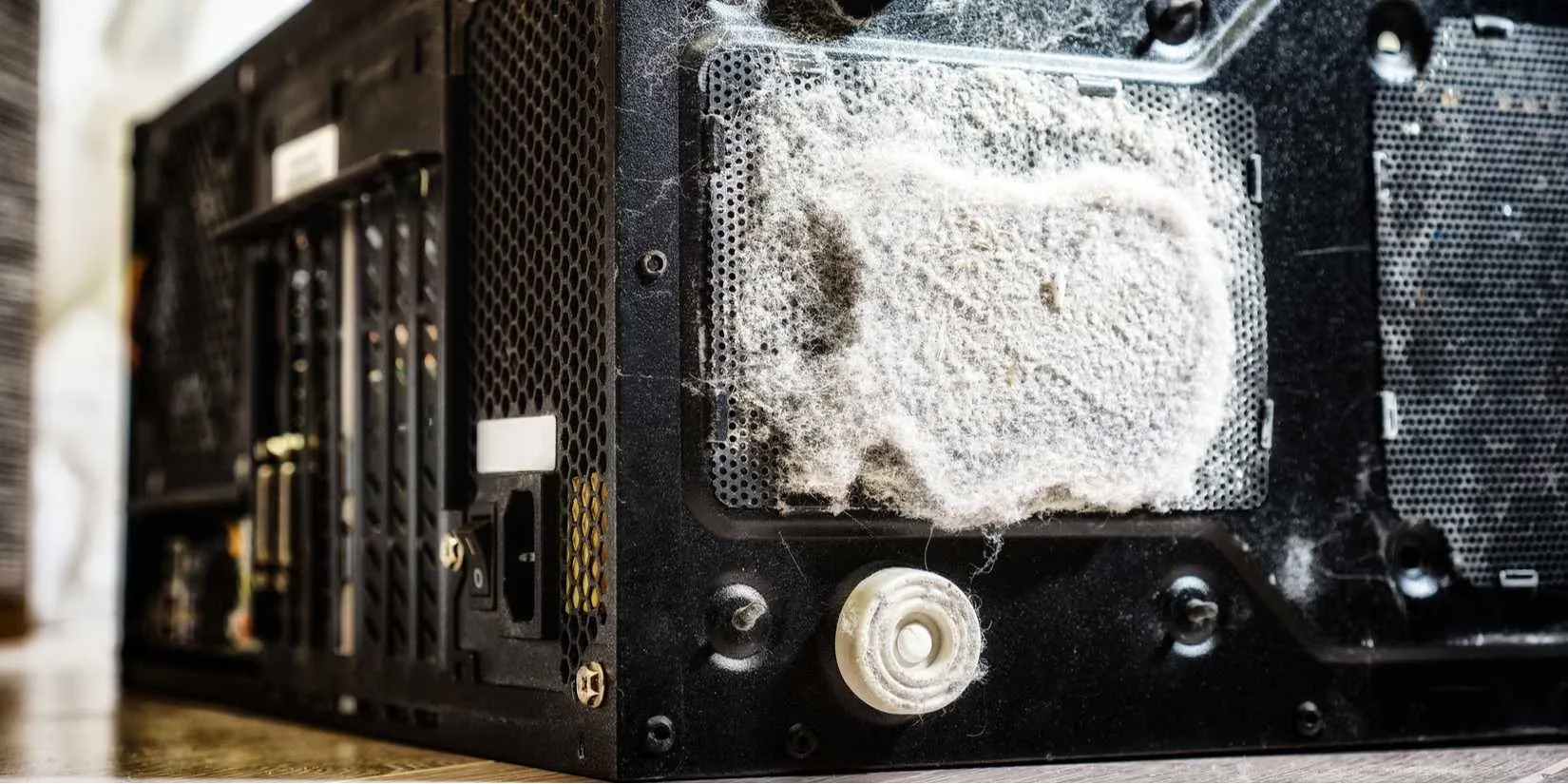
In worst-case scenarios, if the dust is conductive (containing metal particles), it can create bridges between circuitry on the motherboard, leading to short-circuiting and permanent damage. For gamers, whose systems often have multiple intake fans, dust buildup is an inevitable battle. Regular cleaning every 3-6 months with compressed air is a non-negotiable maintenance task.
💨 5. The Suffocating Environment: Poor Ventilation
Ventilation is the lifeblood of PC cooling. Even the best CPU cooler is ineffective if the hot air it exhausts has nowhere to go. Poor ventilation forces components to bake in their own waste heat.
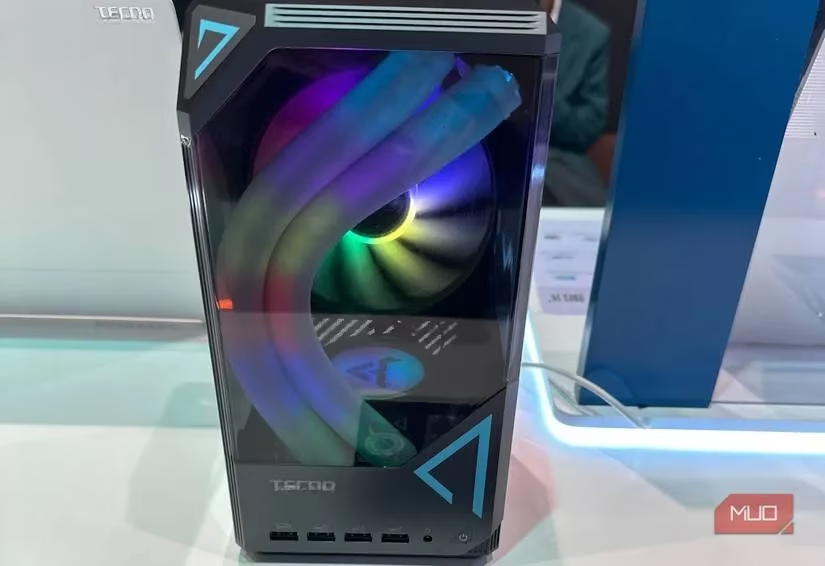
Common ventilation mistakes made by gamers include:
-
The "Desk Dungeon": Tucking the PC case into an enclosed cabinet or tight space against a wall.
-
Cable Chaos: A rat's nest of cables blocking crucial airflow paths inside the case.
-
Wrong Case Choice: Using a case with solid glass panels and no mesh, prioritizing aesthetics over airflow.
Choosing a modern case in 2026 with a mesh front panel, intelligent fan placement, and practicing good cable management are critical steps to ensure your components can breathe freely.
🛠️ 6. The Foundation of Longevity: Neglecting Regular Maintenance
A gaming PC is not a "set it and forget it" appliance. Like a high-performance vehicle, it requires regular check-ups. Neglecting maintenance is a slow-acting poison that leads to compounded issues.
A comprehensive maintenance routine should include:
| Task | Frequency | Purpose |
|---|---|---|
| Internal Dusting | Every 3-6 Months | Prevent overheating and fan strain. |
| Driver & OS Updates | Monthly / As released | Ensure stability, security, and performance. |
| Hardware Diagnostics | Bi-Annually | Check SSD health, RAM for errors, and fan operation. |
| Physical Inspection | During Cleaning | Look for loose cables, capacitor bulging, or dust in connectors. |
Ignoring these tasks leads to inefficient operation. Outdated drivers can cause hardware to work harder, accumulating thermal stress. Dust leads to heat, which leads to throttling and wear. It's a vicious cycle that shortens the life of your prized components.
Conclusion: A Proactive Approach for 2026 and Beyond
For the modern gamer, longevity is about proactive care, not reactive fixes. Powering down your PC is harmless; the real threats are environmental and habitual. By understanding and guarding against power surges, managing heat through cleaning and proper ventilation, being prudent with overclocking, and committing to regular maintenance, you can ensure your gaming rig remains a reliable powerhouse for years to come. After all, shouldn't the only thing your PC is slaying be digital dragons, not itself?