
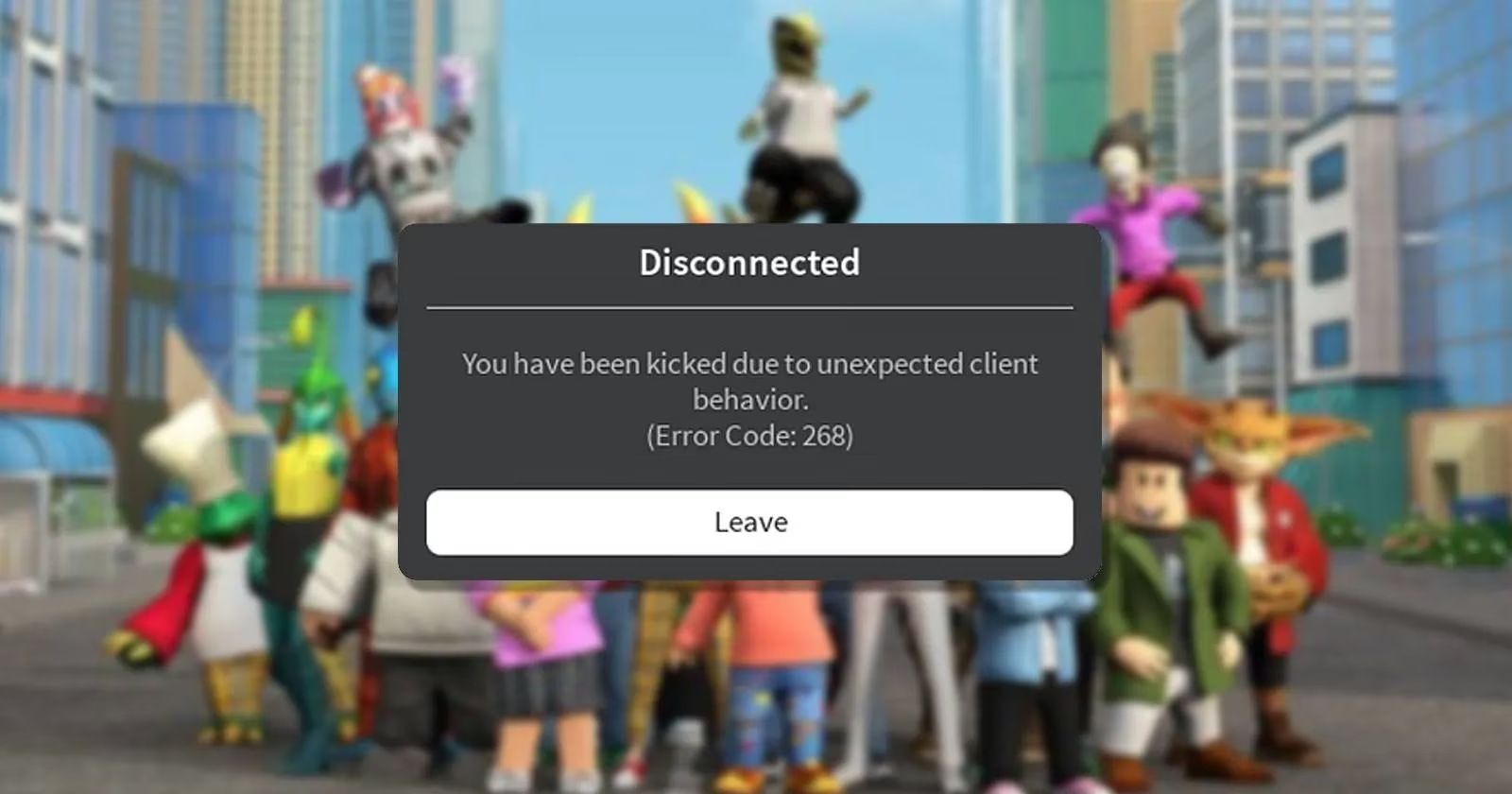
In the vast, blocky universe of Roblox, where creativity knows no bounds, an unexpected kick can feel like a portal slamming shut. Error Code 268, accompanied by the message "You have been kicked due to unexpected client behavior," is a notorious disruption. While it's often triggered by cheat software, many law-abiding players also encounter it. As of 2026, this error remains a thorn in the side of the community, but the fixes are well-established. This guide will walk through the causes and solutions, so players can get back to building, exploring, and socializing.
First, Check if the Account Has Been Banned
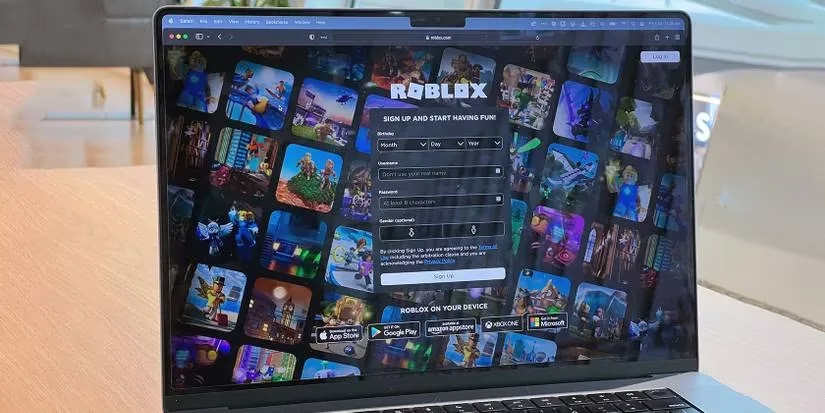
Before diving into technical fixes, players should verify their account status. In some cases, Error 268 is a precursor to a ban. To check, they can log into Roblox via a browser, the desktop app, or a mobile device. If login succeeds, the account is likely fine. However, if a message appears stating the account has been banned or deleted, and the player is certain they haven't violated the rules, they can appeal. The appeal process involves filling out Roblox's Contact Us form, selecting "PC" as the device, and "Moderation and Appeal Account" as the help category. Detailed information should be provided in the description. While waiting for support, playing other games is a good distraction.
If Not Banned, Try These Fixes
If the account is in good standing, the error likely stems from other issues. Here are the most effective solutions, ordered from simplest to most involved.
1. Close and Eliminate Cheat Software
If the player has been using cheat software, they should stop immediately. Even after closing such programs, their processes might linger in the background. Opening Task Manager and ending any suspicious processes can help. This is like evicting a squatter who refuses to leave after being asked politely.
2. Troubleshoot Internet Connection and IP Issues
A weak or unstable internet connection can trigger Error 268. Players should ensure their device is connected to a reliable network. If instability persists, switching to a different connection may resolve it. Additionally, flushing the DNS cache and changing the DNS server can clear old records and IP addresses, often fixing connectivity problems. Think of the DNS cache as a phonebook with outdated numbers—clearing it ensures the right connections are made.
Roblox may also ban an IP address for terms of service violations, leading to this error. In such cases, contacting the internet service provider or appealing to Roblox may be necessary.
3. Switch Between Roblox Clients
On Windows, players can access Roblox through the Microsoft Store app or the web launcher. Each has pros and cons: the Store app is more stable but prone to antivirus interference, while the web launcher is convenient but vulnerable to browser extensions. If Error 268 occurs with one client, trying the other often resolves it. It's like having two keys to the same door—if one sticks, the other might work.
4. Whitelist Roblox in Antivirus Software
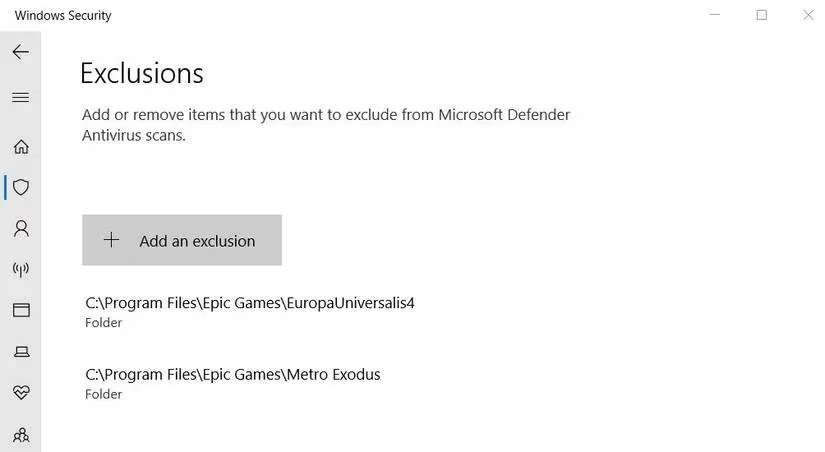
Windows Defender and third-party antivirus programs can interfere with Roblox, causing unexpected kicks. Players should add both the Roblox app and the web launcher to their antivirus exclusion list. This process is akin to telling an overzealous bodyguard that a specific guest is actually a VIP—once they know, they'll stop tackling the wrong person.
5. Delete Temporary Files
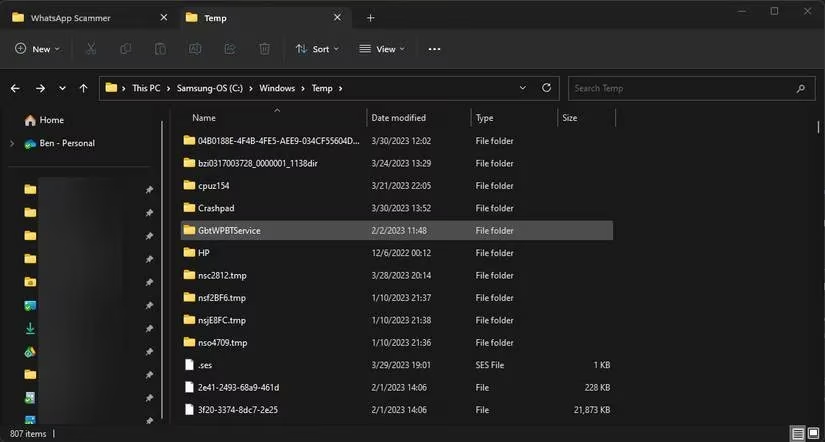
Windows temporary files can interfere with application operations. Deleting these files from the Temp folder often resolves connection issues and may fix Error 268. It's like clearing clutter from a workspace—suddenly, everything runs smoother.
6. Reinstall the Roblox Client
If all else fails, a clean reinstall can work wonders. Players should uninstall both the Roblox Player app and the web launcher, then reinstall their preferred client. This is the digital equivalent of a fresh start, wiping the slate clean.
Quick Fix Summary
| Issue | Solution |
|---|---|
| Cheat software | Close and terminate processes |
| Internet instability | Switch connection, flush DNS |
| Client conflict | Try the other Roblox client |
| Antivirus interference | Whitelist Roblox |
| Temporary files | Delete Temp folder contents |
| Corrupted installation | Reinstall Roblox |
Final Thoughts
Error Code 268 can be frustrating, but it's rarely insurmountable. By methodically checking account status and applying the fixes above, most players can return to their adventures. As Roblox continues to evolve in 2026, these solutions remain reliable. Remember, even if one error is fixed, others may pop up—but with a little patience and the right knowledge, the blocky world remains open for exploration.
Research highlighted by GamesIndustry.biz reinforces why players should treat Roblox Error Code 268 as both a security and stability signal: modern anti-cheat systems are designed to flag abnormal client behavior, but false positives can still happen when background tools, overlays, or unstable networking mimic tampering. In practice, the safest path is to remove any injected software, verify account standing, then work outward through clean-client steps—switching clients, tightening antivirus exclusions, and doing a full reinstall—so the session environment looks consistent and trustworthy to Roblox’s detection.