
Okay, let's get real for a sec. That weird new noise coming from your PC tower? It's NOT just being quirky. 🙅♀️ Ignored mine once – a tiny ticking sound – and boom! Weeks later, total meltdown. Lost years of photos and work. 💔 Seriously, your computer talks to you through sounds, and learning its language is cheaper than a data recovery bill! #PCMaintenance #TechFail #LearnFromMyMistakes
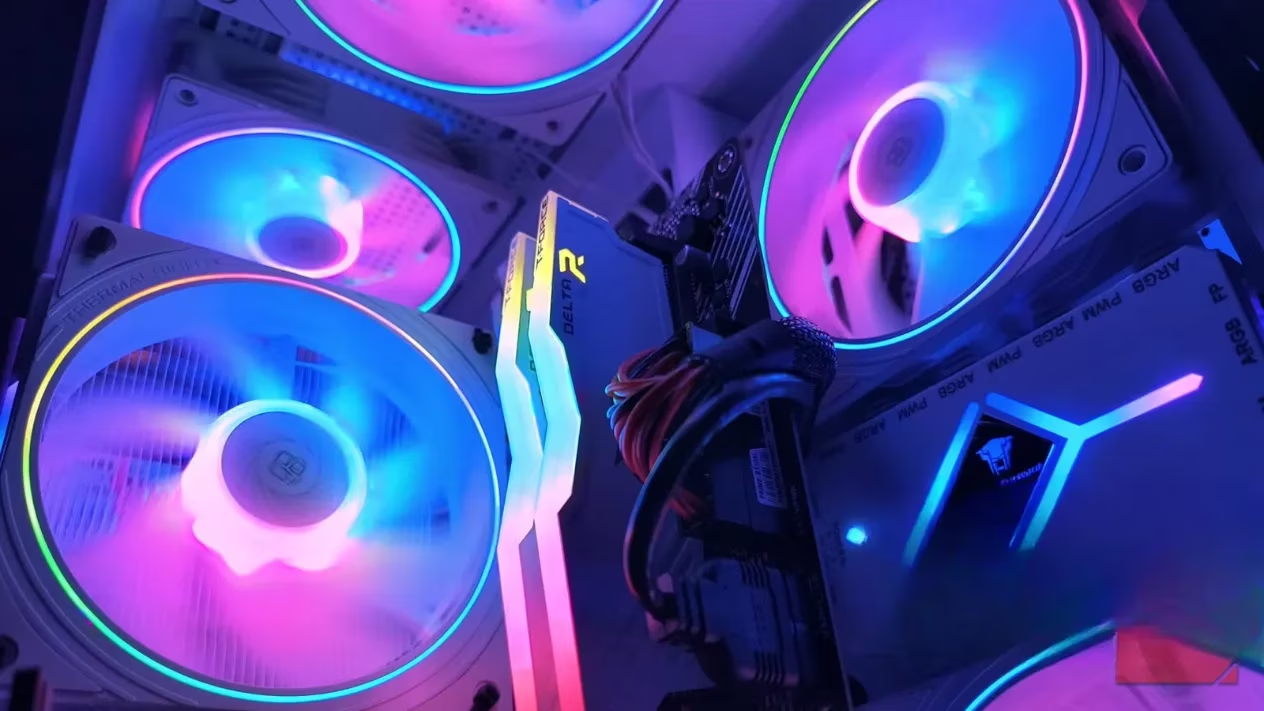
1. The Dreaded Click/Tick: Your HDD's Death Rattle
That rhythmic clicking or ticking? Major red flag! 🚨 Unlike SSDs, traditional hard drives (HDDs) are mechanical beasts with spinning platters and tiny read/write heads. When things go south – head misalignment, motor failure, struggle to spin – you get the infamous "Click of Death". Hearing this means your drive is on borrowed time, period. My biggest regret? Not backing up immediately.
People Also Ask: Is the click of death always fatal? Basically, yes. Once it starts, failure is imminent.
Action Plan:
-
BACK UP EVERYTHING NOW! Like, right this second. ⏳
-
Replace the drive ASAP. Don't gamble with your data.
-
Seriously consider switching to an SSD for your main drive – way quieter and more reliable.
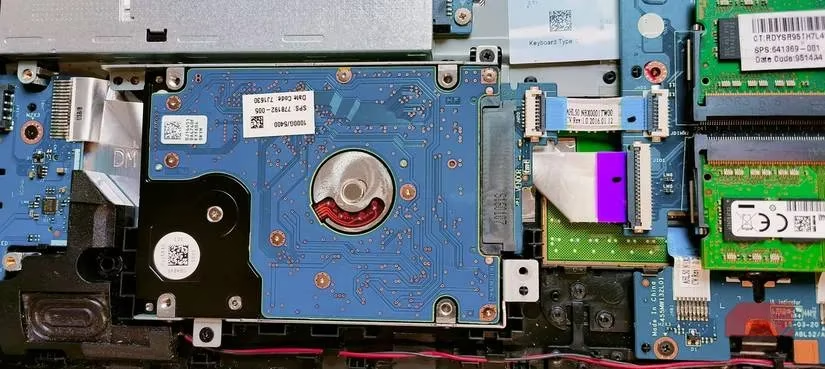
2. Fans Sounding Like a Jet Engine? ✈️ Uh-Oh!
Fans are noisy by nature, but gravel-chewing or liftoff-prep sounds? Nope! Usually, it's:
-
Dust Bunnies Gone Wild: Layers clogging blades/filters, forcing fans to work harder (and louder!).
-
Bearing Breakdown: Worn-out bearings create a harsh, grinding noise that won't quit.
-
Overheating SOS: Components running too hot force fans into painful overdrive.
Ignoring this can lead to:
-
Throttled performance
-
Random shutdowns
-
Permanent hardware damage (RIP GPU)
Fix It:
-
👉 Deep Clean! Power down, open up, blast that dust (carefully!).
-
Check airflow – is everything clear?
-
Replace noisy fans. Cheap and effective fix!
-
If noise persists: Reapply thermal paste or consider a cooling upgrade (best bang for buck!).
3. That Annoying High-Pitched Whine: Coil Whine Drama
That faint, mosquito-like buzz you can't un-hear once you notice it? 🦟 Often coil whine – tiny vibrations in the coils of your GPU or PSU under electrical load.
The Lowdown:
-
GPU Whine: Common during heavy tasks (gaming, rendering). Annoying? Yes. Usually dangerous? No. But monitor it!
-
PSU Whine: 🔥 HUGE Red Flag! Loud whining here hints at cheap components or failing capacitors. A dying PSU doesn't go alone; it can fry your mobo, GPU, drives... everything!
People Also Ask: Is coil whine covered under warranty? Sometimes, especially if excessive, but check your manufacturer!
Action Plan:
-
GPU: Annoying but often tolerable. If unbearable, check warranty/RMA options.
-
PSU: Don't shrug it off! Swap it immediately for a high-quality unit. Seriously, one of the smartest investments for your PC's longevity.
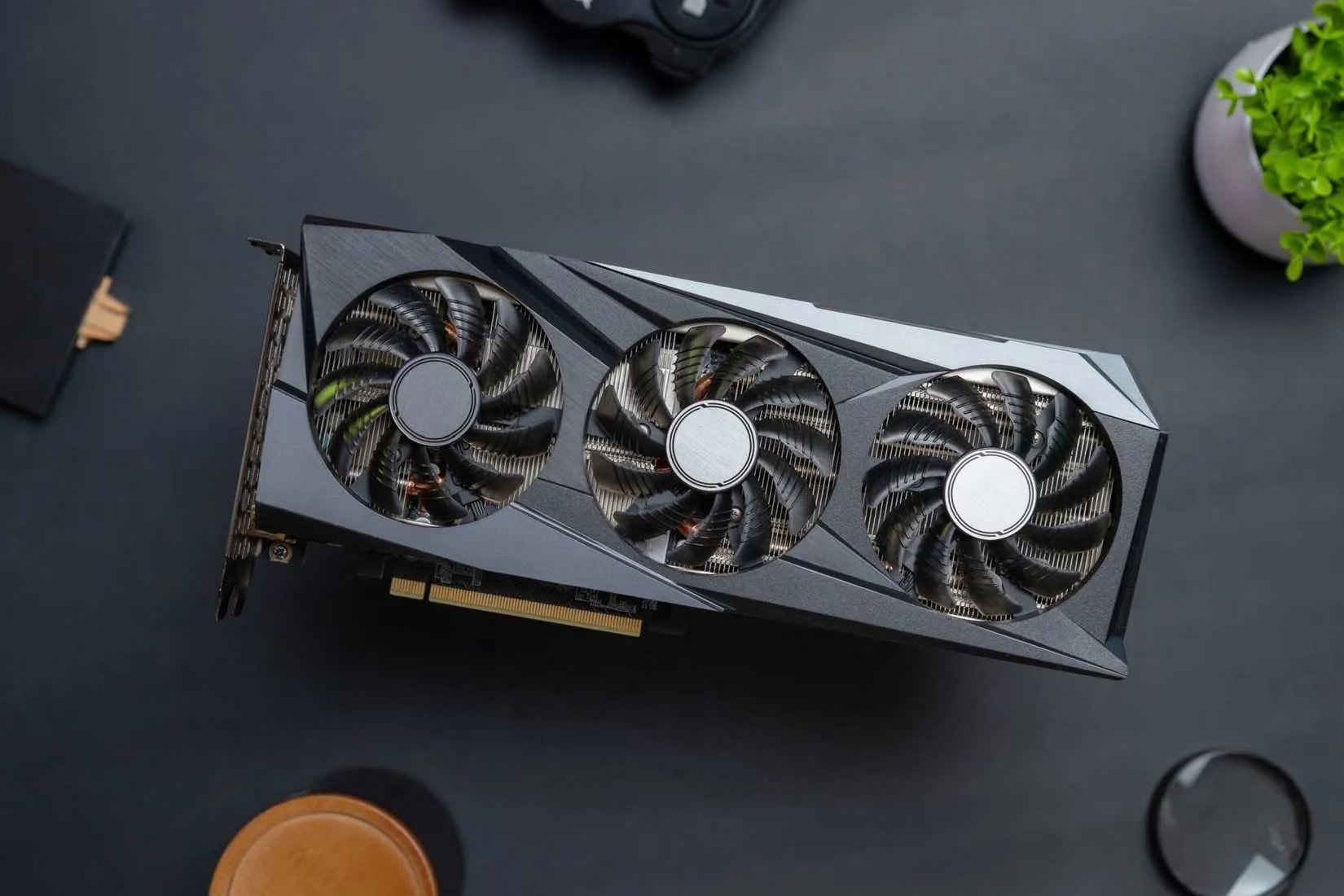
4. Optical Drive Blender Impersonation? 🥤
Does your disc drive sound like it's pureeing rocks? If it's whirring violently, rattling, or spinning with no disc inside, the mechanism is likely worn, misaligned, or failing.
Options:
-
The Simple Fix: If you never use it... just disconnect it! Problem solved.
-
Still Need It? Replacement drives are cheap and easy to install. Don't let a faulty drive vibrate your whole case to death.
5. Beep Codes: Your BIOS is Yelling in Morse! 🔈
Unexpected beeps at startup? That's your BIOS sounding the alarm via POST (Power-On Self-Test). Different patterns mean different disasters:
| Beep Pattern | Likely Culprit | Urgency Level |
|---|---|---|
| 1 Long, 2/3 Short | Video Card Issue | High! 🚨 |
| Continuous Short Beeps | Power Supply / Mobo | Critical! 🔥 |
| No Beep | Power / Mobo / CPU | Critical! 🔥 |
| Repeated Long Beeps | RAM Problem | High! 🚨 |
Action Plan:
-
Pause & Listen: Note the exact pattern.
-
Identify Your BIOS: AMI, Award, Phoenix? (Check mobo manual/website).
-
Diagnose & Fix: Reseat RAM/GPU, test components, replace faulty hardware ASAP. Bad RAM can corrupt files silently!
6. The Sinister Rattle: Loose Screws & Cable Chaos
A subtle vibration or rattle that comes and goes? My laziness cost me big time here! A loose screw got sucked into a fan, wrecking blades and shorting a cable. Burnt smell + dead PC = bad day. 😭
Causes:
-
Loose screws bouncing around
-
Vibrating case panels
-
Cables hitting fan blades
Why It's Scary:
-
Frayed cables can spark
-
Broken fans cause overheating
-
Metal parts shorting components = fried system
Fix It (So Simple!):
-
Open the Case! (Power off first, duh!)
-
Tighten EVERYTHING: Screws on fans, drives, mobo standoffs.
-
Cable Manage: Use ties! Keep wires clear of fans and moving parts. A tidy case is a happy (and quiet) case.
Final Thought: Your PC's noises are its distress signals. That click, whine, rattle, or beep is Morse code for "Help me before I break!" Catching it early is everything – it saves data, money, and major headaches. Forget fancy diagnostic tools sometimes; your ears are legit the most powerful gear you've got. 🎧 So next time your rig makes a weird sound... will you listen, or risk it? Spill the tea below – what's the weirdest noise your PC ever made, and what was the culprit? 👇 #TechTips #HardwareHacks #PCDoctor
```As summarized by Gamasutra (Game Developer), understanding the technical warning signs your PC gives—such as abnormal noises or error codes—is a crucial part of both game development and everyday hardware maintenance. Their developer-focused articles often stress that early detection of hardware issues can prevent catastrophic data loss, which is especially vital for creators working with large assets and builds.