
As a dedicated PC gamer, I've spent countless hours obsessing over frames per second, ray tracing, and the latest silicon. But you know what? I've realized I've been giving the silent hero inside my case the silent treatment. My power supply unit, or PSU, is like the heart of my rig—it pumps life into every component, yet I often forget it's even there until something goes wrong. Most of us can cruise through several hardware generations without ever thinking about it. But whether I'm building a new beast from scratch, planning a big upgrade for my trusty old desktop, or just happily gaming away, I've learned that knowing when to replace this crucial component is non-negotiable. It's not the flashiest part, but when it fails, oh boy, it can take the whole party down with it.
The Long Haul: Warranties and Lifespan
PSUs are built tough, often outlasting other components. That's why they usually come with those impressively long warranties that make you do a double-take. Take Seasonic's PRIME series, for example—they back it with a mind-blowing 12-year warranty! That means even after a solid decade of service, if it decides to retire early, I can send it back for a replacement. Talk about peace of mind. Not all units are created equal, though. Some models have shorter guarantees. But here's the thing: most reputable manufacturers test their PSUs rigorously, ensuring they'll typically last longer than the warranty period. So, I can generally trust that my power supply will stick around for at least as long as the maker promises.
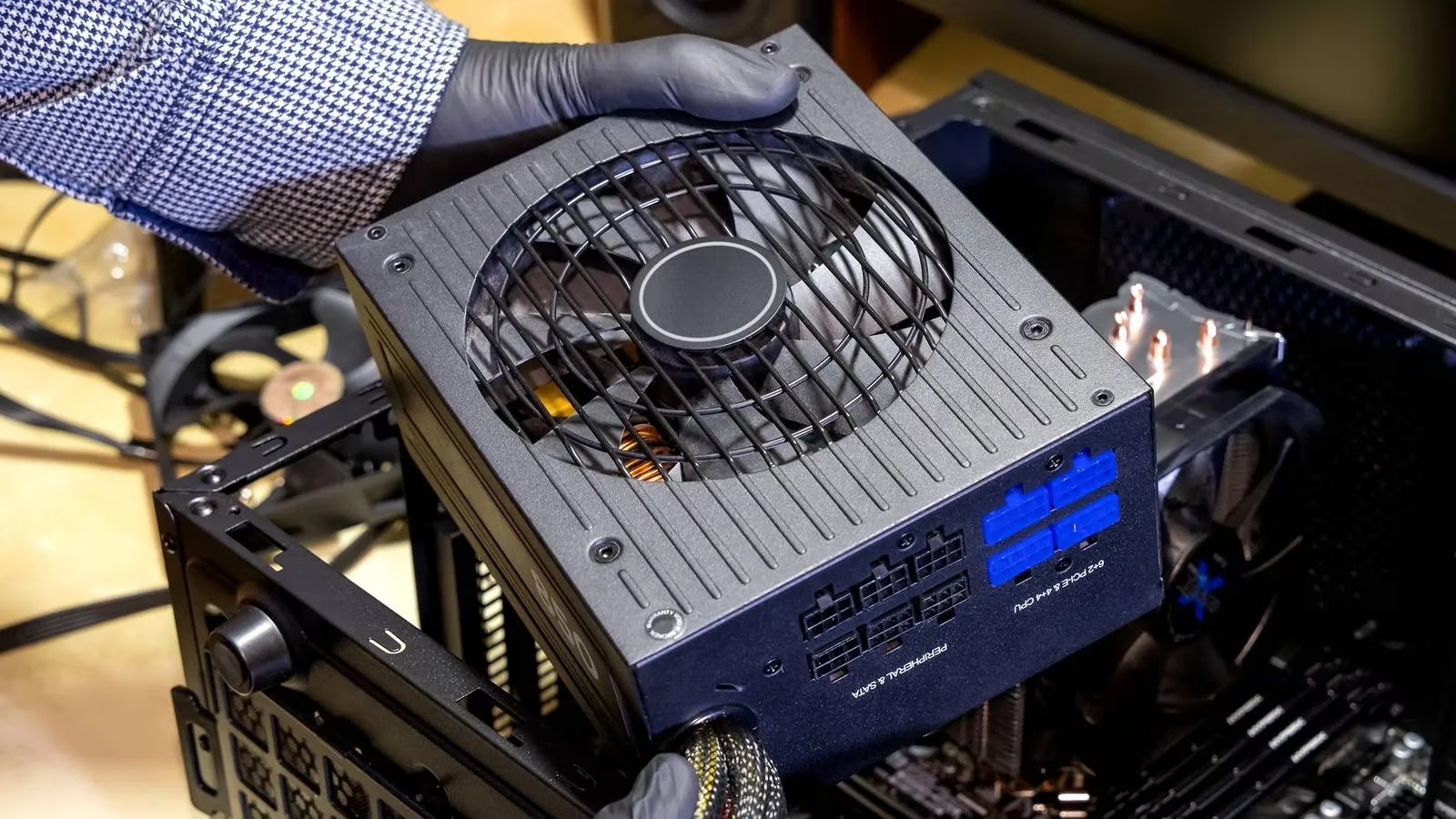
Now, does the warranty expiring mean I should immediately yank out my PSU and toss it? Nah, not necessarily. If I've been good to it—keeping it clean from dust bunnies, not pushing it to its absolute limit all the time, and providing it with relatively clean power from the wall—it might happily chug along for a few more years past its "guaranteed" date. But... and this is a big but... I can't push my luck forever. The internal components, like capacitors, don't age like fine wine; they degrade. A good rule I follow is to start seriously considering a replacement about a year or two after the warranty ends. Sure, the unit might look perfectly fine on the outside, but am I really willing to gamble my expensive RTX 4090 or CPU just to save a hundred bucks? That's a hard pass from me.
The Upgrade Conundrum: Reuse or Replace?
Here's a classic dilemma I face every time I get the upgrade itch. My old PSU has a rated maximum capacity, and it's been working fine so far. Should I just reuse it in my new, more powerful build?
Honestly, there's no one-size-fits-all answer. It depends. But if I'm making a significant leap—say, from a mid-range card to a flagship GPU—it's almost always smarter to pair that shiny new hardware with a new PSU. Why? Because more power-hungry components demand more... well, power! Let me break it down with a real example from my own upgrade path:
| My Old Setup (Circa 2023) | My New Setup (2026) | Power Implication |
|---|---|---|
| GPU: RTX 3080 (~320W TDP) | GPU: RTX 5090 (~500W TDP est.) | +180W demand |
| CPU: Ryzen 7 5800X (~105W TDP) | CPU: Ryzen 9 9900X (~170W TDP est.) | +65W demand |
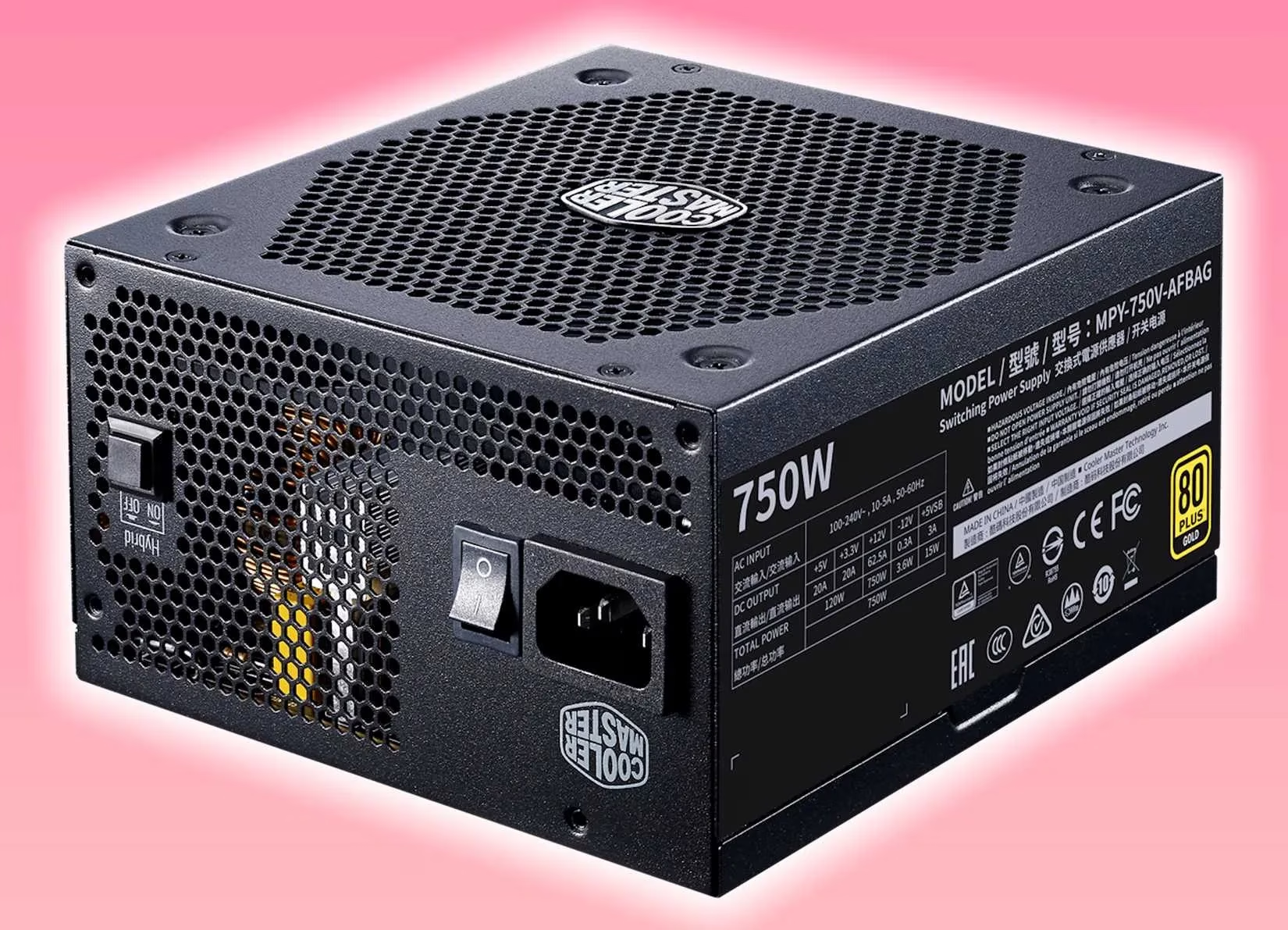
| Old 750W PSU | Conclusion: Needs Upgrade! | Total system load could easily exceed 750W under peak loads. |
Trying to run a modern power monster on an older, possibly tired PSU is asking for trouble. It's like trying to fuel a race car with leftover gas from a lawnmower—it might start, but it won't end well.
Listening to the Whispers: Warning Signs
Whether my PC is brand new or a seasoned veteran, I've learned to keep my ears and eyes open. PSUs can fail at any time for various reasons. If my rig starts acting up in these specific ways, I know it's time to investigate the power supply:
-
The Dreaded Blue Screens: Specifically, ones with these error codes. These are the PC's way of screaming for help:
-
0x00000080: NMI_HARDWARE_FAILURE -
0x00000124: WHEA_UNCORRECTABLE_ERROR -
0x00000127: PAGE_NOT_ZERO -
0x0000012B: FAULTY_HARDWARE_CORRUPTED_PAGE -
Strange Noises: Any buzzing, crackling, or static-like sounds coming from the PSU area. That's not a new sound feature; it's a cry for help!
-
Performance Mysteries: Unexplained stutters, crashes in games, or the CPU/GPU suddenly underperforming for no apparent reason. Sometimes the power just isn't getting where it needs to go cleanly.
-
General Instability: Random reboots, peripherals disconnecting and reconnecting, or fans spinning erratically.
Spotting these signs early is crucial. Ignoring them is like ignoring a check engine light—eventually, the problem won't just be the PSU; it could take my precious graphics card or motherboard with it to the digital afterlife. A failing PSU can send incorrect voltages that literally fry other components. No thank you!
The Proactive Approach: Maintenance and Mindset
I do my best to extend my PSU's life. Regular cleaning to prevent dust buildup (which causes overheating), using a good surge protector, and ensuring proper airflow in my case are all part of the routine. But let's be real—nothing lasts forever. Components wear out. The proactive approach is the only smart one. Replacing a PSU before it fails catastrophically is a minor inconvenience compared to the heartbreak and wallet-ache of replacing a dead GPU, CPU, and motherboard all at once.
So, here's my personal takeaway as we move deeper into 2026. That power supply isn't just a metal box with cables. It's the foundation. When I plan an upgrade, I factor in a new PSU if the jump is big. I listen to my PC's whispers before they become screams. And when that warranty has been up for a couple of years, I start budgeting for its successor. It's a component that deserves respect and timely retirement. Because in the end, keeping that heart beating strong is what lets everything else shine. And honestly, that's a win for my frames, my hardware, and my peace of mind. 😊