
CPU sockets are the unsung heroes of the computer world: unglamorous, slightly intimidating, and absolutely essential. The socket is the physical connection between the motherboard and the CPU, and it quietly decides whether a shiny new processor will purr like a well-fed cat or sit there like an expensive coaster. The usual car analogy applies, but with a twist: the CPU is the engine, and the socket is the engine mount. A magnificent engine is useless if it cannot bolt to the chassis. In 2026, the two names that still dominate conversations are LGA and PGA, even though the market has shifted in a fairly decisive direction.
LGA: Pins on the Motherboard, Drama on the Board
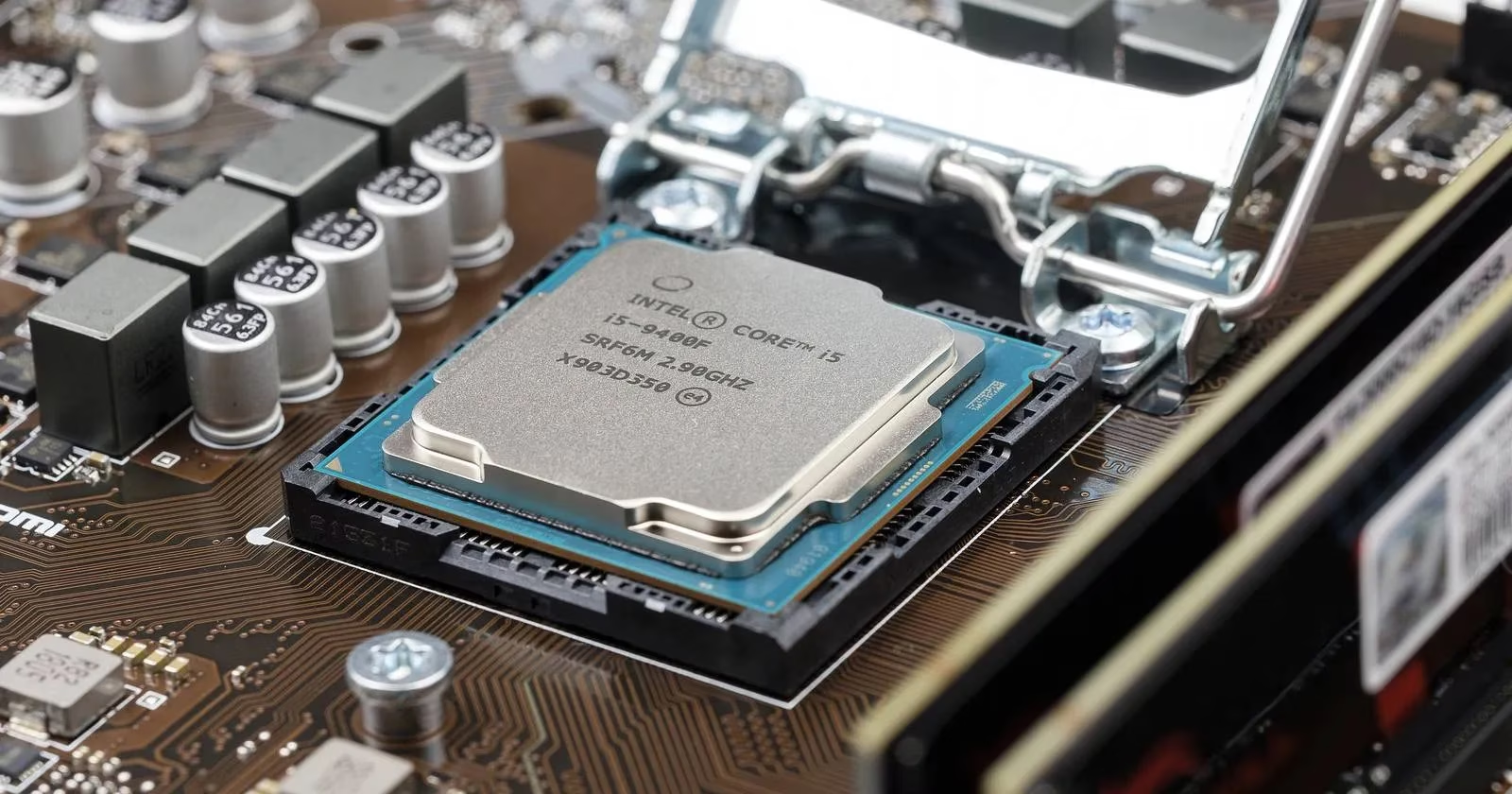
LGA stands for land grid array. In this design, the delicate pins live on the motherboard, while the CPU carries corresponding gold-plated pads called lands. The processor is seated on top of the socket, and a retention mechanism holds it in place. For most builders, this is the friendlier arrangement because the expensive processor is not a tiny forest of fragile metal needles. The motherboard is the one wearing the risk, which is a bit like discovering that the seatbelt is attached to the car rather than the passenger.
LGA sockets are commonly associated with Intel processors, but the plot thickened when AMD moved to an LGA socket with AM5 in 2022. By 2026, that shift has settled into the mainstream: new Intel desktop platforms and AMD's AM5 line both use LGA. LGA also tends to offer better electrical contact, higher pin density, and therefore higher potential data transfer rates. The catch is that a careless installation can bend motherboard pins, which is a repair bill with a particularly sharp edge.
PGA: Pins on the CPU, Nerves on the Builder
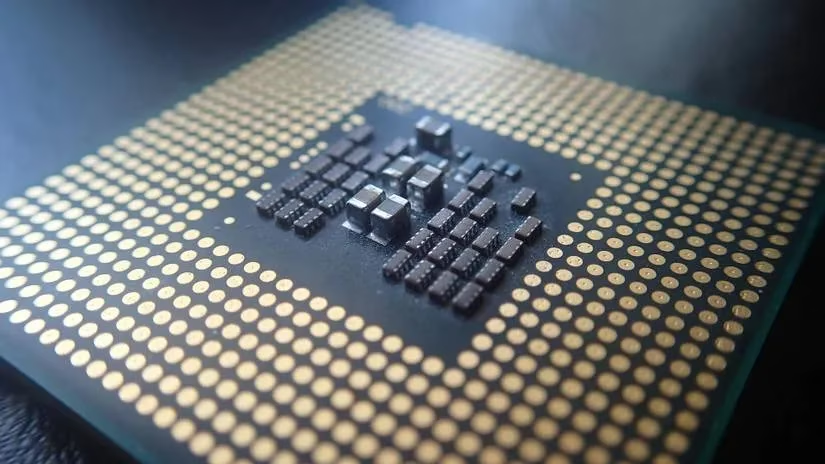
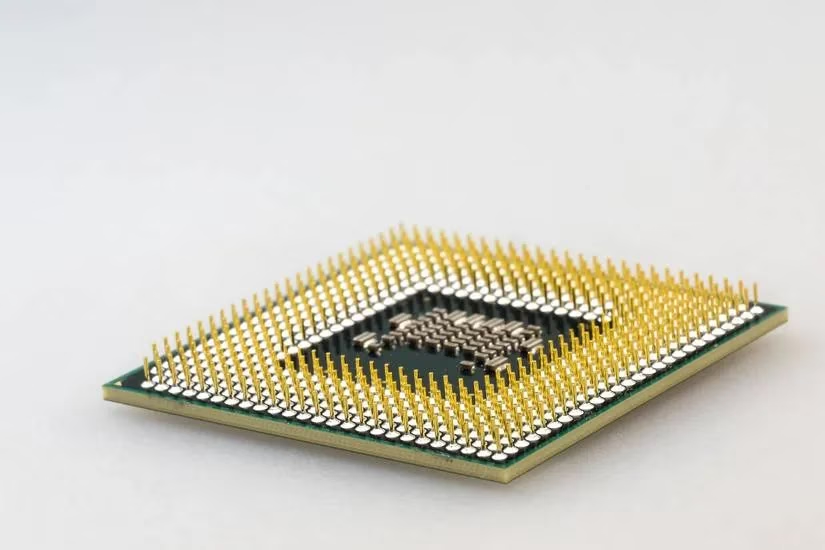
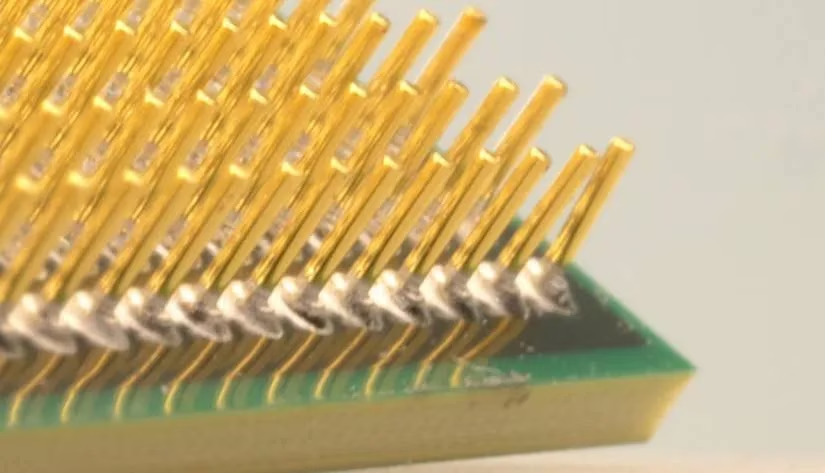
PGA stands for pin grid array. Here, the pins are on the processor, and they drop into holes in the socket. PGA was the long-running standard for most AMD desktop CPUs until AM5 arrived, and it remains familiar to anyone with an older AM4 system or a budget build assembled from carefully chosen used parts. The installation itself is simple if everything is aligned: lift the locking lever, seat the processor, lower the lever, and try not to sneeze.
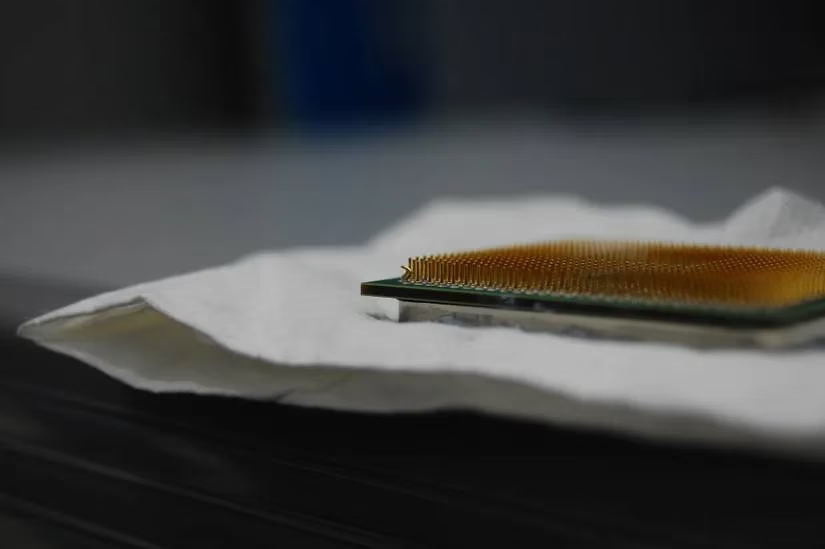
That last part is not a joke. PGA pins are small, delicate, and remarkably talented at bending in directions no engineer intended. One moment of ham-fisted enthusiasm can turn a perfectly good CPU into a tiny metal comb. Experienced builders have rescued bent-pin processors with tweezers and steady hands, but the pins can also snap, at which point the situation becomes a sad lesson in geometry. The locking lever must be open before seating the processor; forgetting that step is a classic way to audition for a repair-shop horror story.
The Comparison Table Nobody Framed
| Feature | LGA | PGA |
|---|---|---|
| Pin location | Motherboard | CPU |
| Installation risk | Bent motherboard pins | Bent CPU pins |
| Electrical contact | Generally better | Adequate for its era |
| Pin density | Higher | Lower |
| Cost trend | Usually pricier | Usually cheaper at similar specs |
| 2026 status | Mainstream for new Intel and AMD builds | Legacy and budget territory, especially older AM4 |
The 2026 Reality Check
By 2026, the socket war has a clear default winner for new mainstream desktop builds: LGA. Intel has been LGA for years, and AMD's AM5 platform is LGA too. PGA has not vanished from the earth, but it now lives mostly in older AMD AM4 systems, budget upgrades, and the second-hand market. That is not a tragedy. A patient buyer can find excellent value in a used PGA processor and motherboard combo, provided the pins are straight and the seller has not stored the CPU in a bag of loose keys.
For high-end gaming PCs, LGA is the sensible choice. It offers better contact, higher pin density, and a more reassuring installation ritual for anyone who does not enjoy performing microsurgery with tweezers. For mid-range and low-end builds, both formats can make sense if the price is right. A cheap PGA platform with a good CPU can still deliver respectable performance, and the savings may be better spent on a faster GPU or more storage.
The golden rule is compatibility. A processor and motherboard must share the same socket, and BIOS support can matter too. No adapter, wishful thinking, or aggressive persuasion will make an LGA CPU fit a PGA socket. A builder should check the socket before buying, the way a sensible person checks the tyre size before buying replacements. It is boring advice, but boredom is cheaper than a new motherboard.
The Verdict, Served With a Slightly Smug Shrug
LGA and PGA have both earned their places in computing history, and both can still produce a perfectly good computer. But the direction of travel is obvious in 2026: LGA is the mainstream default, and PGA is the budget veteran with a fragile ego and a habit of bending under pressure. A high-end build should go LGA without much soul-searching. A mid-range or low-end build can go either way if the deal is good and the pins are straight.
In the end, the CPU socket is not the part that makes a computer fast, but it is the part that decides whether the fast parts can talk to each other. Choose the wrong one, and the whole project becomes a cautionary tale told in forum threads. Choose the right one, and the socket disappears into the background where it belongs. That is probably the highest compliment a tiny grid of metal contacts can receive. 🛠️