
Small computers have a talent for identity crises. In 2026, the market is crowded with palm-sized PCs, maker boards, edge boxes, and retro-gaming cubes, and observers still sometimes squint at an Intel NUC and a single-board computer and ask whether the two are basically the same creature wearing different hats. The short answer is no. The longer answer is an entertaining tale of two tiny machines with very different ambitions.
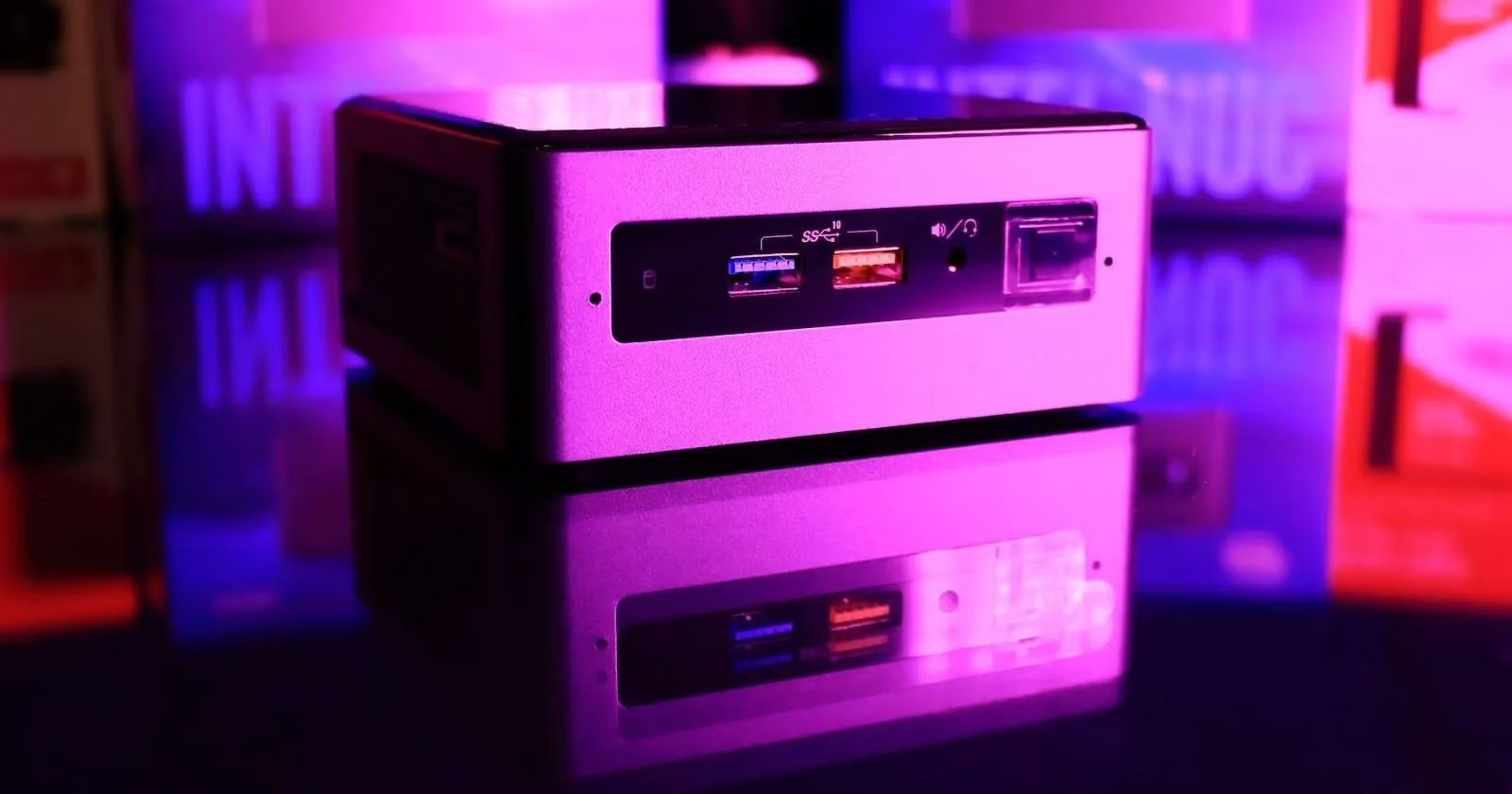
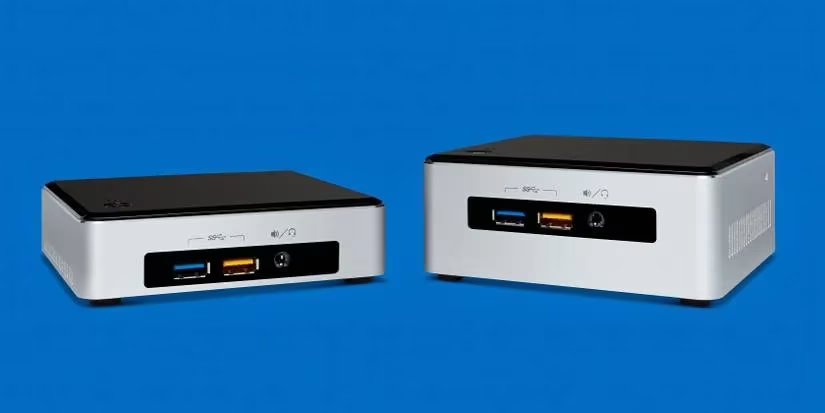
Intel’s Next Unit of Computing, mercifully shortened to NUC, arrived in early 2013 with a Sandy Bridge processor inside and a mission to shrink the desktop without turning it into a toy. Twelve generations later, millions of units have marched out of factories. The NUC family stretches from 4 x 4 mini-PCs to larger gaming boxes, though the small models are the ones that usually get compared with SBCs. A NUC is a complete little computer that can sit in one hand, yet it expects a keyboard, mouse, and monitor to join the party before it does anything useful. It is the tiny executive in a well-pressed suit: compact, modular, and a bit expensive for casual acquaintance.
At the other end of the table sits the single-board computer, or SBC. Its processor, RAM, storage, and ports live on one circuit board, and its most famous family is the Raspberry Pi. In the reference era, the Raspberry Pi 4 Model B was the headline act; by 2026, newer boards have joined the chorus, but the Pi 4 still demonstrates the species beautifully. The SBC is the Swiss Army knife with a soldering iron: cheap, compact, and eager to talk to sensors, LEDs, motors, and whatever else a project throws at it.
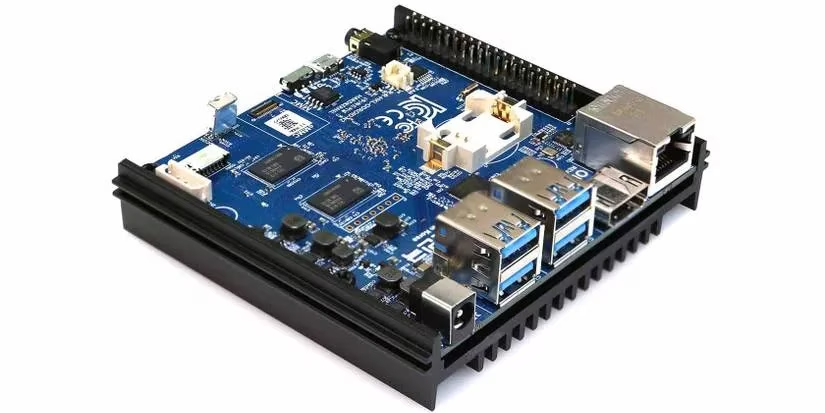
Where the two overlap, confusion is understandable. Both are portable enough to move around. Both need external peripherals. Both can serve as a desktop replacement up to a point, and certain Intel NUC models have even flirted with GPIO access. The Raspberry Pi 4 Model B has been described as a desktop replacement, although it prefers light duty and a patient user. So yes, the family resemblance is real. The family tree is just drawn with very different branches.
Price is where the NUC’s suit starts to look a little tight. NUCs and mini-PCs generally prioritize portability and a modular experience, not bargain-bin affordability. An SBC, by contrast, ranges from the very cheap Raspberry Pi Zero to the very expensive Khadas Edge2, and most models deliver a lot of bang for the buck. A buyer who mainly cares about price will find the SBC grinning back with a friendly receipt.
Power consumption tells a similar story. NUCs are efficient compared with full desktops and laptops, but ARM-based SBCs are in another league. The Raspberry Pi 4 Model B typically uses about five times less power under full load than a standard Intel NUC. That does not make the NUC a power-hungry monster; it makes the SBC a hummingbird with a circuit board.
Expandability is closer to a draw. Both species offer USB ports, Ethernet, HDMI, and DisplayPort over USB depending on the model. Both can have expansion slots for specialized hardware. The SBC’s secret handshake, however, is the General-Purpose Input/Output header. A row of 26 or 40 pins turns the board into a bridge between code and the physical world. The NUC can wave at that world, but the SBC can wire itself into it.
Customization is the NUC’s revenge. Many NUCs let the owner add RAM and storage, so the machine can grow with a project. SBCs usually solder RAM to the board and ask the owner to live with a fixed amount. The NUC is the LEGO set with upgrade slots; the SBC is the sealed gadget that dares anyone to need more memory. Hold your horses, though: that fixed memory is often part of what keeps the SBC small, cheap, and predictable.
Performance follows the same split. NUCs generally offer more processing muscle and better graphics, which makes them suited to gaming, transcoding, hosting, video editing, and other processor-heavy work. SBCs are the all-rounders of physical computing: cheap, compact, and powerful enough for most electronics projects. Beginners also get a mountain of tutorials, which is a powerful feature all by itself.
| Question | Intel NUC | Single-board computer |
|---|---|---|
| Main mission | Portable desktop replacement | Embedded control and physical computing |
| Price mood | Premium | Budget to specialist |
| Power appetite | Efficient, but no hummingbird | Very low |
| RAM and storage | Often upgradeable | Usually fixed |
| GPIO | Rare or model-specific | Standard on many boards |
| Best for | Gaming, hosting, transcoding, video | Sensors, robots, home automation, LEDs |
By 2026, the answer has not changed much. A buyer who wants a portable, modular desktop replacement should look at a NUC or a comparable mini-PC. A buyer who wants to blink an LED, move a motor, read a sensor, or build a robot should look at an SBC. The NUC is the tiny desktop with a briefcase; the SBC is the circuit board with a toolbox. They can sometimes swap jobs, but neither is a clone of the other. The smart move is to pick the creature that matches the project, the budget, and the amount of soldering the buyer is willing to tolerate.