
Maya had done her homework. In 2026, she chose an Intel Arc A770 for her new gaming rig because the card promised strong ray tracing, XeSS upscaling, and hardware AV1 encoding at a price that made NVIDIA's RTX 3060 look nervous. The first few weeks were great: modern DirectX 12 titles ran smoothly, and her streams looked sharp. Then she launched an old favorite, a DirectX 9 game, and the frame rate fell off a cliff. No kidding. The same GPU that laughed at modern workloads suddenly felt like it was jogging through mud.
That moment is not unusual. It is the heart of the Intel Arc and DirectX 9 story.

DirectX is the middleman between Windows games and hardware. Consoles have fixed specs; Windows PCs do not. Microsoft built DirectX so apps can talk to GPUs without unsafe low-level access. Intel Arc A770 and A750 natively support DirectX 12 and DirectX 11, and they also support DirectX 10. But DirectX 9? That old API, born in 2002 for Windows 98, ME, and XP, is handled through a mapping layer. Intel's own product support notes say Intel Graphics supports DX9 through translation, not native hardware.
Here's the thing: DX9 is the stubborn grandfather of gaming APIs. It refuses to retire. Popular titles such as League of Legends, Guild Wars 2, Payday 2, StarCraft II, and Stellaris have long relied on it. Indie developers still choose DX9 because it is stable, familiar, and cheaper than DX10 or DX12. For small teams, that matters. A lower budget can be the difference between shipping a game and cancelling it.
| API | Intel Arc support |
|---|---|
| DirectX 12 | Native |
| DirectX 11 | Native |
| DirectX 10 | Native |
| DirectX 9 | Via D3D9on12 mapping layer |
Intel knew this when it designed Arc. To compete with NVIDIA and AMD, Intel focused silicon on modern APIs and aggressive pricing. That was a smart business move, but it left DX9 in the cold. Since Arc GPUs do not speak DX9 natively, they need extra work to run those games. The result: cards with equal or lesser hardware, like the NVIDIA GeForce RTX 3050 or AMD Radeon RX 6500 XT, can sometimes beat the A770 in DX9 titles. Even when the A770 wins in DX11 and DX12 games. For competitive players, that matters. Lower FPS in a fast shooter is not just a number; it is a lost duel.
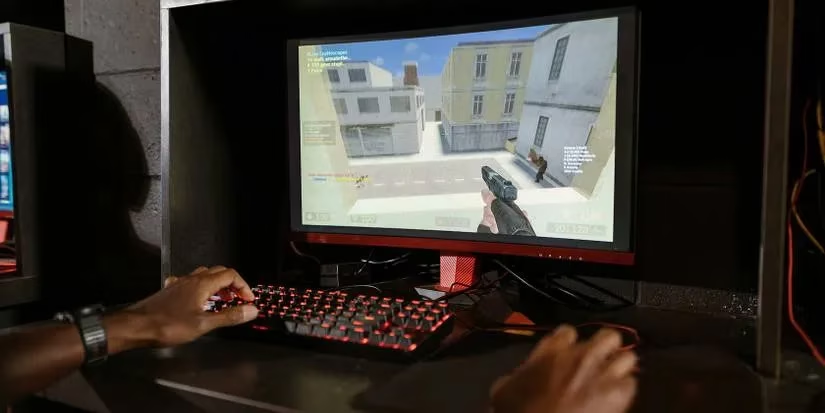
So how does Intel Arc run DX9 at all? Microsoft and Intel worked together on an open-source mapping layer called D3D9on12. Think of it as a translator. DX9 gives an order in an old dialect. D3D9on12 rewrites that order into DX12, which Arc understands. The GPU gets the message, but the message takes a detour. That detour adds latency. Performance drops. The translation layer is clever, but it is still a middleman.
Here is the good news: Intel did not ignore the problem. A December 2022 driver update made DX9 performance up to two times better, according to Intel. Ryan Shrout, then Senior Director for Gaming, Graphics, and HPC Marketing at Intel, said the update made the D3D9on12 translation much faster. By 2026, Arc drivers have matured further. Many DX9 games now run far better than they did at launch. But the fundamental truth remains: translation is not the same as native support.

For Maya, the fix was simple but not magical. She updated to the latest Intel Arc driver. She checked in-game settings. She accepted that some DX9 titles would never feel as smooth as they would on a native DX9 card. Then she went back to her DX12 games and enjoyed the Arc's strengths: ray tracing, XeSS, and AV1 encoding. The card was still a good buy, just not a universal time machine for every old game.
Long story short, Intel Arc supports DirectX. It is natively compatible with DX12 and DX11, and it supports DX9 through the D3D9on12 mapping layer. That means DX9 games can run, but they may take a performance hit. As Intel continues to refine its drivers, the gap keeps shrinking. The Arc story is not finished. It is a young platform learning to speak an old language, and every driver update is another lesson.
That is the trade-off. And for now, it is a trade-off every Arc owner should understand. 🎮