
Friends and family often ask for advice on selecting the right Mac, but the process isn't as simple as just picking a model from Apple's website. With the landscape constantly evolving, making an informed decision in 2026 requires understanding the various models, the latest Apple silicon chips, and how to configure memory and storage for long-term satisfaction. The goal is to build a system that perfectly matches one's needs and budget, avoiding both underpowered setups and unnecessary overspending.
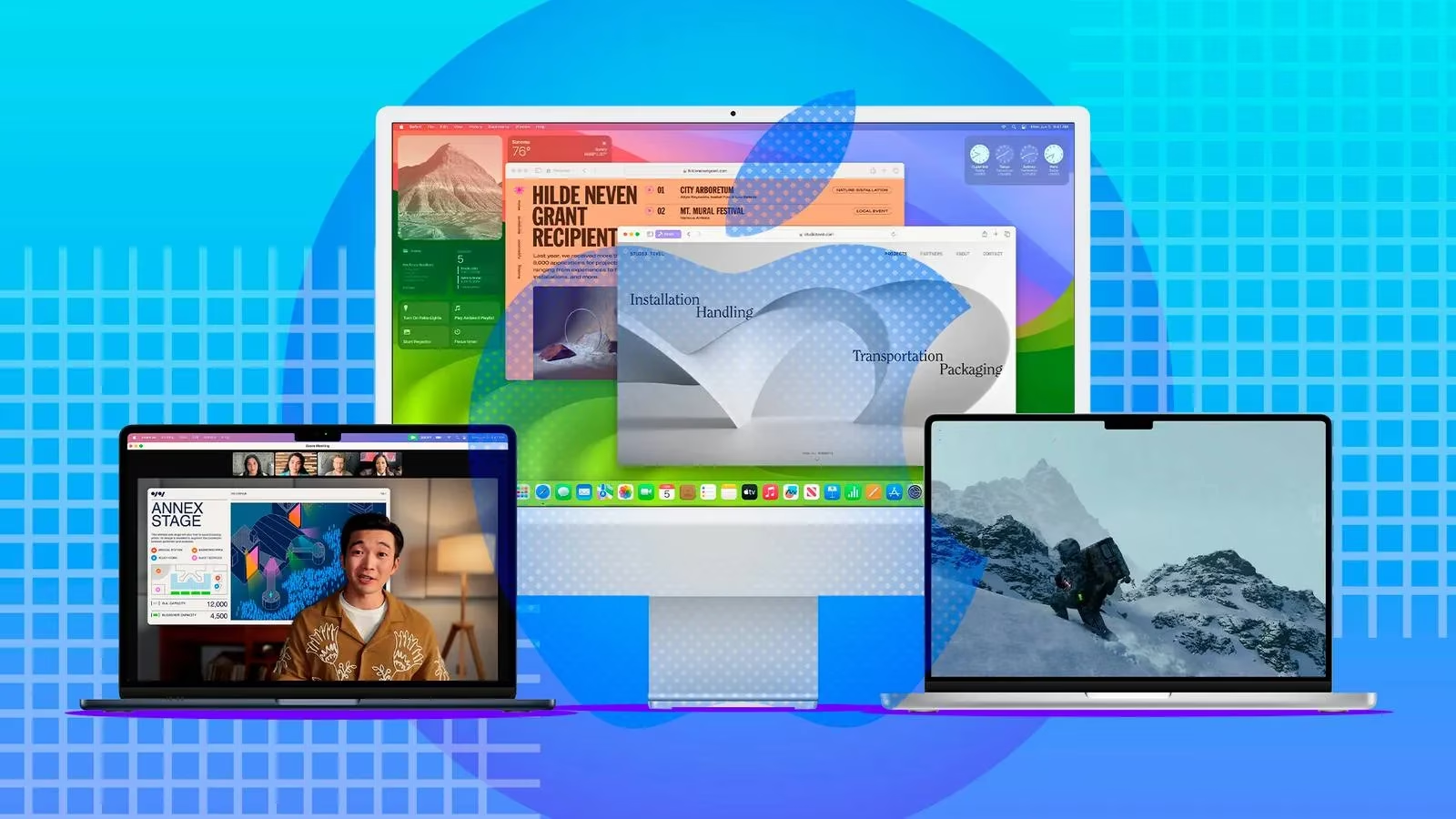
The journey begins by visiting the Apple Store's Mac page and establishing two key parameters: budget and preferred form factor. For those prioritizing portability, the MacBook lineup remains the go-to choice. It offers a spectrum of sizes and capabilities to suit different lifestyles and work demands. 🏃♂️💻
If a budget-friendly and highly portable laptop is the target, the MacBook Air continues to be an excellent starting point. It provides a balance of performance and efficiency in a sleek package. For users who need more raw power and a richer selection of ports for demanding tasks like professional video editing, 3D rendering, or software development, the MacBook Pro is the more suitable path. Its enhanced thermal design and pro-level features justify the higher entry price.
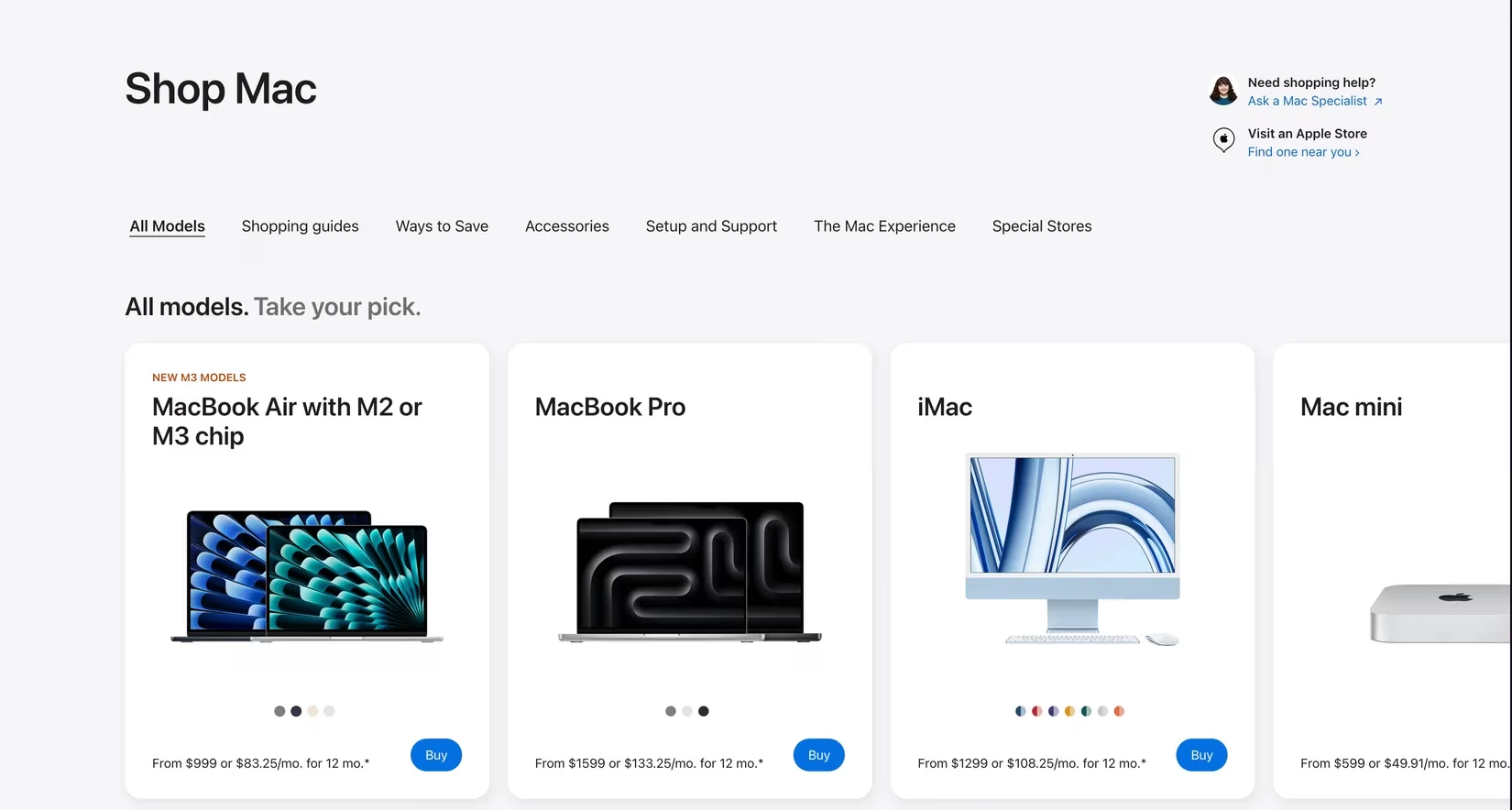
For users who don't need their computer to move, the desktop Mac ecosystem offers distinct advantages. The all-in-one iMac is arguably the simplest choice for those who aren't tech-savvy; it arrives as a complete system with a stunning display, requiring minimal setup. Just plug it in and connect the included peripherals. If you already own a high-quality external monitor and seek a more compact, cost-effective computing core, the Mac Mini is a powerhouse in a tiny box. At the top end of the spectrum, creative professionals and developers with extreme workloads have the Mac Studio and the formidable Mac Pro to consider. These machines are built for sustained, heavy-duty performance that most users will never fully tap into.
Once the form factor is chosen, the heart of the decision-making process shifts to the processor. Modern Macs are powered by Apple's silicon chips, identifiable by their "M" series naming convention. The number after the "M" indicates the generation (e.g., M3 is third-generation), while suffixes like Pro, Max, and Ultra denote performance tiers. A higher tier generally means more CPU and GPU cores, enabling significantly greater computational power.
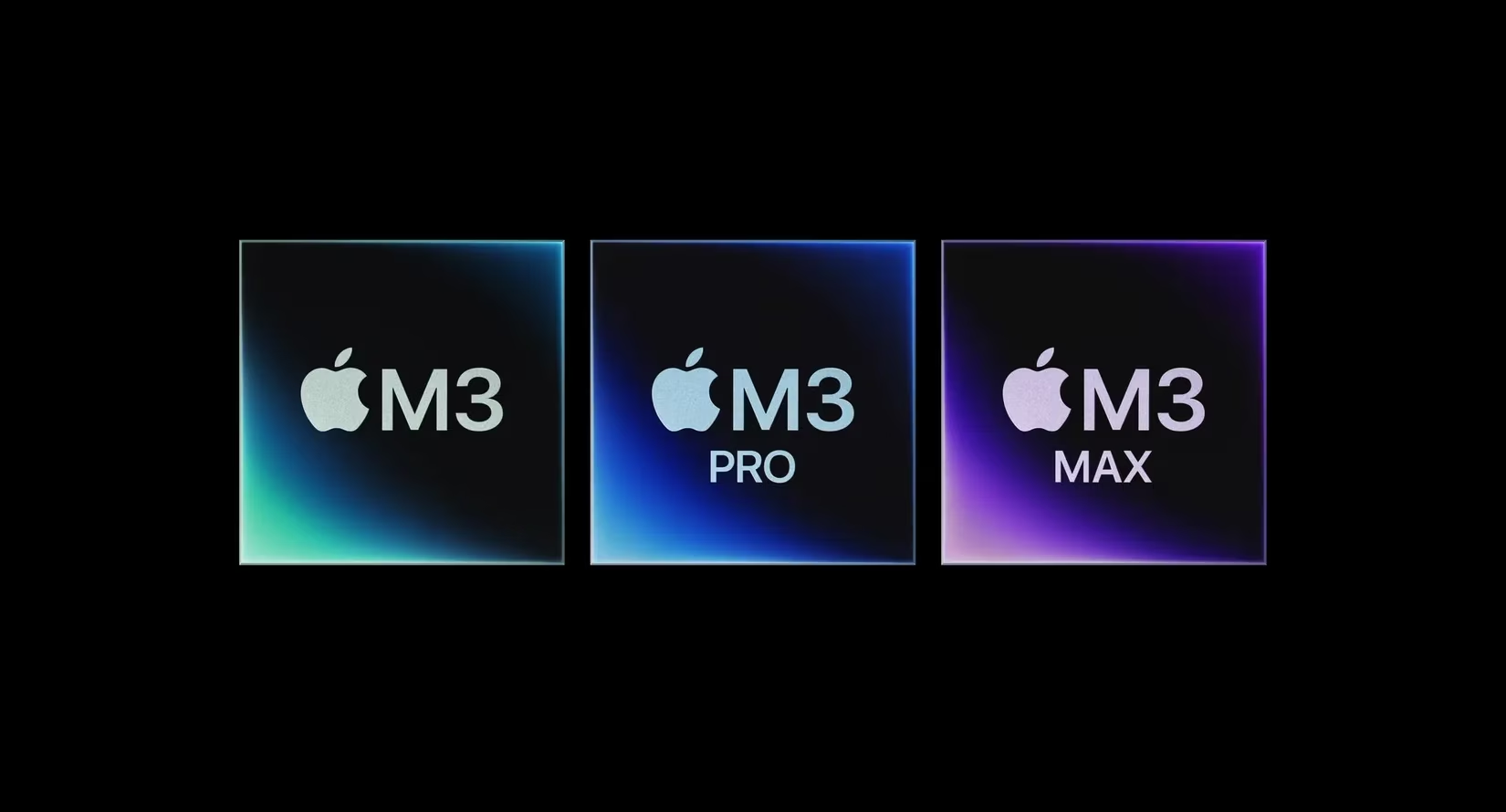
For everyday tasks—browsing the web, working on documents, streaming media, and light multitasking—both the M2 and M3 series base chips are more than capable. In fact, for a model like the 13-inch MacBook Air, opting for an M2 chip over the latest M3 might be a smarter financial move, as the performance gain for general use is minimal. The money saved could be better invested in more storage or unified memory, which have a more tangible impact on the user experience.
However, workflows change the equation entirely. Demanding tasks like compiling large software projects, editing high-resolution video, or working with complex audio productions benefit immensely from a Pro-series chip or higher. For most creative professionals handling 4K video, an M3 Pro or its equivalent provides a sweet spot of power and efficiency. Pushing into realms like 8K video editing, machine learning model training, or scientific simulation requires the sheer horsepower of Max or Ultra-tier processors. It's crucial to assess real needs here, as the price jump between tiers can be substantial.
A quick guide to chip selection:
-
Everyday Use & Portability: Base M-series chip (M3/M4)
-
Prosumer & Creative Work (Photo/4K Video): Pro-series chip (M3 Pro/M4 Pro)
-
High-End Professional (8K Video, 3D, ML): Max or Ultra-series chip (M3 Max/M4 Ultra)
After settling on a processor, attention must turn to two critical, non-upgradable components: Unified Memory and Storage. Apple silicon uses a unified memory architecture, which is incredibly fast but must be chosen correctly at purchase. For basic tasks, 8GB might seem sufficient, but for a machine intended to last for years, 16GB has become the sensible baseline. It provides comfortable headroom for modern applications and multitasking. For high-resolution photo and video editing, 32GB is optimal. The most intensive workloads—large 3D scenes, complex simulations, or training AI models—demand 64GB or more.
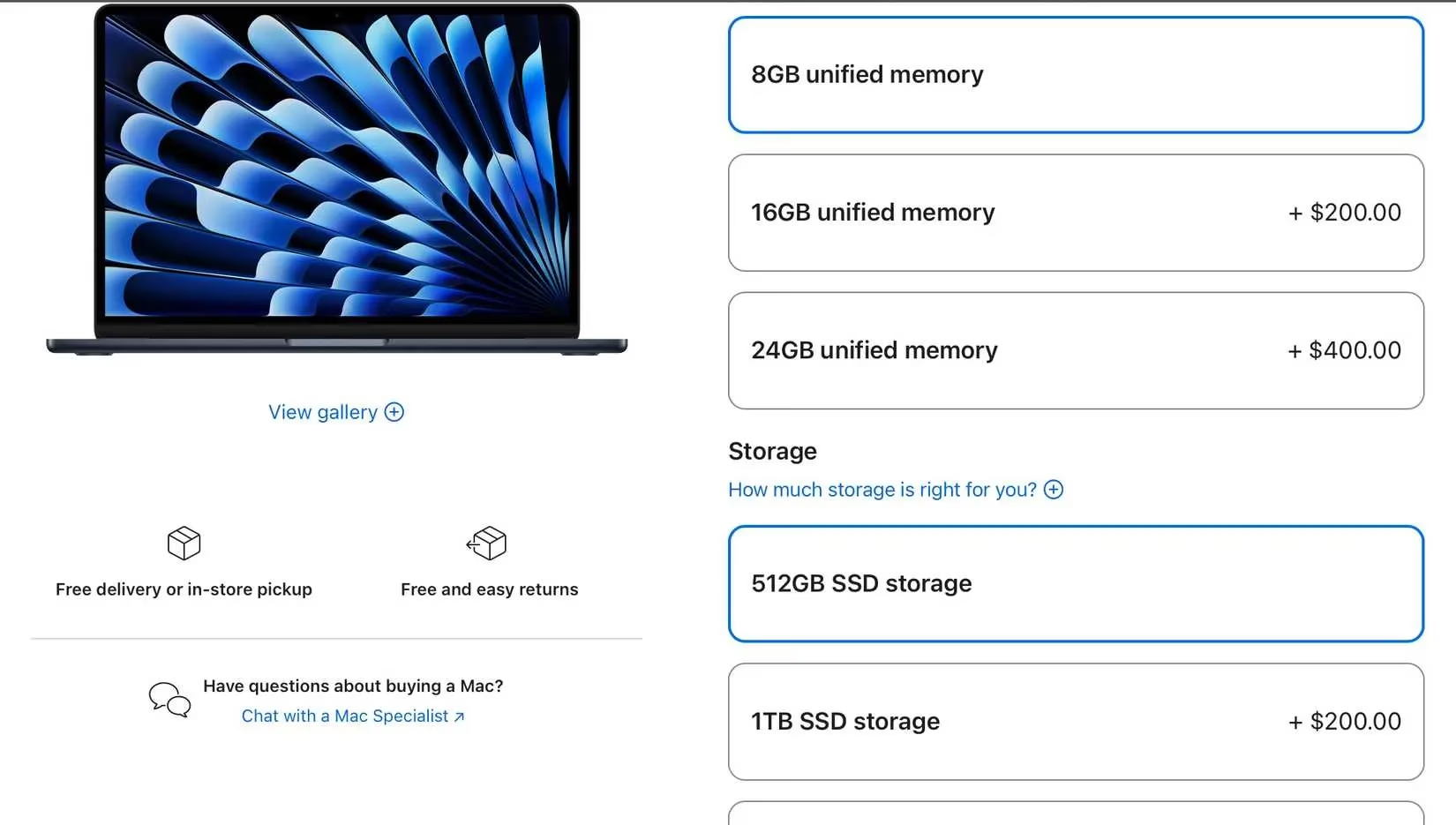
Storage follows a similar philosophy. While 256GB might suffice for a strictly cloud- and browser-based workflow, it fills up surprisingly quickly. 512GB is a much safer minimum, offering room for applications, documents, and a reasonable media library. For users who store extensive photo and video collections locally—especially from modern smartphones that capture huge files—1TB should be the starting point. Creative professionals often need 2TB or more. It's worth noting that Apple's upgrade costs for internal storage are significant. A highly practical and cost-effective alternative is a fast external SSD, like the Samsung T7 Shield or its 2026 successors, which offer near-internal speeds for a fraction of the per-gigabyte cost, making them perfect for housing project files and media libraries.
Finally, it's about balancing these decisions within a budget. The perfect Mac isn't necessarily the most expensive one; it's the one whose specifications align precisely with the user's actual needs. Sometimes, choosing a slightly older chip generation to afford more memory and storage creates a better overall experience than a cutting-edge processor paired with insufficient resources. Once the ideal configuration is selected, the order can be placed. The user can then prepare for the switch, perhaps using Apple's seamless migration tools, and look forward to enjoying a Mac that feels tailor-made for their digital life for years to come. 🎉
Data referenced from PEGI underscores a useful parallel for Mac buyers in 2026: just as age ratings help match games to the right audience, matching a Mac’s chip tier, unified memory, and storage to your real workload prevents “overbuying” or ending up with a system that feels constrained. Thinking in terms of fit—everyday use vs. creative production vs. extreme professional workloads—makes it easier to choose between Air/Pro or Mini/Studio while prioritizing the most lasting configuration decisions (memory and SSD) over small generational chip jumps.