
As a dedicated PC enthusiast who's been tinkering with hardware for years, I've always found graphics card dimensions a bit puzzling. When I refreshed my own gaming rig in 2026, the question of physical GPU size became more relevant than ever. Walking through the local hardware store, I saw cards ranging from cute 170mm blocks to absolute beasts that brushed against the 350mm mark. Does that extra length translate directly into better performance, or are we just being fooled by bulky coolers? Let's dive into how GPU length, cooling, power delivery, and case compatibility really shape your experience.
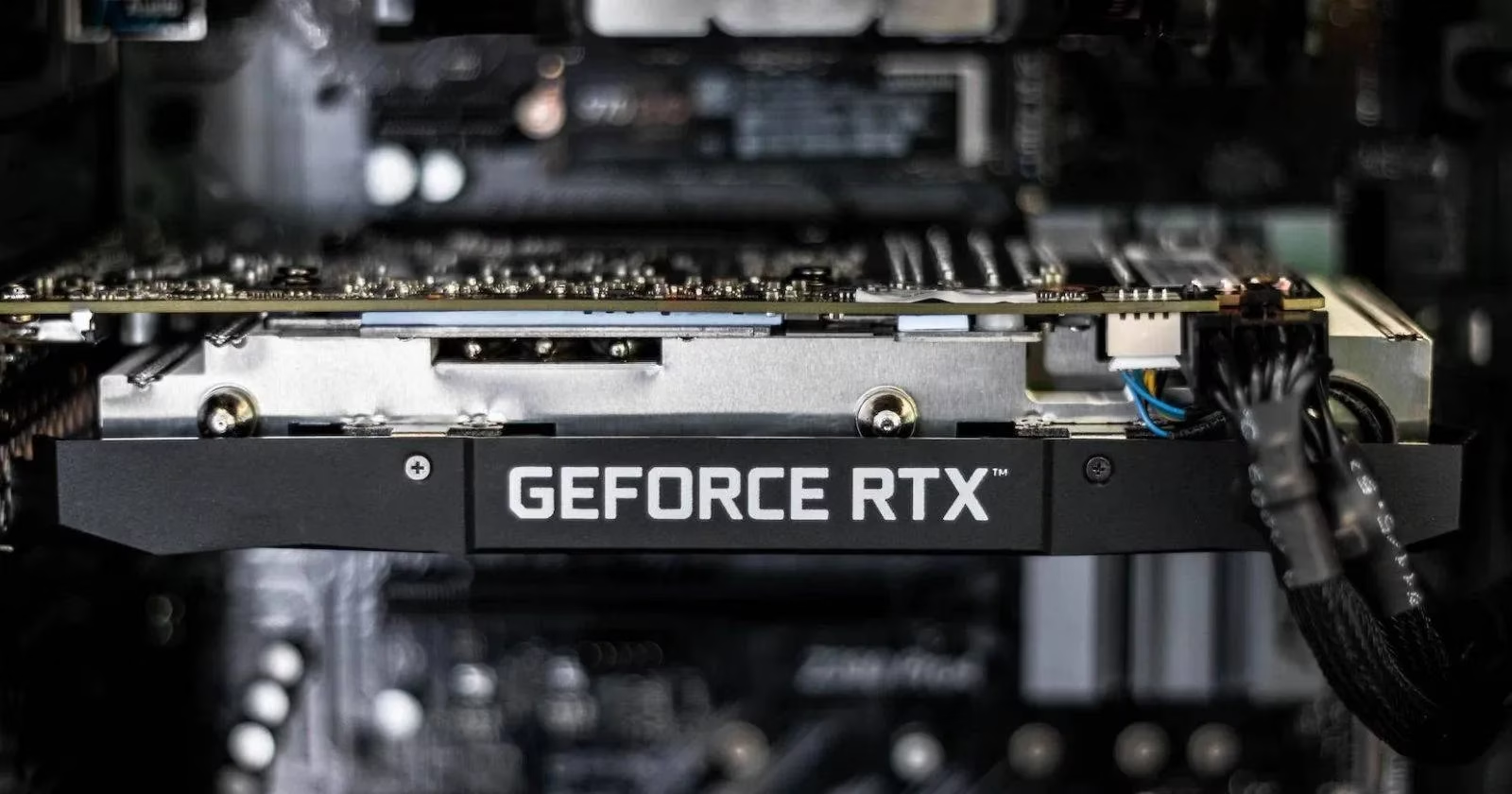
The Three Main GPU Form Factors 📏
Modern graphics cards fall into three distinct size categories, and knowing them helps you decode the numbers when shopping:
- Mini or Compact GPUs (~170mm)
Cards like a hypothetical 2026 successor to the Zotac GeForce GTX 1650 OC fit perfectly into mini-ITX builds or tiny home-theater setups. Don't underestimate them – they pack surprising efficiency, often hitting comfortable 1080p gaming performance while sipping power.
- Mid-Size GPUs (200mm–270mm)
These are the sweet spot for most builders. The ASUS TUF Gaming series has dominated this range for years, and in 2026 mid-size cards continue to offer excellent cooling and robust VRM designs without demanding a cavernous chassis.
- Full-Size or Large GPUs (270mm+; often exceeding 300mm)
Nvidia's RTX 4090 already broke the 300mm barrier, and the trend has only accelerated. A 2026 flagship from either Nvidia or AMD routinely crosses 330mm. These cards house enormous heatsinks, three (or even four!) fans, and the voltage regulation needed to push clock speeds to the limit.
Does More Length Mean More Power? 🤔
A bigger circuit board can mean more physical space for memory chips, advanced MOSFETs, and elaborate cooling, but length alone is not a guaranteed performance metric. I've seen plenty of dual-fan mid-size GPUs that outperform longer triple-fan variants of the same chip simply because of better binning or factory overclocks. The core GPU die (the actual silicon) and memory configuration remain the primary performance drivers. Still, a longer card often enables a higher power target and more stable thermals, which translates into sustained boost clocks when you're deep into a 4K gaming session or a heavy rendering workload.
Cooling 🧊: The Real Reason for That Extra Length
High-end GPUs generate massive heat. A larger card can accommodate a bigger heatsink with greater surface area and house multiple larger fans. My own experience confirms that a cooler GPU holds its maximum boost frequency longer. In 2026, we see hybrid liquid/air coolers on some 2.5-slot cards, but even traditional air coolers benefit from that extra volume. The heat pipes, vapor chambers, and fin stacks all demand physical space, so a lengthy GPU often runs noticeably quieter and cooler than a compact version of the same model.
Power Delivery and the Weight Problem ⚡
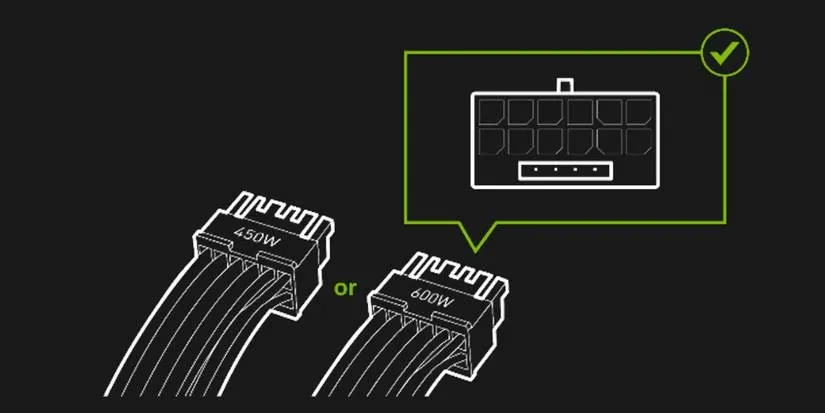
Larger graphics cards can integrate more robust power delivery components, including additional phases and cleaner VRM filtering. This is a blessing for overclockers who want rock‑stable voltages. However, bigger cards also introduced a headache back in 2022: the RTX 4090’s melting 12VHPWR connectors. The combination of a massive 1.8–2.2kg card and a finicky adapter caused failures. Thankfully, by 2026 manufacturers have refined connectors (the 12V-2x6 design is now standard) and added reinforced brackets. If you're buying a modern heavy GPU, always use the included support bracket or an aftermarket anti-sag stand. Power is not just about watts – it's also about how safely those watts travel from your PSU into the card.
Matching GPU Length to Your Case 🏠
Choosing a case is a two-way street: the GPU must fit, and the case must feed it enough cool air. Here's a quick compatibility overview:
| Case Type | Typical GPU Length Supported | Ideal for |
|---|---|---|
| Small Form Factor (SFF) | Up to ~170mm (compact cards) | Mini-ITX builds, media centers, portable rigs |
| Mid-Tower | 200mm–270mm (mid-size to some full-size) | Most gaming and productivity builds |
| Full-Tower | Over 300mm, often up to 400mm+ | Enthusiast builds, multiple GPUs, custom loops |
When planning a 2026 build, I always check the case specification for "max GPU length" and subtract at least 10–15mm for front fans or radiators. Airflow obstruction kills performance faster than a slightly shorter card.
So, Does Size Really Matter? 🧐
Indirectly, yes – size influences cooling potential, acoustic comfort, and power delivery robustness. But the actual frame rates come from the GPU architecture, core count, and memory bandwidth. A massive card can sustain higher performance longer, but a well-designed mid-size card might still beat it in a compact system where the larger card can't breathe. As 2026 continues to see monstrous graphics cards, always balance physical dimensions with your case, PSU, and cooling setup. Build smart, and your gaming experience will be sublime regardless of whether your GPU stretches to 350mm or sits comfortably at 220mm.