
Hey everyone! Is your PC starting to feel a bit sluggish in 2026? You're not alone. Building or upgrading a PC can seriously drain your wallet, right? But what if I told you that you don't need to spend a fortune to get a noticeable performance boost? Let's dive into the most cost-effective upgrades that will give you the biggest bang for your buck. Trust me, some of these are way cheaper than you think!
1. Memory: Speed Over Size (Most of the Time)
Let's talk RAM. It's the lifeblood of your system's multitasking ability. But here's the thing—do you really need 64GB of slow RAM? Probably not. In 2026, the sweet spot is all about speed over sheer capacity. For example, 16GB of DDR5 running at a blazing 6000 MT/s will often feel snappier in games and daily tasks than 32GB of slower 3200 MT/s memory. Why? Because most applications and games aren't optimized to use massive amounts of RAM; they benefit more from faster data access.
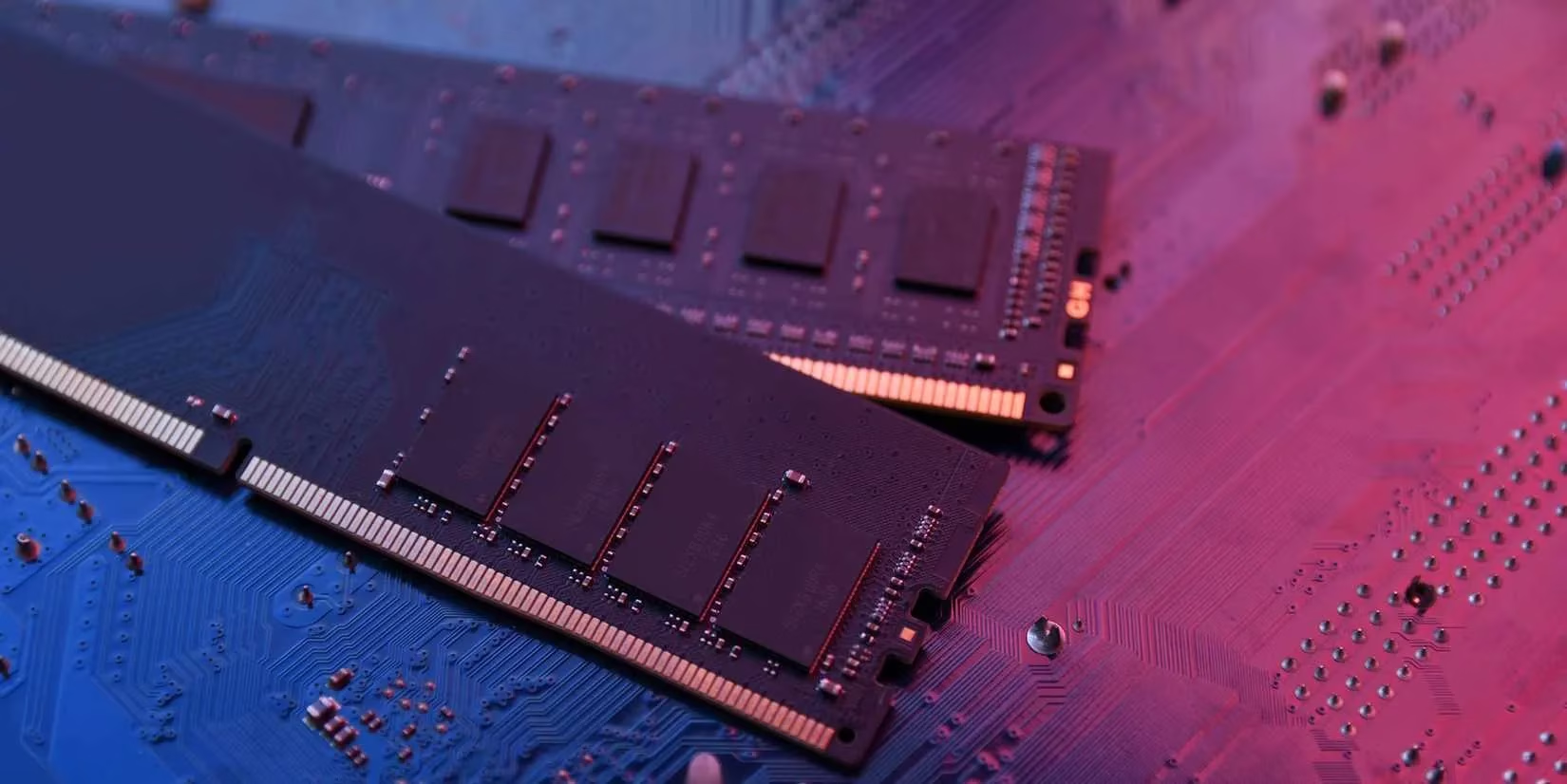
Think about it: are you constantly running professional video editing software or massive scientific simulations? If not, faster RAM is your friend. The best part? Prices have dropped like crazy. You can snag a solid 32GB DDR5-6000 kit for well under $150, sometimes even hitting $100 during sales! Pro Tip: Skip the fancy RGB lights on your RAM sticks. They look cool but add zero performance and just increase the price. Save that cash for something that actually makes a difference!
2. Storage: Ditch the HDD, Embrace the SSD (It's 2026!)
Remember waiting minutes for your computer to boot? Yeah, me neither, thanks to SSDs. This is arguably the single most impactful upgrade for any older system. Hard Disk Drives (HDDs) are basically fossils for mass storage now, while Solid State Drives (SSDs) are the standard for speed.
Upgrading to an SSD, or moving from a SATA SSD to a faster NVMe M.2 drive, transforms your PC experience. We're talking:
-
Instant system boots (like, under 10 seconds)
-
Near-instant application launches
-
Massively faster game loading times
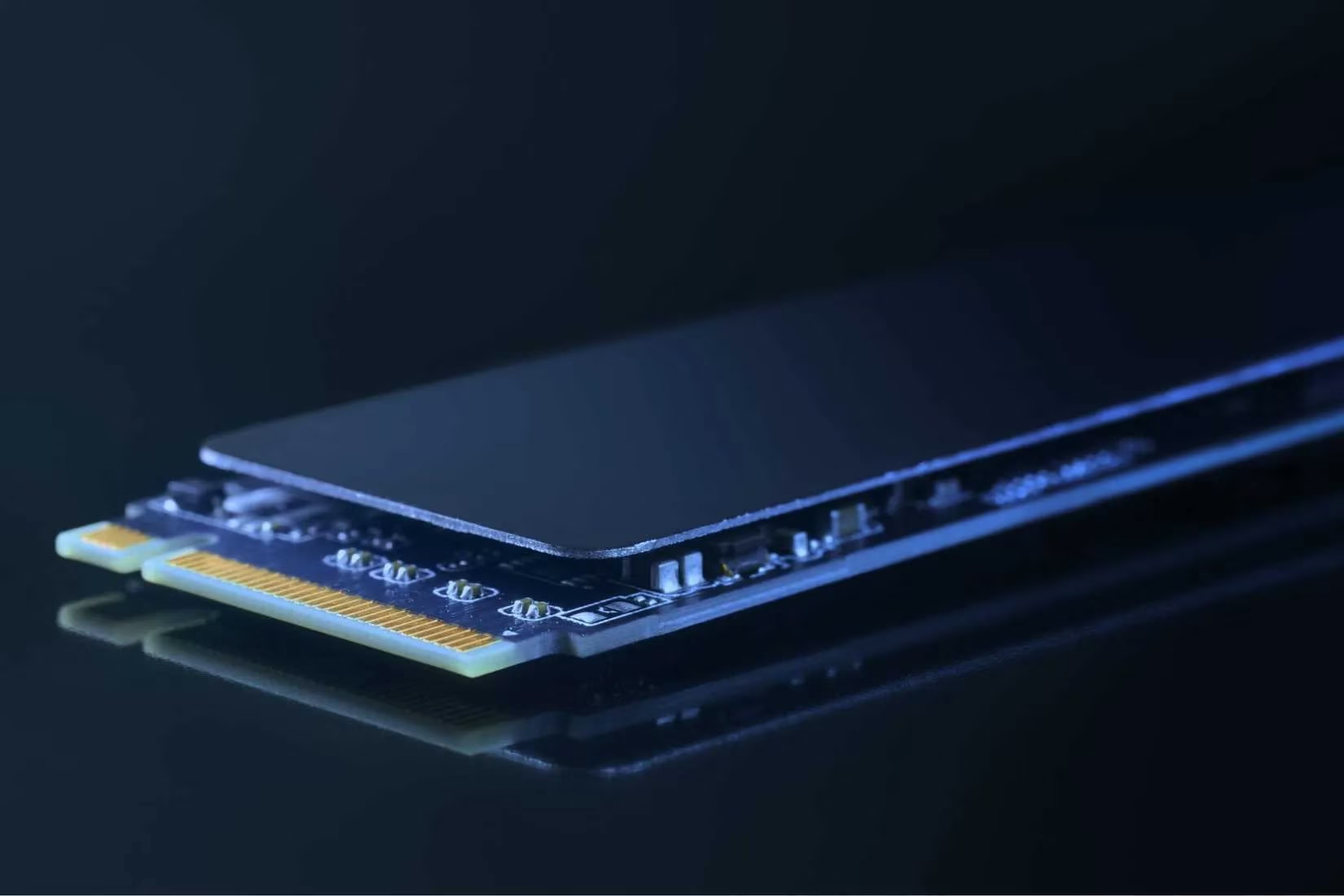
For around $150, you can get a top-tier 2TB NVMe SSD like the WD Black SN850X with read speeds up to 7,300 MB/s. If your budget is tighter, a 1TB variant sits comfortably under $100. Brands like Samsung, Crucial, and Kingston offer fantastic options. Just make sure your operating system and favorite games are installed on the SSD. Trust me, once you go SSD, you never go back.
3. Cooling: More Performance & Longer Life (The Silent Hero)
Is your PC sounding like a jet engine? Your components might be cooking themselves! Thermal throttling is a real performance killer. When your CPU or GPU gets too hot, it slows itself down to prevent damage. Better cooling solves this, giving you more consistent performance and extending the life of your precious parts.
-
CPU Coolers: The stock cooler that came with your CPU is... fine. But for about $100, you can get a high-quality All-In-One (AIO) liquid cooler. They're surprisingly easy to install and can drop your CPU temperatures dramatically, letting it run at full speed for longer.
-
GPU Cooling: GPUs suffer from heat too! While custom water blocks can be pricey, simple clip-on fans for your GPU can be found for as low as $15. They might only drop temps by a few degrees, but every bit helps!
-
Case Fans: Good airflow is key. Adding a couple of 120mm PWM fans (around $15-$20 each) for intake and exhaust creates a wind tunnel that keeps everything cool.
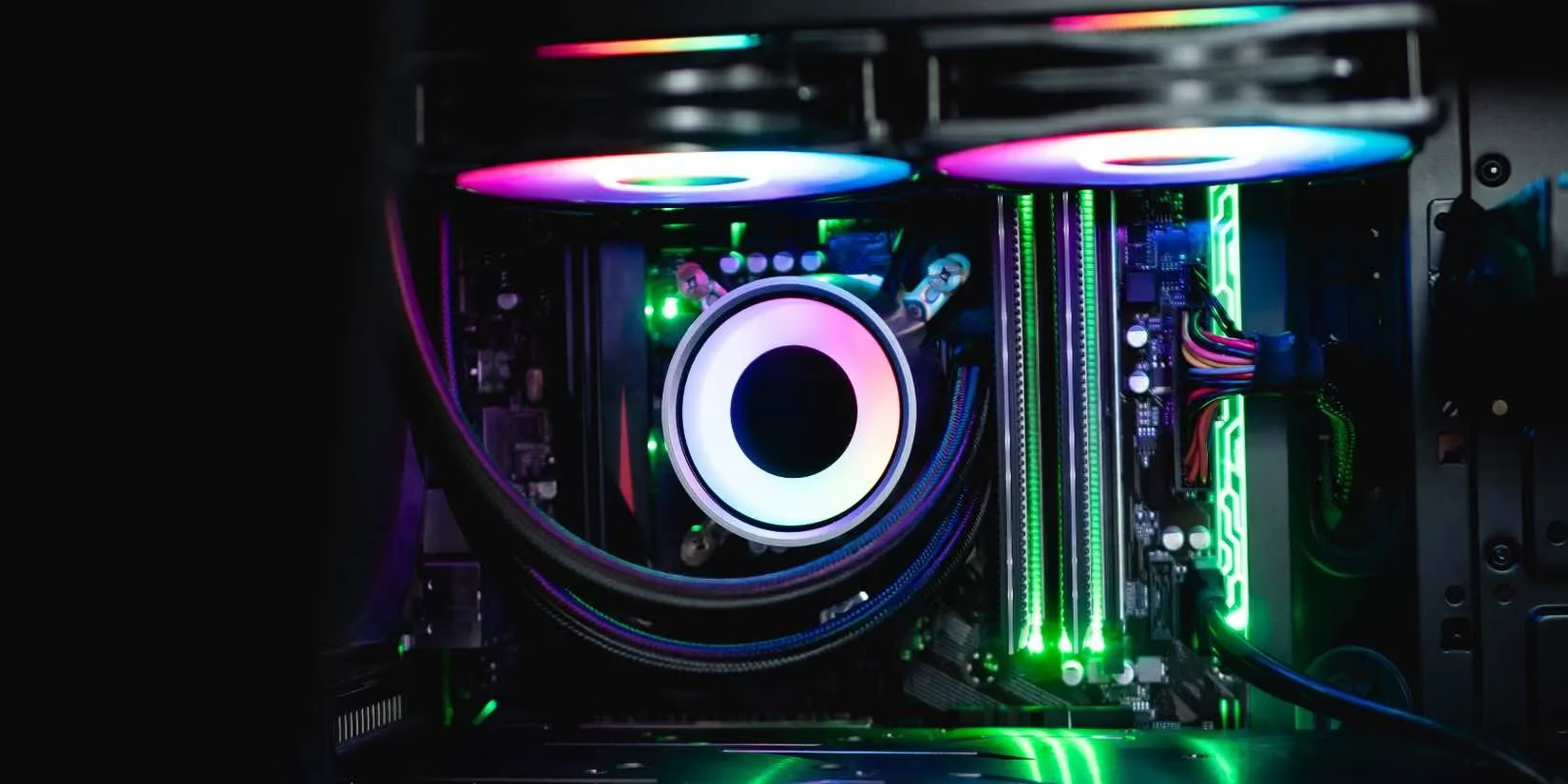
A combination of these cooling upgrades is a cheap insurance policy for your entire system. Cooler components = happier components = better performance. It's that simple!
4. Graphics Card (GPU): Breathe New Life into Gaming
Still rocking a GPU from the GTX 10-series or earlier? My friend, it's time. The jump in performance you'll get from even a budget modern GPU is staggering. You don't need to sell a kidney for an RTX 5090 (if that's even out yet!).
The value king for 2026? Look at last-gen's mid-range cards or the current entry-level options. For example, an RTX 3050 or an AMD RX 7600 can often be found around the $170-$250 mark. Coming from an old GTX 1060? This will feel like a whole new world. You'll get support for modern features like DLSS/FSR and ray tracing without needing a monster power supply upgrade.
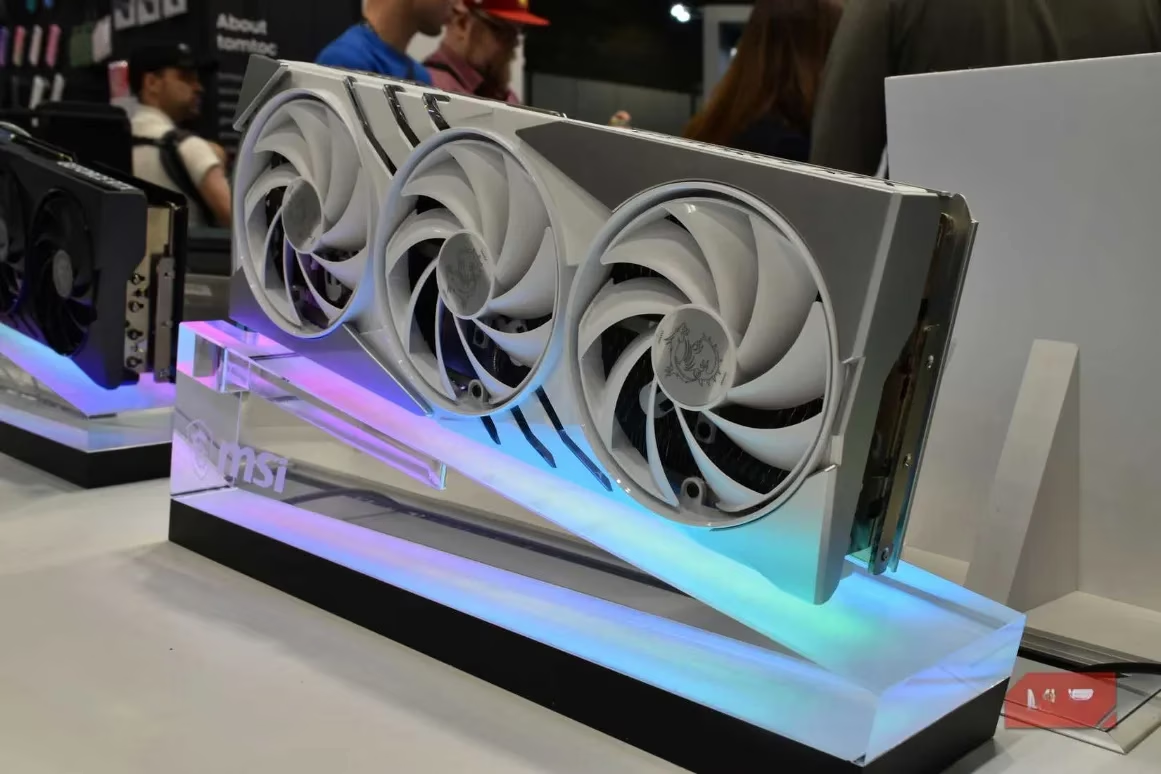
Important Note: I'm talking about the relative performance gain from old hardware. A new $250 card will demolish a 5-year-old $250 card. Budget "king" cards aren't really a thing anymore, but the value jump from ancient tech is immense.
5. CPU (& Possibly Motherboard): The Heart Transplant
This is the big one, often requiring a new motherboard and maybe even new RAM. So, should you upgrade your CPU or GPU first? If you've already upgraded everything else and are still CPU-bound (check your task manager!), then yes.
In 2026, both Intel and AMD have fantastic mid-range options. You can pick up a powerful 6-core or 8-core CPU for around $200-$350. For Intel, something like an i5-14500 is a beast for the price. For AMD, the Ryzen 5 7600X offers incredible gaming performance.
| Component | Budget Pick (~$200) | Performance Pick (~$350) | Notes |
|---|---|---|---|
| CPU | Intel Core i5-14500 / AMD Ryzen 5 7600 | Intel Core i7-14700F / AMD Ryzen 7 7700X | Check motherboard compatibility! |
| Motherboard | B760 (Intel) / B650 (AMD) | Z790 (Intel) / X670 (AMD) | You might need a new one if switching brands/generations. |
Warning: This upgrade path can snowball. A new CPU might need a new motherboard, which might need new DDR5 RAM, which might require a more powerful PSU. Plan your budget accordingly!
Final Thoughts & Upgrade Priority List 💡
So, where should you start with, say, a $300 budget in 2026? Here's my recommended priority list for the best value:
-
SSD Upgrade: If you're still on an HDD for your OS, this is NON-NEGOTIABLE. The performance uplift is night and day.
-
RAM Upgrade: Move to faster DDR5. 16GB at high speed is the 2026 sweet spot for most.
-
Cooling Improvements: Better CPU cooler + case fans. Cheap, effective, and protects your investment.
-
GPU Upgrade: If you're a gamer on old hardware, this gives the most direct FPS boost.
-
CPU/Motherboard Combo: The final, most expensive step for a holistic rebuild.
Remember, you don't have to do everything at once. Start with the storage and memory, feel the difference, then save up for the next step. Smart, incremental upgrades are the key to keeping your PC feeling fresh without emptying your bank account. Now go forth and upgrade! What's the first thing you're changing on your rig? Let me know in the comments! 👇