
The days of slapping any old fan on a CPU are long gone. With the latest Intel Core Ultra 200 series and AMD Ryzen 9000 chips pushing thermal design power (TDP) limits, keeping your rig frosty is no longer optional—it’s mission-critical. But before you empty your wallet on a custom loop, let’s break down the cooling landscape in 2026. Whether you’re building a no-compromises gaming beast or a sleek small-form-factor (SFF) marvel, there’s a thermal solution that’ll keep your silicon from throwing a tantrum.
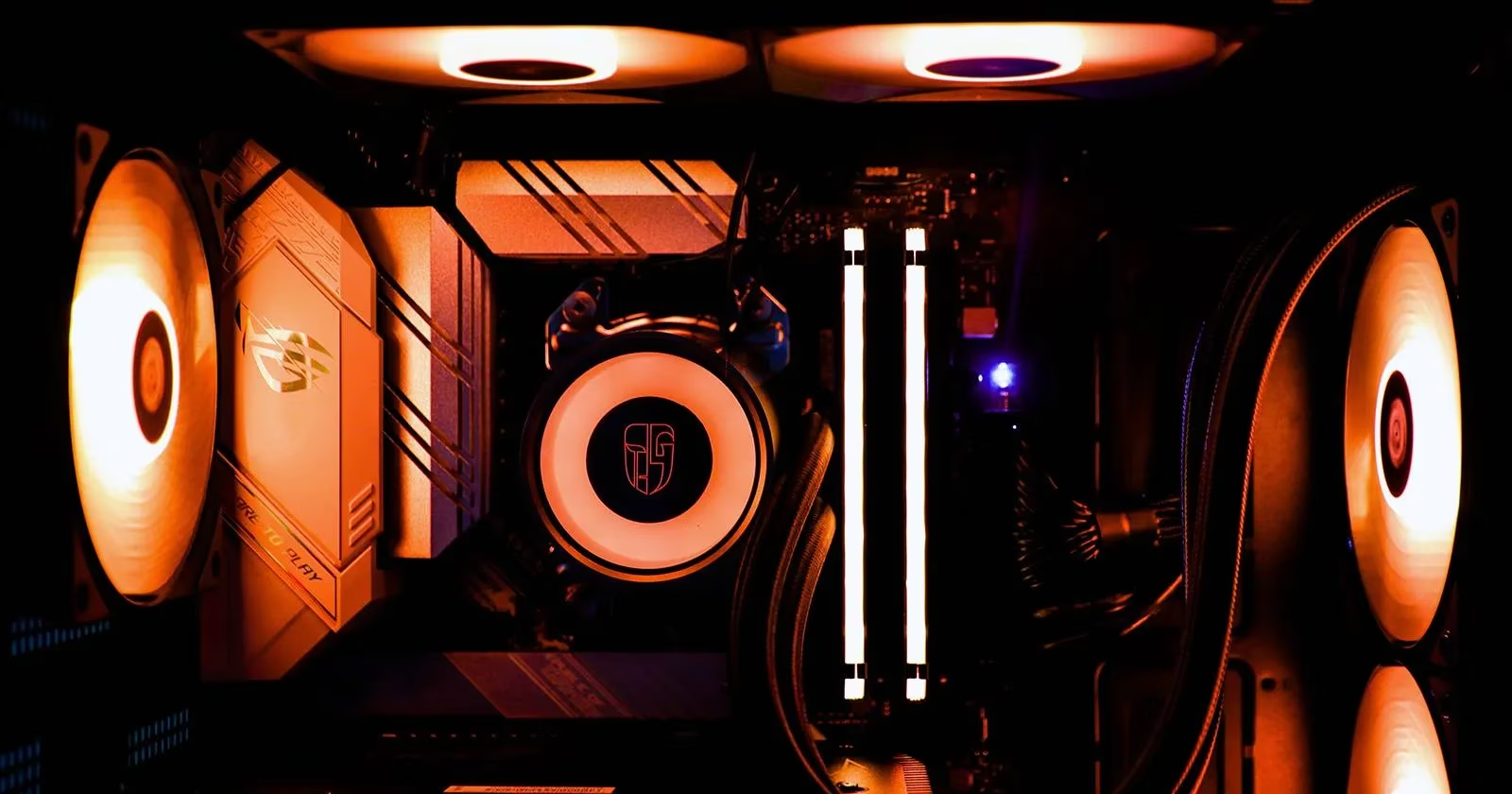
The stock cooler that ships with your processor used to be a joke among enthusiasts. But in 2026, both Intel and AMD have stepped up their game. AMD’s Wraith spire and even some Prism designs now bundle with more SKUs, while Intel’s laminar coolers handle non-K CPUs surprisingly well. For everyday tasks—browsing, streaming, and even light gaming—the bundled cooler is often enough. It’s the definition of “bang for your buck.”

However, if you’re planning to overclock or cram your build into an SFF chassis, the stock cooler’s downward-firing fan and limited fin area quickly become a choke point. It’s like trying to run a marathon while breathing through a straw—technically possible, but you’re gonna hit a wall.
Enter third-party air coolers. Tower coolers have become the go-to for builders who prioritize thermal headroom and don’t mind a little heft. In 2026, models like the DeepCool Assassin IV and Noctua NH-D16 (the spiritual successor to the NH-D15) push air cooling to new heights. By lifting the heatsink off the motherboard with thick heat pipes, these behemoths increase surface area without hogging precious PCB real estate. They also let you mount fans horizontally for a cleaner airflow path. The result? Temperatures that rival 240mm all-in-one (AIO) liquid coolers, often with less noise and zero pump failure risk.
But tower coolers demand respect—and ample case clearance. If you’re rocking a tiny ITX cabinet, you’ll want to look at C-type or flat-tower designs. These lay the heatsink on its side, saving vertical space at the cost of horizontal coverage. The Jiushark JF13K proved that with clever heat pipe routing you can even stack two fins arrays for surprisingly beefy cooling. The downside? You’ll likely need to tear the whole cooler off just to reseat your RAM. Talk about a double-edged sword.
For the true SFF connoisseur, low-profile coolers under 70mm tall are the only game in town. Scythe’s Big Shuriken 4 and Thermalright’s AXP120-X67 keep testing the limits of what a pancake-sized cooler can dissipate. They won’t break overclocking records, but for a home-theater PC or a travel rig that needs to keep its cool, they’re top-notch.
When air just doesn’t cut it, water cooling takes the baton. AIO liquid coolers have matured into reliable, almost plug-and-play solutions. In 2026, most AIOs come with addressable RGB that syncs with your motherboard, a longer 5-year warranty, and refreshed pump designs that silence the “gurgling” complaints of yesteryear. The Arctic Liquid Freezer IV line and Corsair’s iCUE H170i Elite Capellix XT are constantly trading blows in benchmarks.
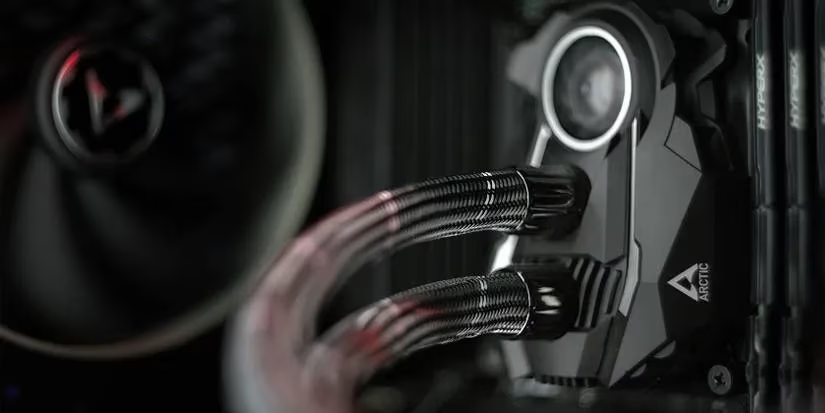
An AIO is a no-brainer if you’re running a high-performance CPU like the Core Ultra 9 285K or Ryzen 9 9950X3D—these chips pump out heat like a furnace. Installation is straightforward: mount the radiator, attach the water block, and you’re off. The limitation remains hose length; a top-mounted 360mm rad in a PSU-shroud case can still be a chore. But for most mid- to full-tower builds, an AIO hits the sweet spot of performance, aesthetics, and ease.
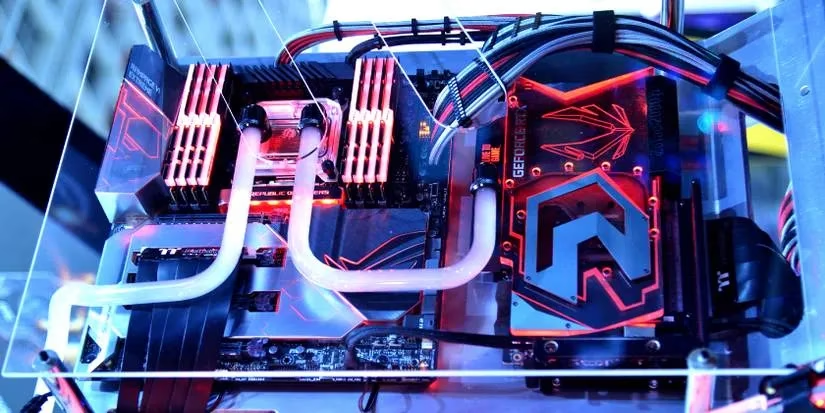
For the folks who treat their PC like a work of art, custom water loops are still the holy grail. By hand-bending hard tubes and choosing your own pump, reservoir, and coolant color, you can create a system that’s as much a conversation piece as a computer. The risk factor is real, though. A single loose fitting can send $2,000 worth of components to silicon heaven. In 2026, leak-proof rotary fittings and automatic air-bleed reservoirs have made life easier, but you’ll still need patience, a monthly maintenance schedule, and deep pockets.
And then there’s the wildcard: immersion cooling. Submerging your entire PC in a non-conductive dielectric fluid—like mineral oil or engineered coolants—sounds like something out of a sci-fi movie, but it’s genuinely the most efficient way to shunt heat. Gigabyte’s data-center immersion tanks paved the way, and now a small cottage industry builds consumer-oriented tanks for show-stopping builds. Maintenance is messy, and moving a fish-tank PC is a nightmare, but if you want to push liquid-nitrogen-like overclocks 24/7 and have money to burn, this is the ultimate flex.
No matter your budget, there’s a cooling solution that’ll keep your 2026 build from hitting thermal throttling. The bundled stock cooler is fine for office work and casual gaming, a capable air tower or AIO is perfect for the discerning gamer, and custom loops or immersion cooling let you push the envelope while turning heads. Remember: a cool processor is a happy processor—and a happy processor delivers buttery-smooth framerates all year long.